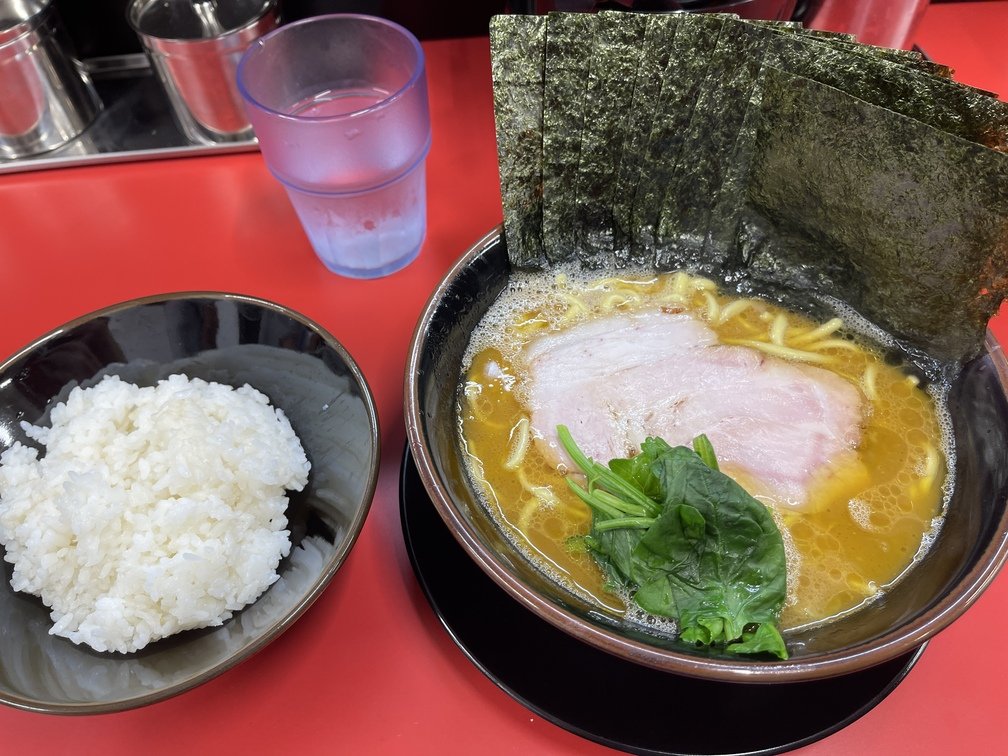
 |
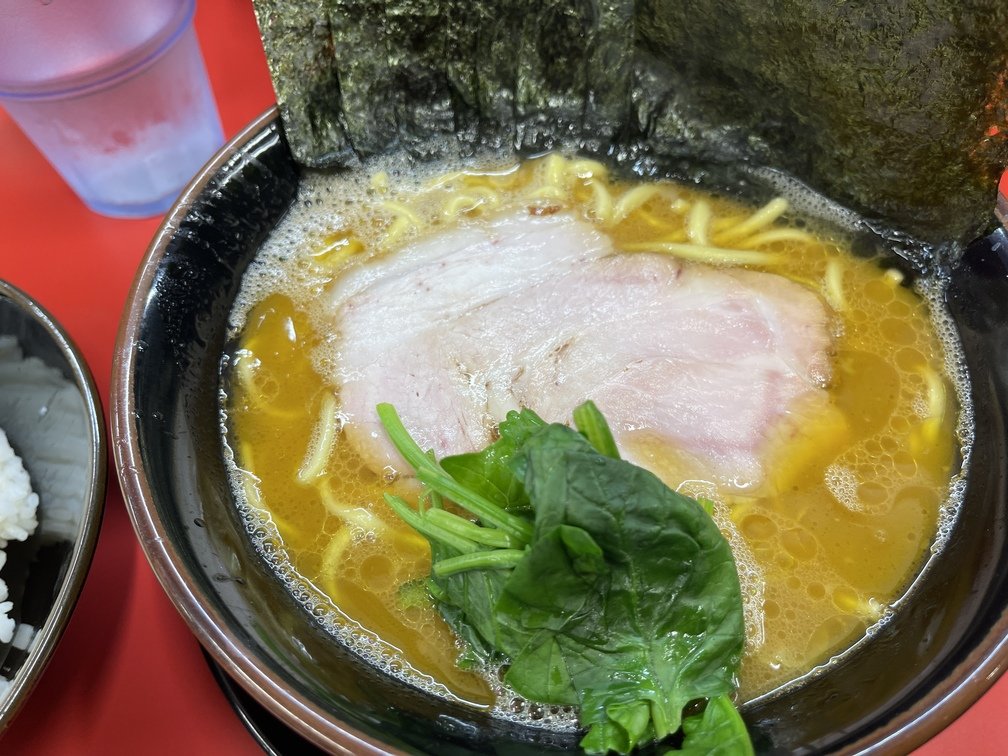 |
|Date and Time of Visit|Order|Price|
|---|---|---|
|2026-09-19 19:00|Regular + Nori + Rice (Medium)|950 + 150 + 200 = 1,300 yen|
- **Thoughts**
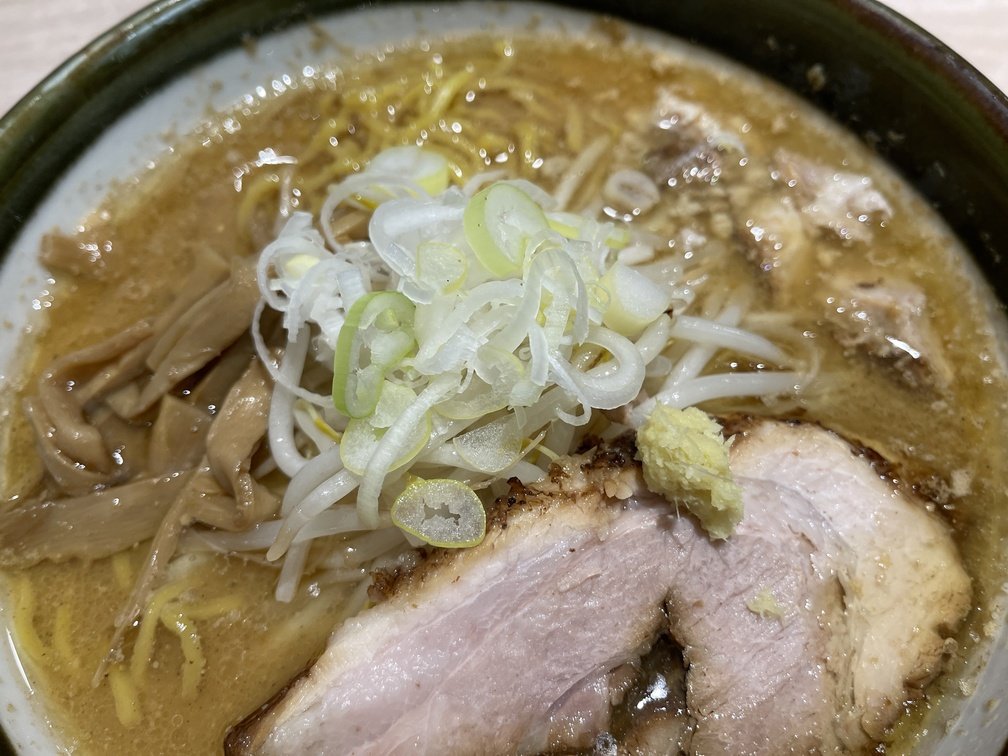
Since it just opened recently, this was my first visit. I ordered the “Noodles, Firm.” It was a little salty. The spinach had a nice, crisp texture, which was good. The flavor is mild, so this might be a good option when you’re in the Kannai Station area. I give it high marks for accepting all forms of cashless payment. It took 45 minutes from when I arrived at the restaurant until I was seated, which is acceptable considering it was Saturday dinner time. I’d definitely visit again.
---
## Actionband
URL: https://teamknox.com/en/tech/radio/actionband/
`Actionband` Reception at `Airband` is a field where **wideband receivers** really shine. Although primarily used for professional purposes,`VHF/UHF` is also utilized, and due to the nature of its radio waves, it is closely tied to local communities. Furthermore, **the bugging devices** that caused a stir for a time also fall into this category. There are many people in this community who share a wealth of information.
### Link
Below are links to websites that publish frequency information.
- [**A Life of Receiving**](https://rxlife.net/#google_vignette)
While it is generally a paid service, you can search for some frequency information even without a subscription. When you subscribe, ads are removed, making the site easier to read. Because it offers an excellent overview, it pairs perfectly with `Trinity`.
- [**Bugging Device Frequencies**](http://www.mcomco.com/html/new/tapping/)
A page listing bugging device frequencies. It's also available at `t-t-t`, so you might want to give it a try when you move into your new home.
---
## Airports
URL: https://teamknox.com/en/tech/radio/airband/airports/
Here is the reception information for each airport.
---
## Control Console
URL: https://teamknox.com/en/tech/robotics/robocar/offtopic/controlconsole/
What sets **TriClops'** control console apart is the game controller. Even I, **the old-timer**, have believed in this and developed the system accordingly, but now that belief is beginning to waver. Let's take a chronological look at the development process so far. Since I haven't kept precise records, there may be some inaccuracies.
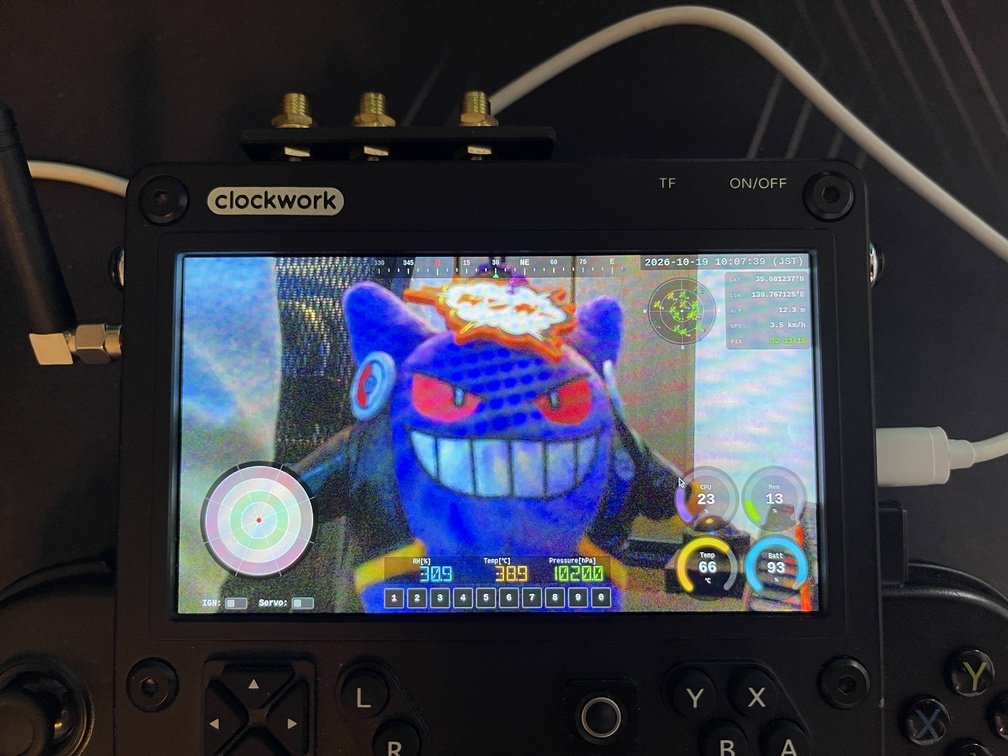 |
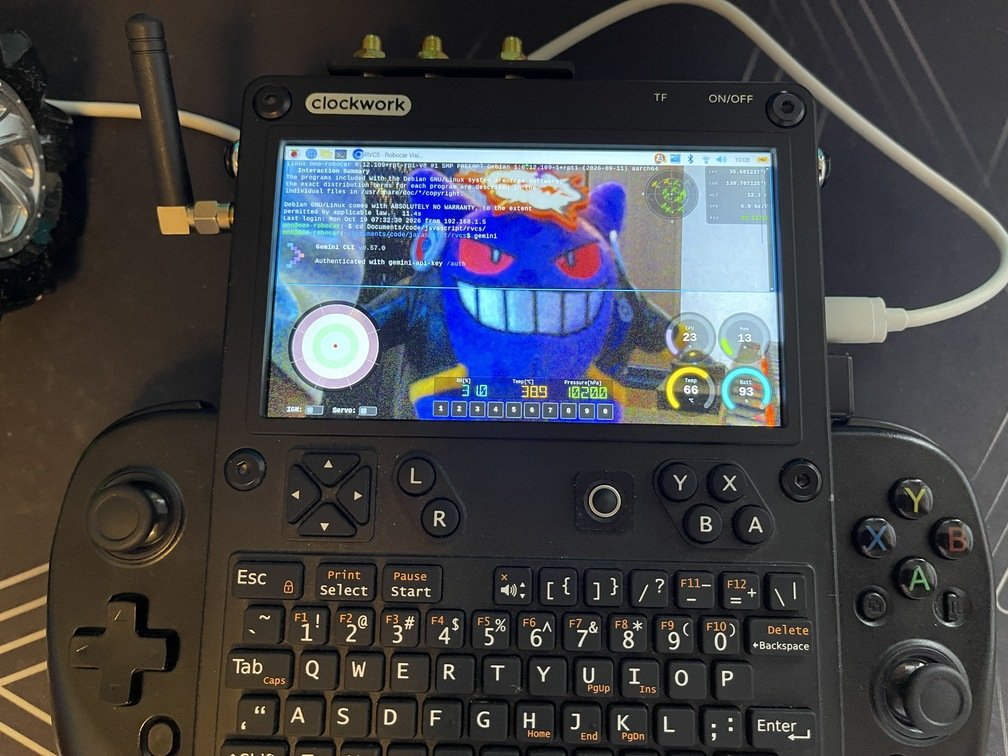 |
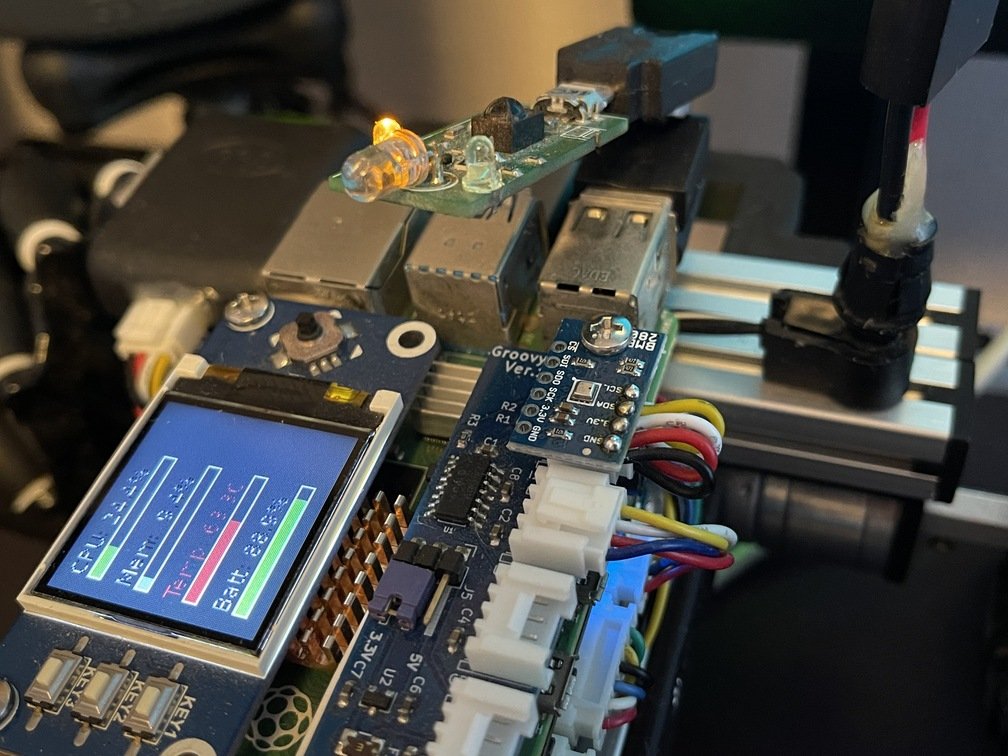 |
|All TriClops Features|The terminal operates in transparent mode|Humidity, Temperature, and Atmospheric Pressure|
**TriClops** is equipped with a variety of actuators and sensors. In the **RVCS project**, we carefully evaluated each function and implemented them one by one. Here, we will explain those functions.
 |
 |
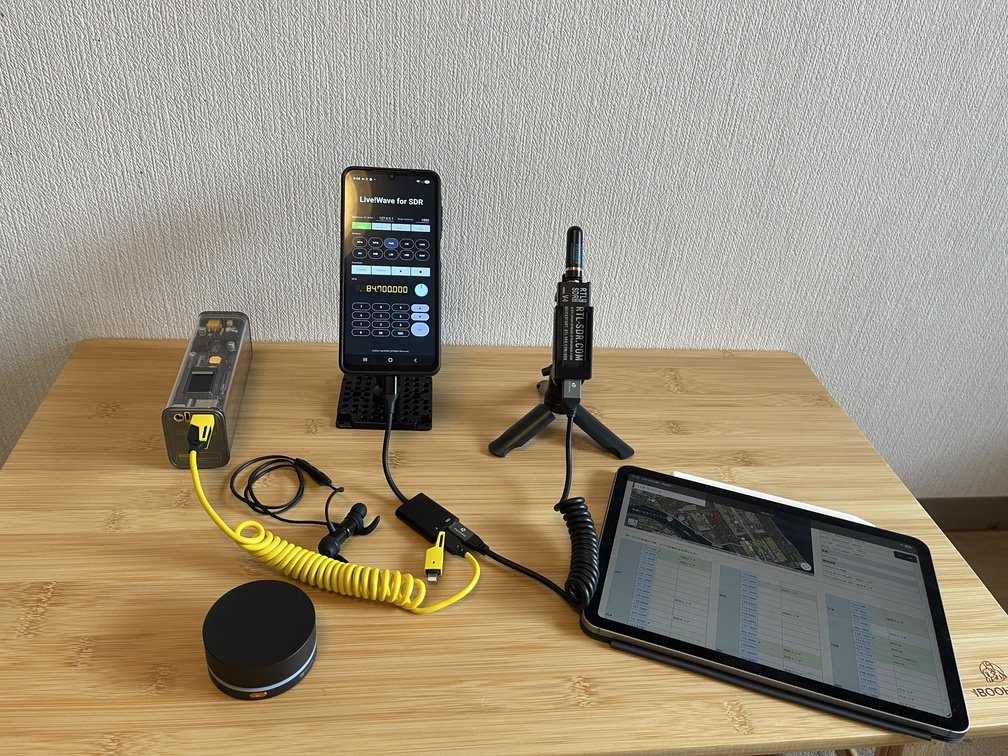 |
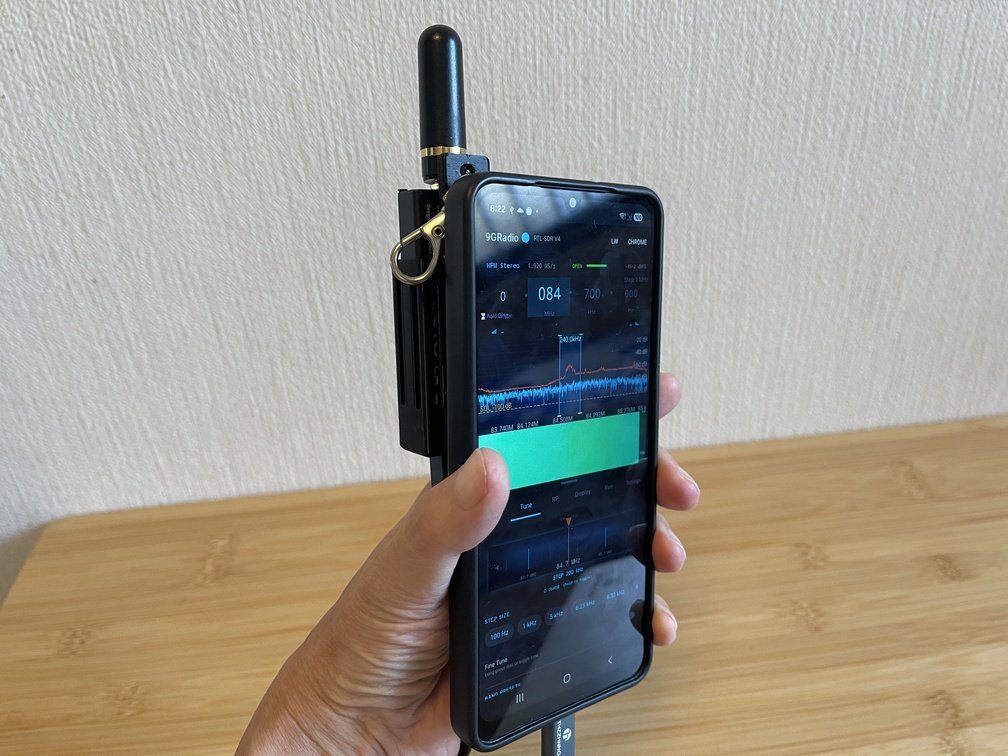
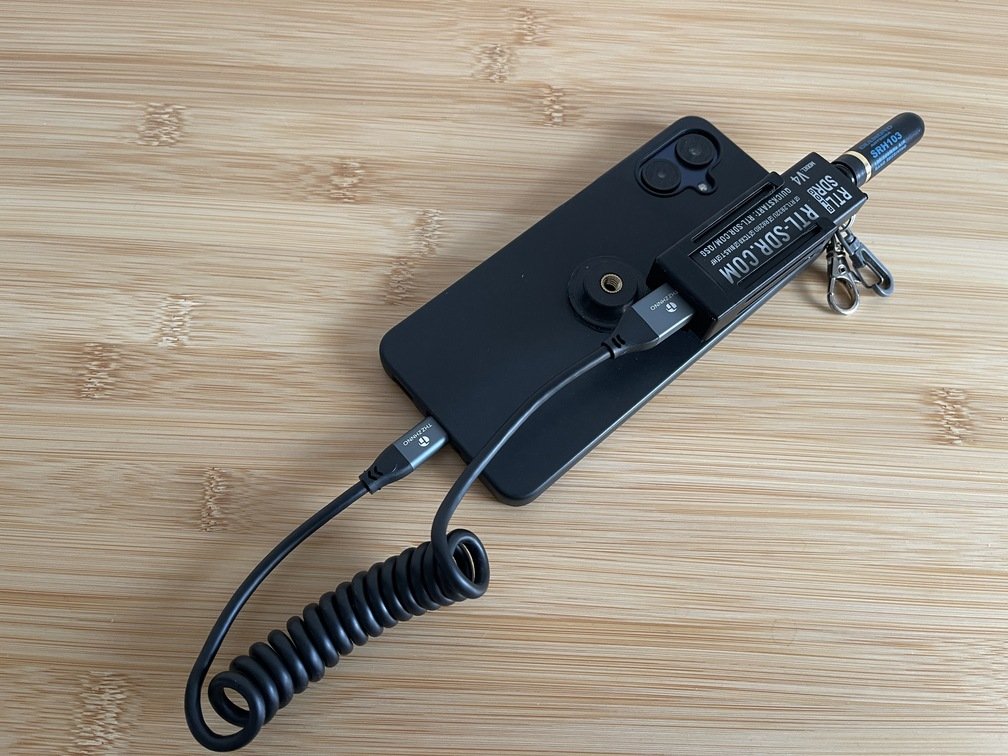
|Can be used just like a handheld radio|Attaches to the back|It can also be operated in a fixed configuration|
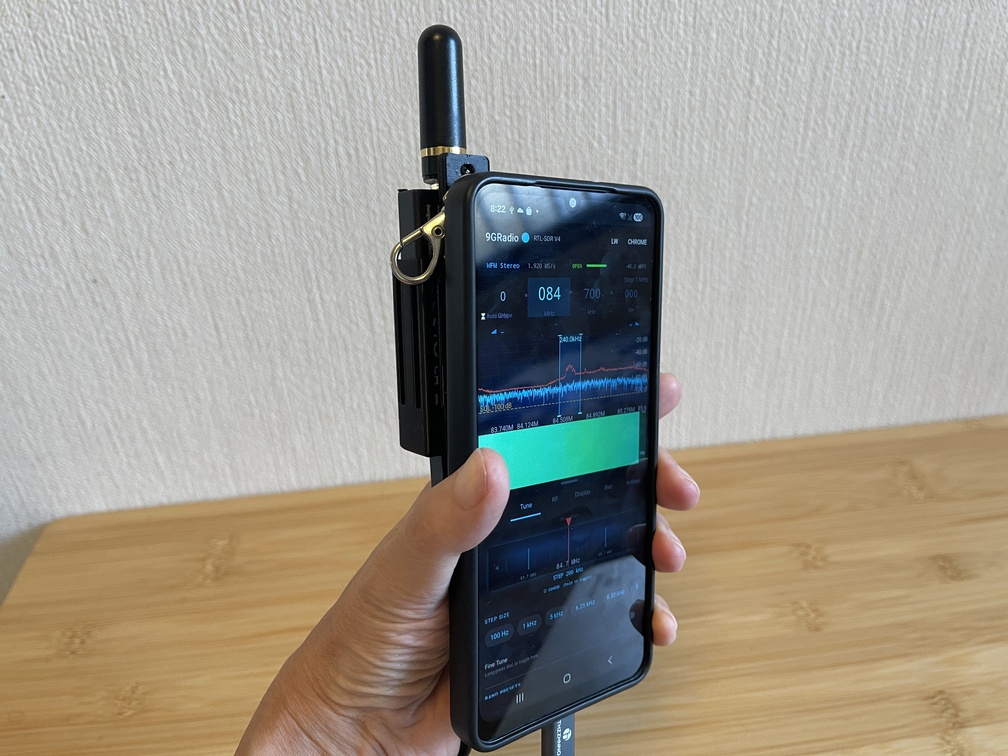
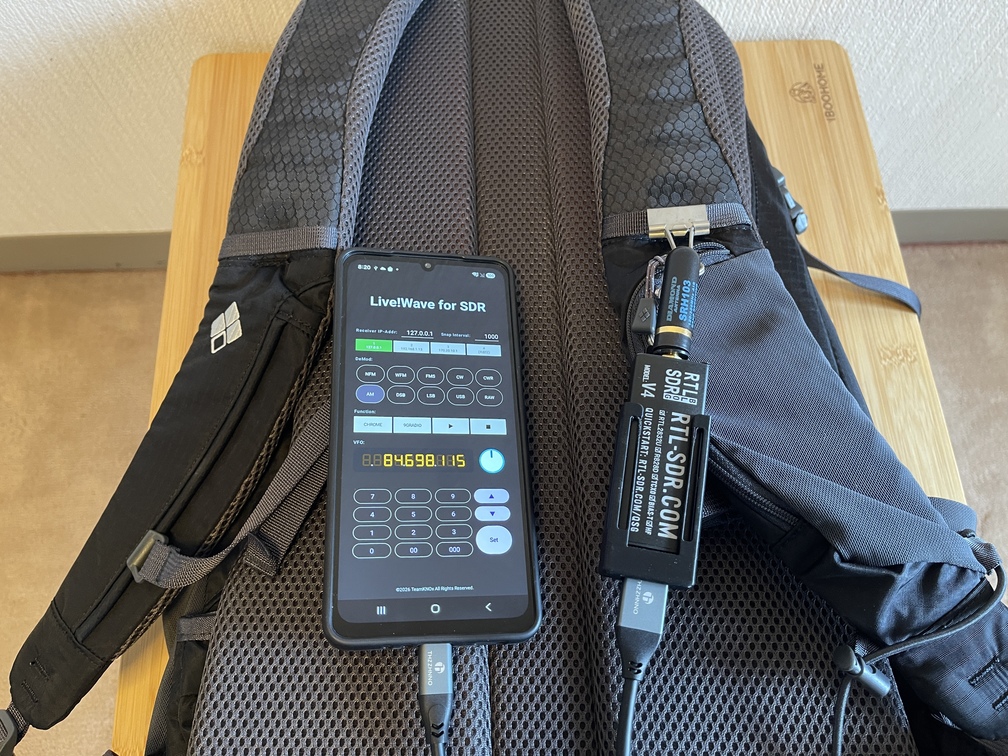
`Trinity` This is **a handheld broadband receiver** (`Handheld Wide Band Receiver`) built by combining a 1-yen smartphone (`Samsung Galaxy A25 5G`) and **an SDR dongle** (`RTL-SDR V4`). It was created by integrating this hardware with homemade and open-source software, as well as a bracket for securing the dongle. The control software, 3D printer files for the dongle bracket, and various parts lists are all publicly available.
 |
 |
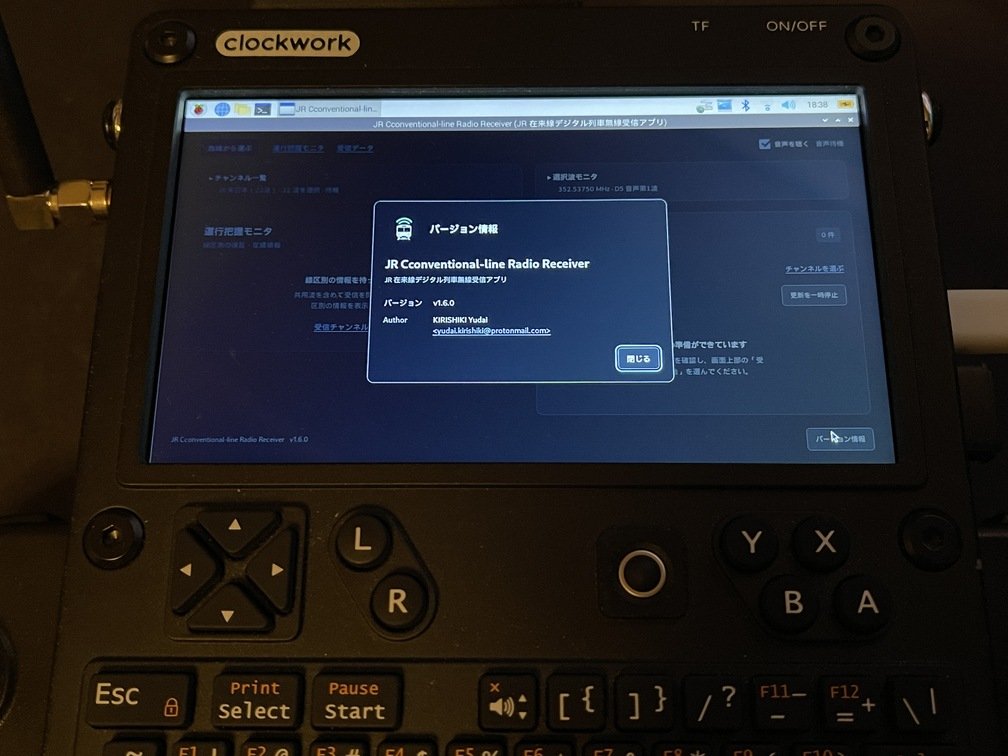 |
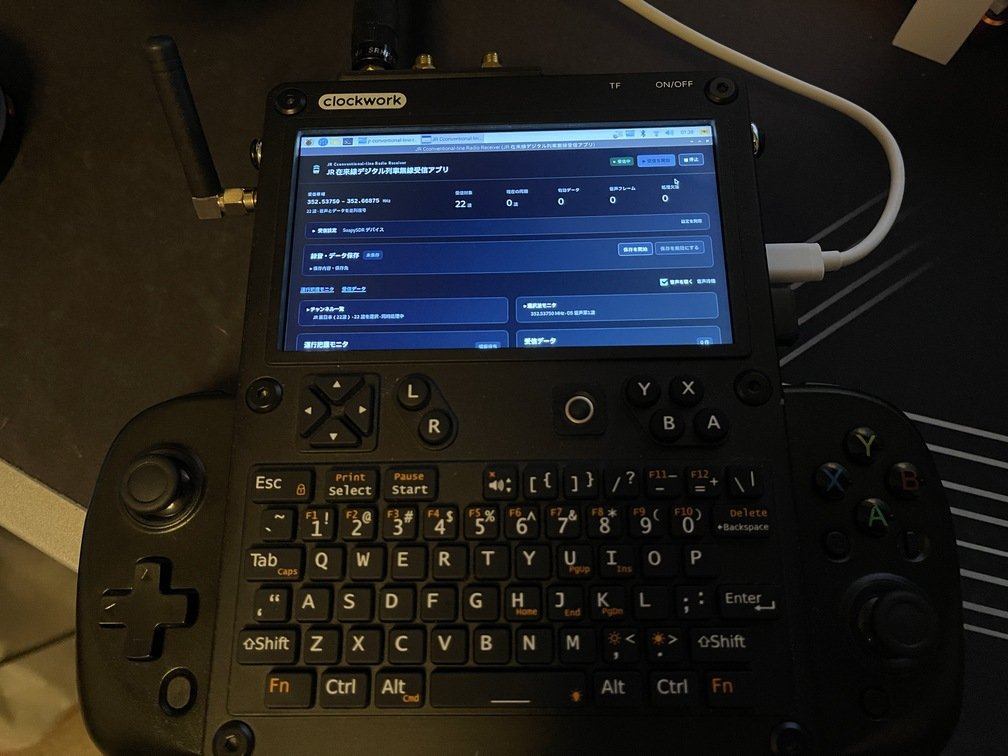
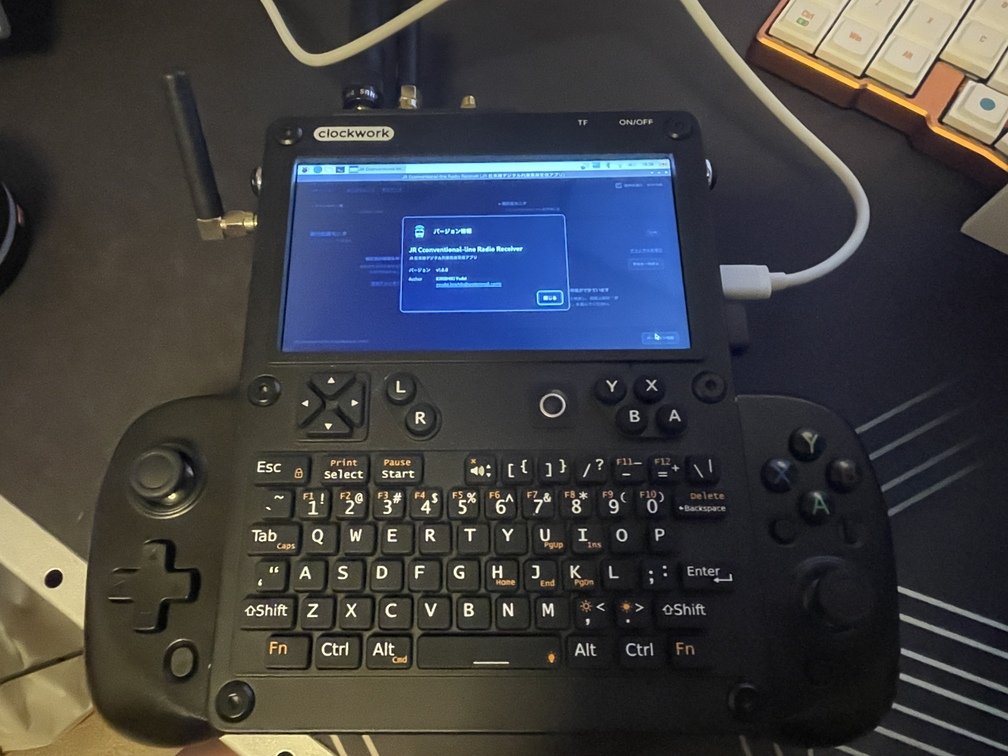
Amid all this, a group of volunteers released [a digital train radio reception app for JR conventional lines](https://github.com/soltia48/jr-conventional-line-radio-receiver), so I tried building it [on uConsole](../../../gadgets/console/10_uconsole/_index.md). This software is compatible with Windows, Mac, and Linux. Since **uConsole** is as close to bare-bones Linux as possible, I was able to build it and run it using the built-in `[AIO V2](../../aiov2/_index.md)`.
 |
 |
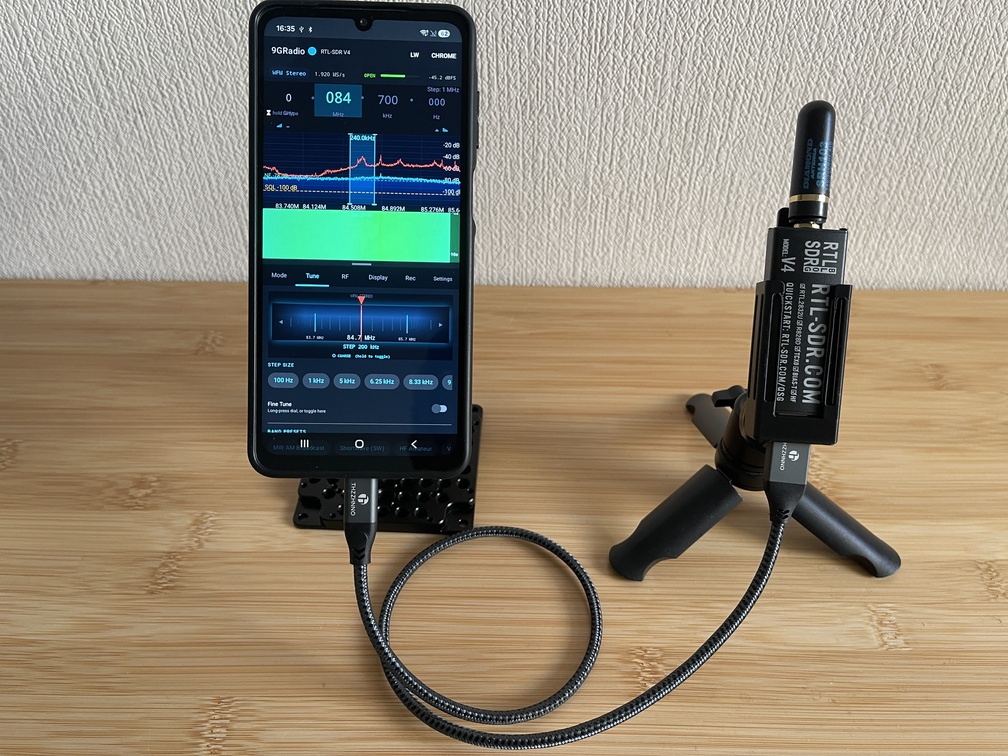 |
|Piggyback|Sling|Tripod|
|Compact Operation|Balancing Mobility and Isolation from Noise Sources (Smartphones)|Manage Carefully|
### BoM
|Name|Specifications|Unit Price (yen)|Quantity|Where to Buy|Notes|
|---|---|---|---|---|---|
|Smartphone Case|For my own use|719|1|[Amazon](https://www.amazon.co.jp/dp/B0FZS1J51J?ref=ppx_yo2ov_dt_b_fed_asin_title&th=1)|Galaxy-A25|
|Insert Nut|1/4inch|739|1|[Amazon](https://www.amazon.co.jp/dp/B0F9XGXJC7?ref=ppx_yo2ov_dt_b_fed_asin_title)|There's quite a bit left over|
|Adhesive|Metamorphic Silicon|378|1|[Amazon](https://www.amazon.co.jp/dp/B000W9HCTG?ref=ppx_yo2ov_dt_b_fed_asin_title&th=1)|If your phone case is made of TPU, go with this one|
|Snap hook|***|110|1|100-yen store|Depending on your preference|
|Double Ring|About 10 mm|110|1|100-yen store||
|Magnet|About 6 mm|110|1|100-yen store||
**Please procure any other necessary items as needed.**
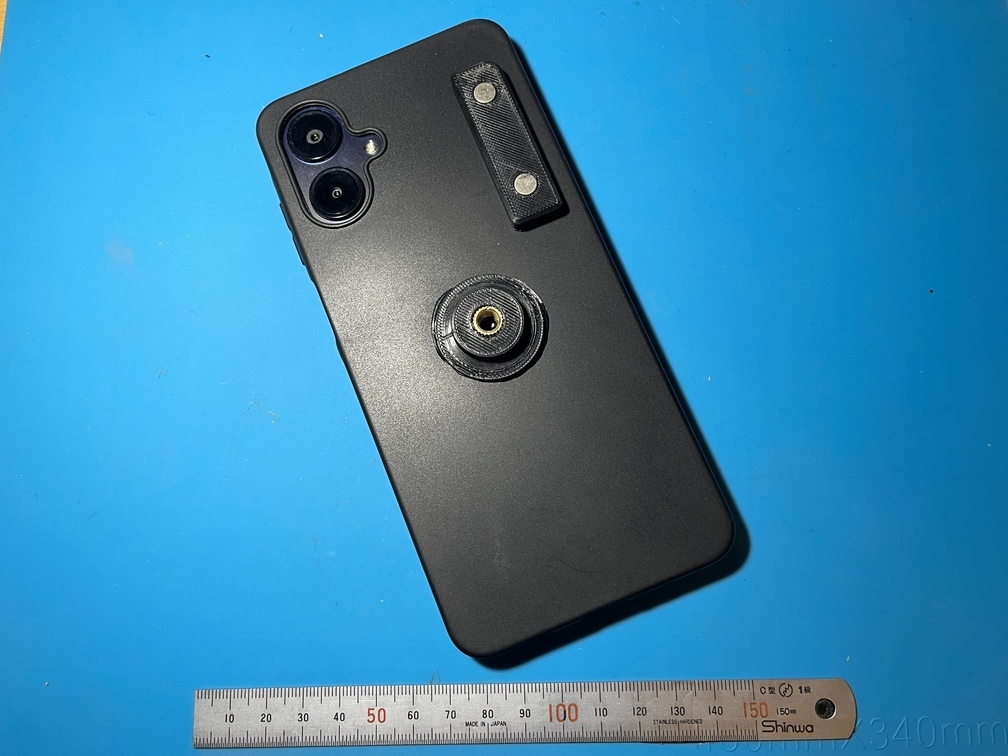
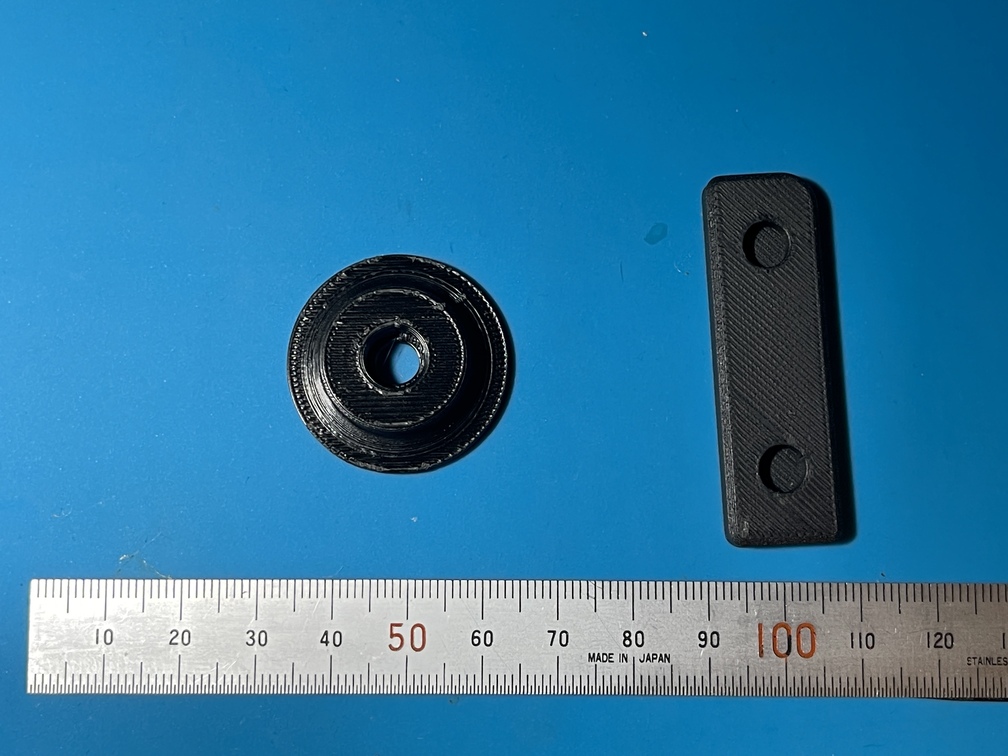
|Smartphone Case (After Processing)|Smartphone Case Parts|Bracket (Front)|Bracket (Back)|
|---|---|---|---|
|
 |
 |
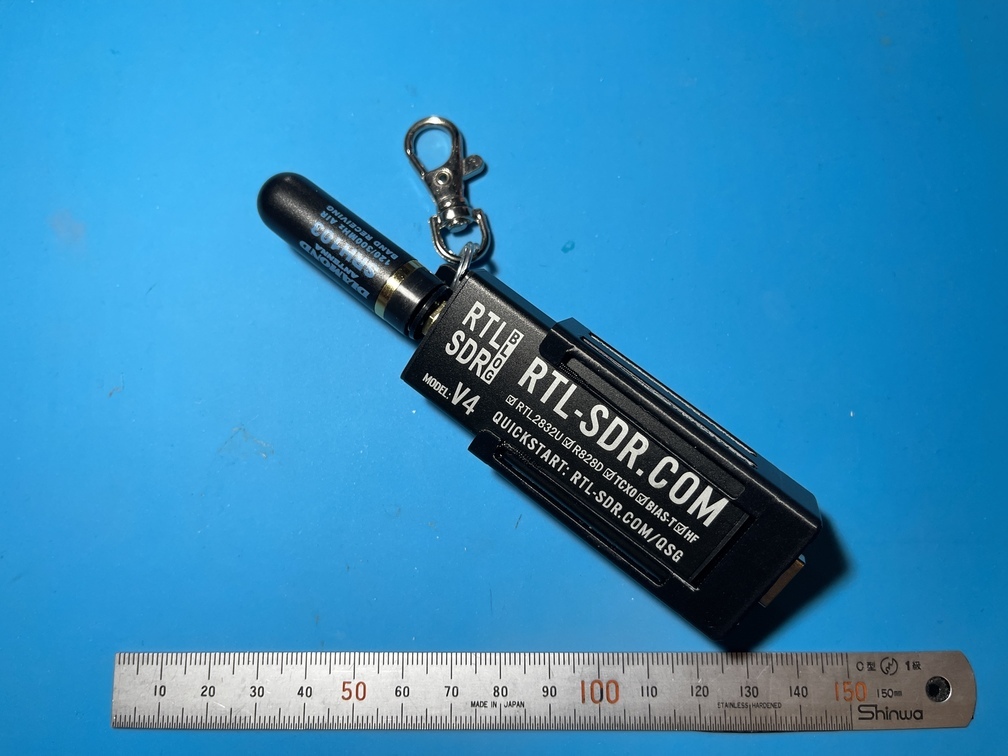 |
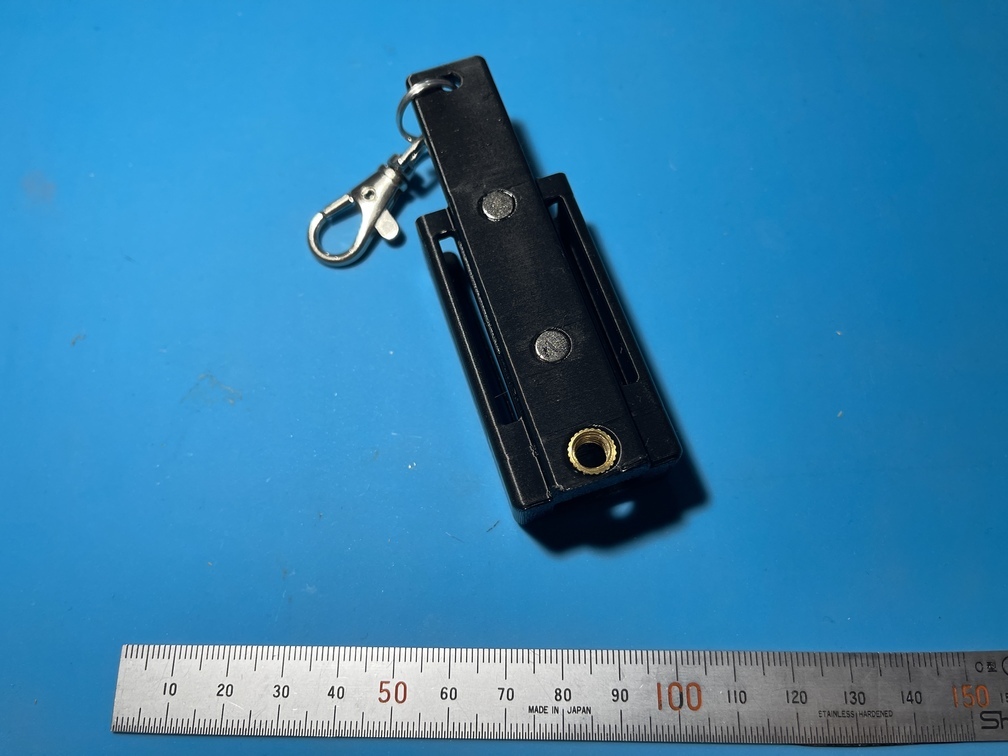 |
### Assembly
- **Completion of the Part**
First, complete the components and prepare the parts to be attached to the case.
- Machining the Tripod Mounting Base
1. 3D Printing the Tripod Mounting Base ()
2. Press-fit the insert nut into the center hole using heat
- Machining the RTL-SDR Bracket Mounting Base
1. 3D Printing the SDR Bracket Mounting Base ()
2. Push the magnet into the hole, being careful to align the poles correctly.
- **Customization of Smartphone Cases**
The smartphone case will be processed after the above parts are completed.
- Processing
Glue the tripod mounting base and the RTL-SDR (hereinafter referred to as “SDR”) bracket mounting base to the smartphone case. The choice of adhesive depends on the material of the smartphone case. Many smartphone cases are made of `TPU`. Choose an adhesive from `TPU` that is primarily composed of **modified silicone**.
- **RTL-SDR Bracket**
Since the bracket directly affects usability, there are various possible designs, but for now, we'll go with this shape...
1. 3D Printing the RTL-SDR Bracket ()
**The holes on the bottom are designed to fit the cables described on the hardware page with just enough clearance. If you use different cables, make sure to adjust accordingly!**
2. Hot Press-Fitting **Insert Nuts** with a Soldering Iron
3. Embed the magnets, paying attention to their polarity. If there are any gaps, fill them with adhesive as needed.
4. Attach **double rings or snap hooks** as needed
---
## Mechanics
URL: https://teamknox.com/en/tech/robotics/robocar/mechanics/
### Overview
`Mechanics` This term primarily refers to a robot's mechanical structure. It is a crucial element that not only plays a major role in determining the robot's appearance but also dictates most of its physical movements. In this context, we will proceed with the discussion using **the term Chenom wheels**."
|**Mechanical Components**|**Description**|
| :---: | :--- |
|
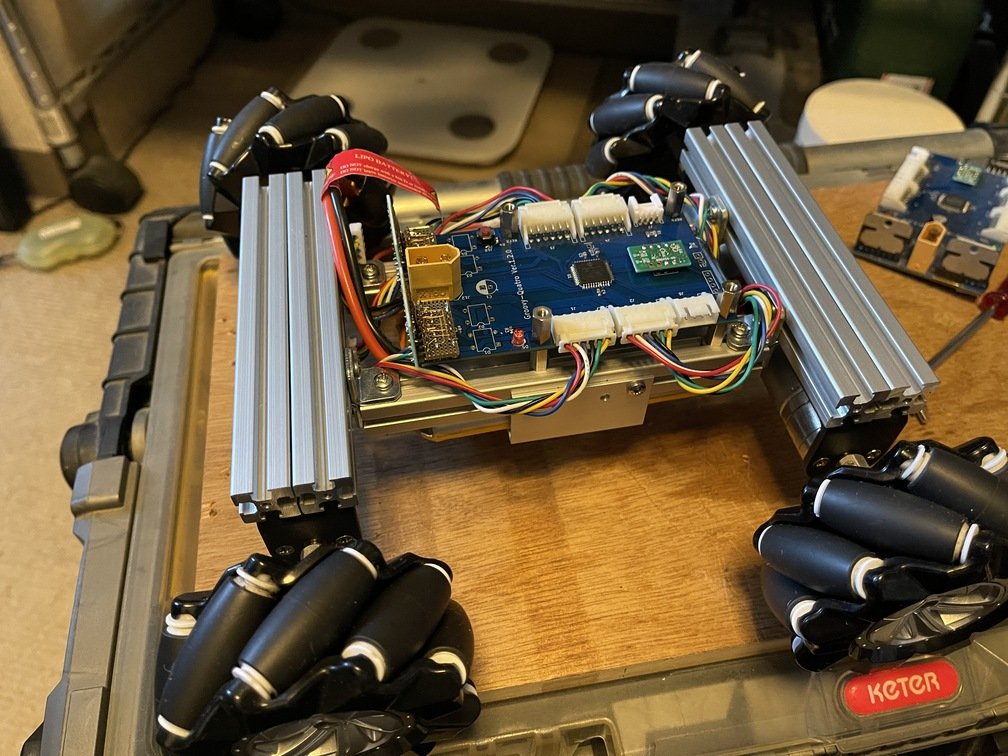 | Assembly of the mechanical components, including wiring to the motor control board and the motor|
### Frame
The frame features a rigid structure, consisting of six 15mm x 15mm x 130mm aluminum frames from Misumi.A distinctive feature is the use of L-shaped brackets on the frame—which acts as a beam connecting the front and rear wheel sections—to create a stepped design that reduces the overall height. This lowers the vehicle’s ride height, which in turn lowers the center of gravity, improving stability while giving the bike a sleeker appearance.
|**Step Caused by an L-Shaped Bracket**|**Description**|
| :---: | :--- |
|
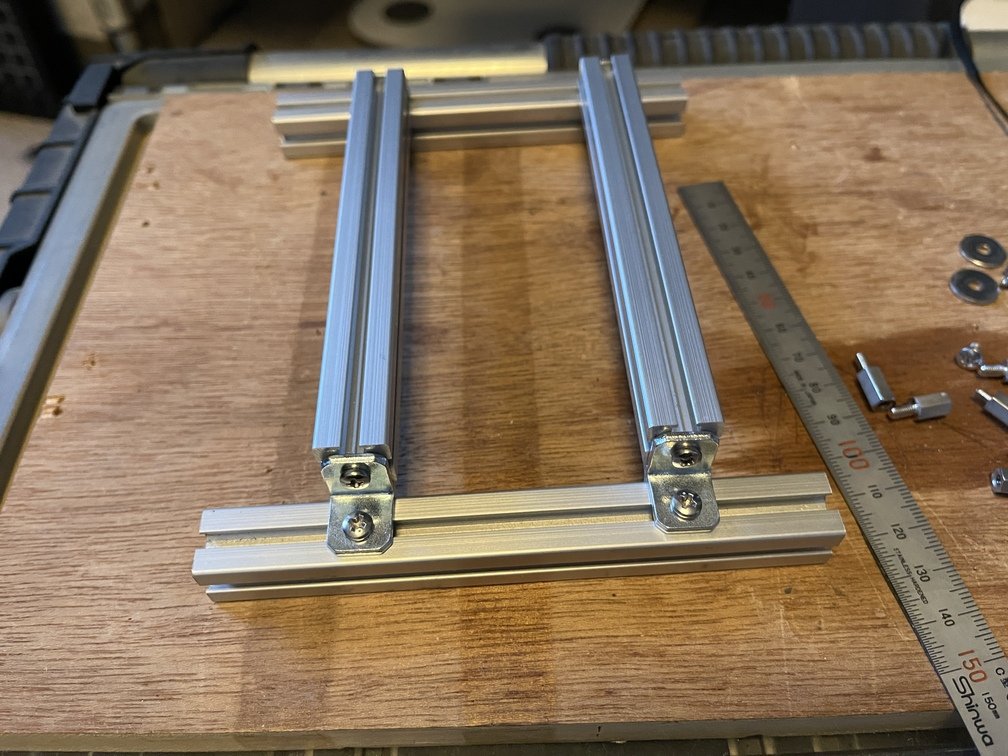 | Although it’s upside down in the photo, there’s a step caused by **the L-shaped bracket.**|
|**Installing Spacers - 1**|**Description**|
| :---: | :--- |
|
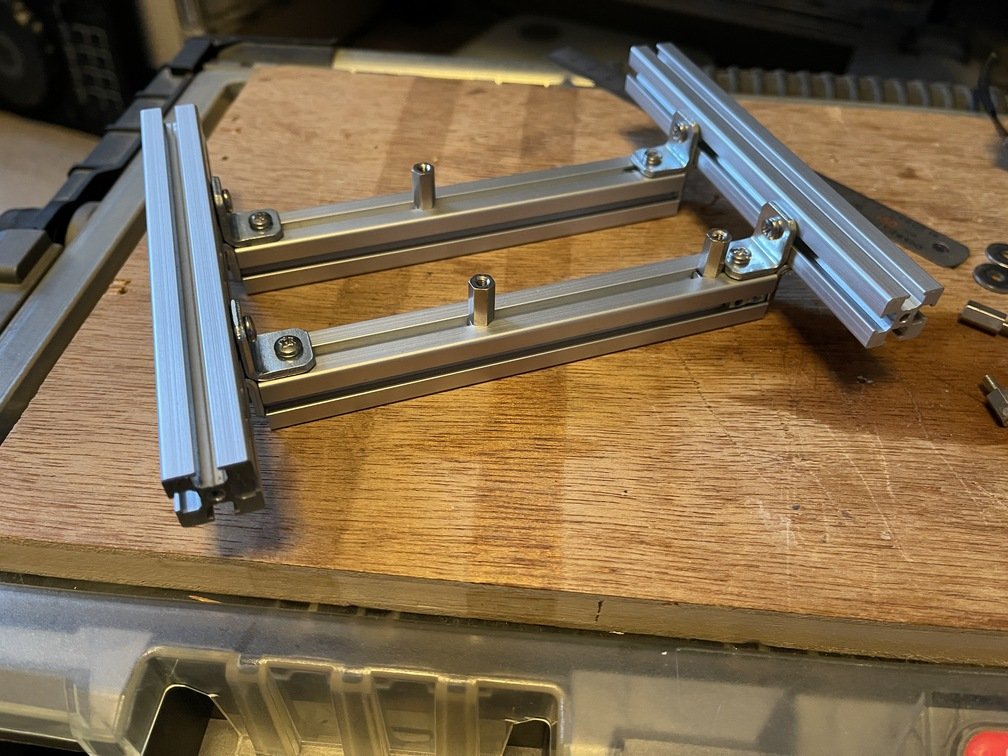 | Installation of Spacers for Mounting the Motor Control Board|
|**Installing Spacers - Part 2**|**Description**|
| :---: | :--- |
|
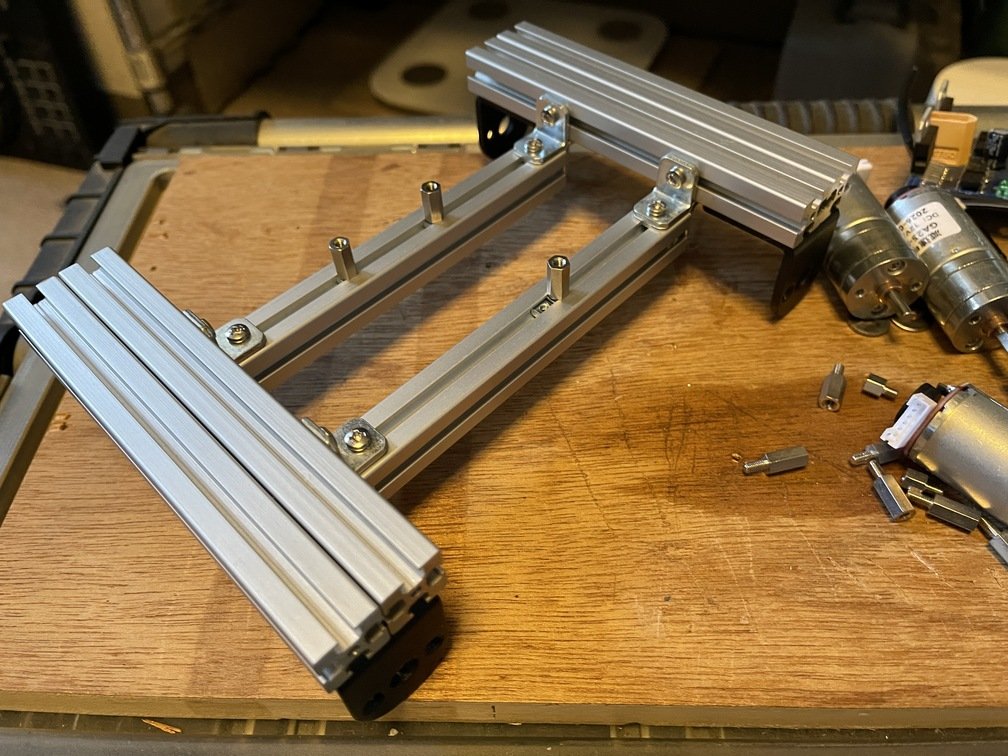 | A view of the entire frame from the front left|
### Motor
|**Motor Appearance**|**Description**|
| :---: | :--- |
|
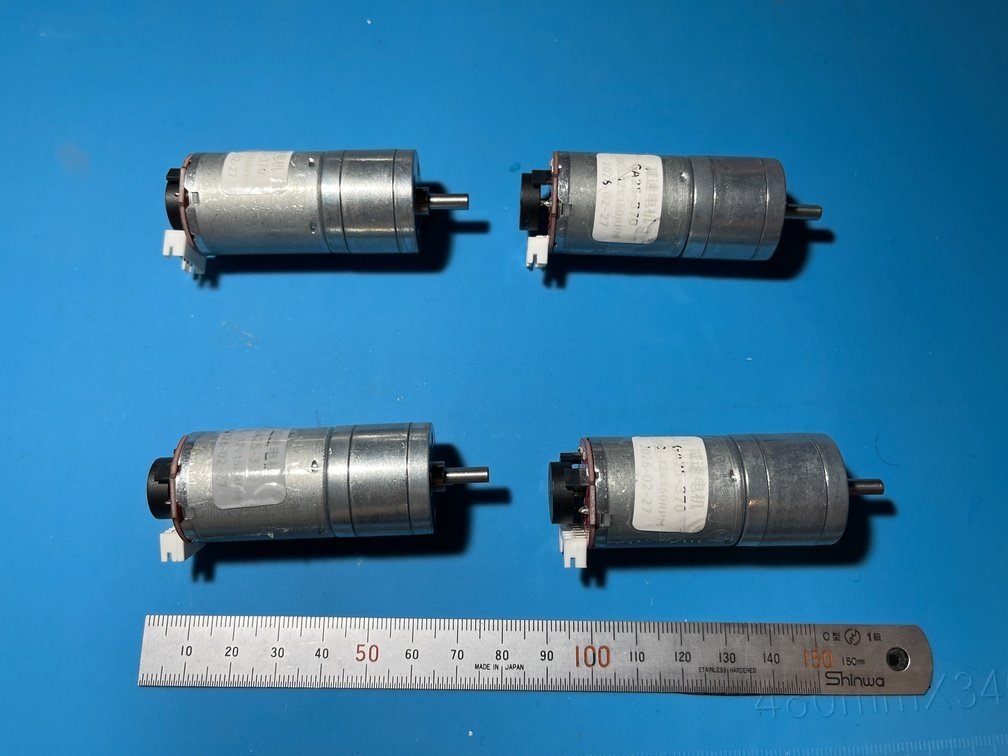 | The motor is a geared motor with a diameter of 25 mm. [It’s this type](https://akizukidenshi.com/catalog/g/g131192/). To be precise, it’s not exactly this specific product. The key is that it has a 25 mm diameter, runs on 12 V, and comes with an encoder. You can find it **on AliExpress**, but be careful—shops **on AliExpress** tend to disappear without warning. The gear ratio has now settled at 150 rpm. This, too, has gone through some changes. Initially, I was using a 400 rpm motor, but after replacing the motor driver, efficiency improved dramatically—the motor sped up so much that it became difficult to control. Even at 270 rpm, it was still too fast. That’s why I settled on 150 rpm.|
|**Motor Installation - 1**|**Description**|
| :---: | :--- |
|
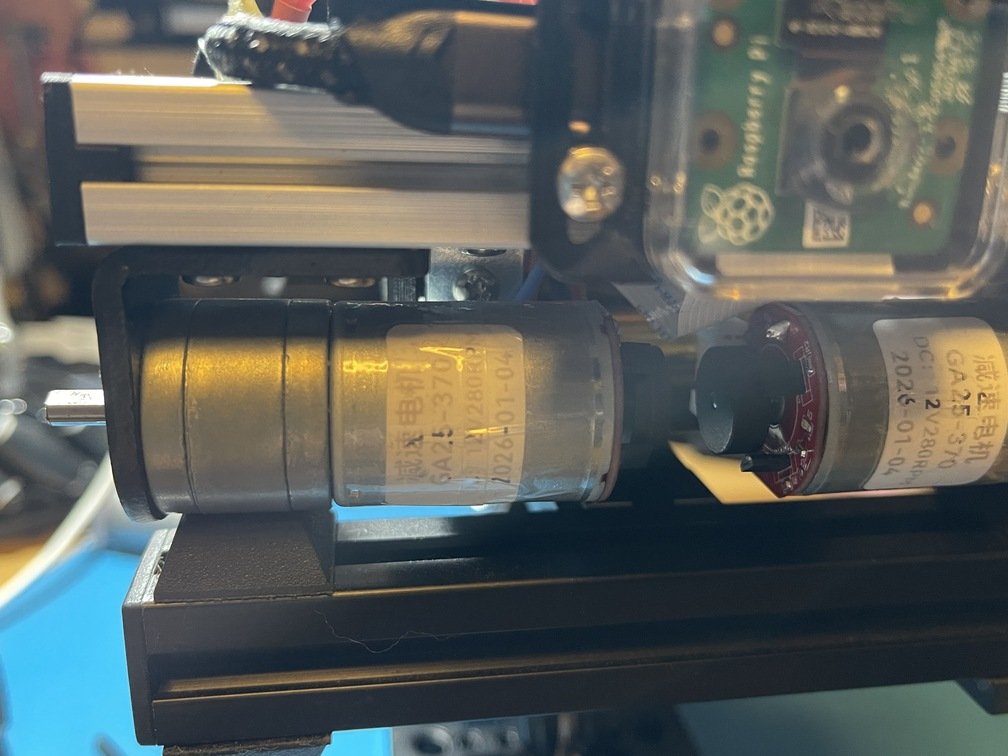 | Next, let's take a look at how to install the motor. Use [this part](https://www.amazon.co.jp/uxcell-DC%E3%82%AE%E3%82%A2%E3%83%A2%E3%83%BC%E3%82%BF%E3%83%BC%E5%8F%96%E3%82%8A%E4%BB%98%E3%81%91%E3%83%96%E3%83%A9%E3%82%B1%E3%83%83%E3%83%88-%E9%89%84%E6%9D%90%E8%B3%AA-25mm%E3%82%AE%E3%83%A4%E3%83%A2%E3%83%BC%E3%82%BF%E3%83%BC%E7%94%A8-L%E5%9E%8B%E5%9B%BA%E5%AE%9A%E3%82%B7%E3%83%BC%E3%83%88/dp/B07R8ZJ6YR) as the mount. Secure it by threading a nut through the groove in the frame. This mounting part also secures the frames together.|
|**Motor Installation - 2**|**Description**|
| :---: | :--- |
|
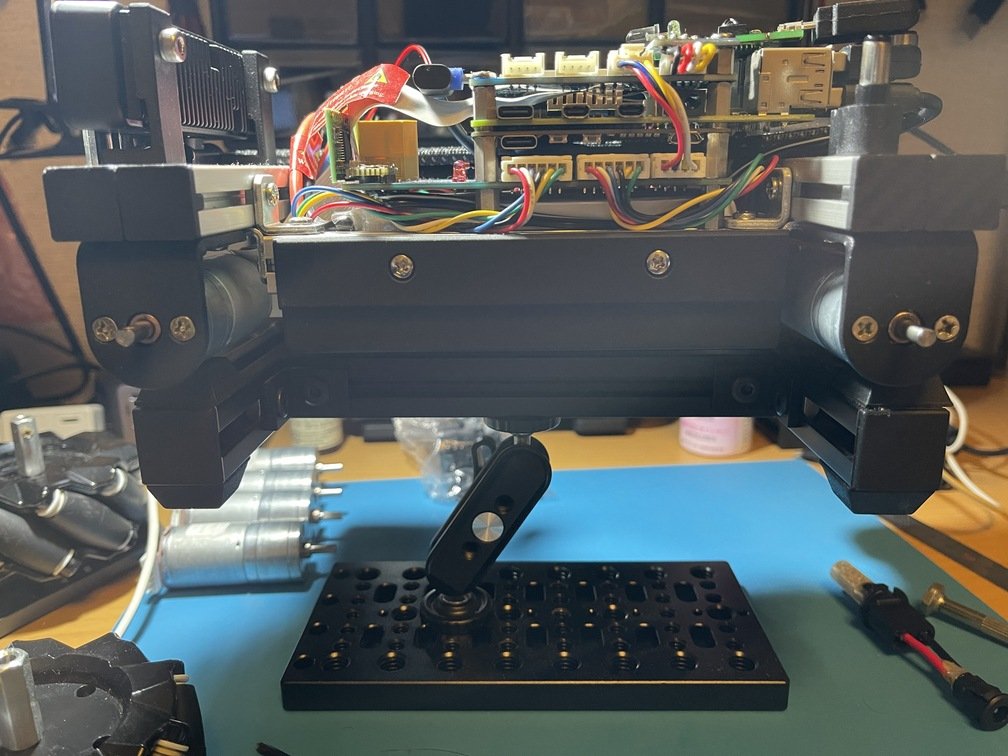 | Place the motors one in front of the other; the layout should look like the one in the photo.|
### Meccanum Wheel
|**Fastening section**|**Description**|
| :---: | :--- |
|
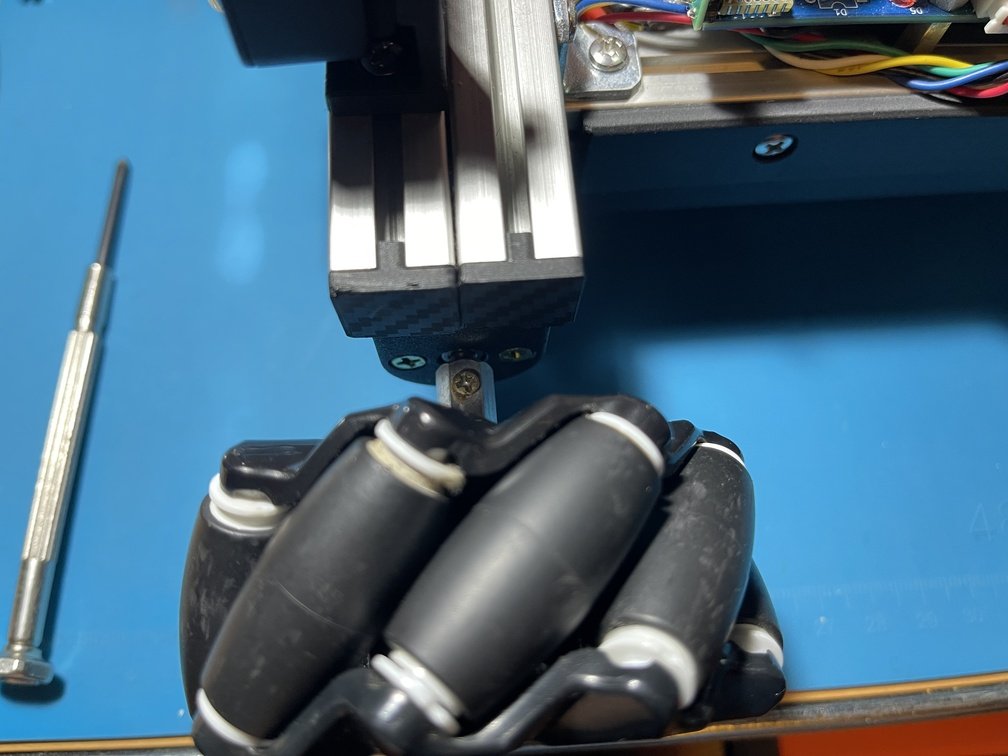 | A key feature of **Robocar** is **the Mecanum wheel**. The Mecanum wheel is mounted coaxially on a geared motor. Apply **threadlocker** when securing it in place.|
|**Wheel Arrangement**|**Description**|
| :---: | :--- |
|
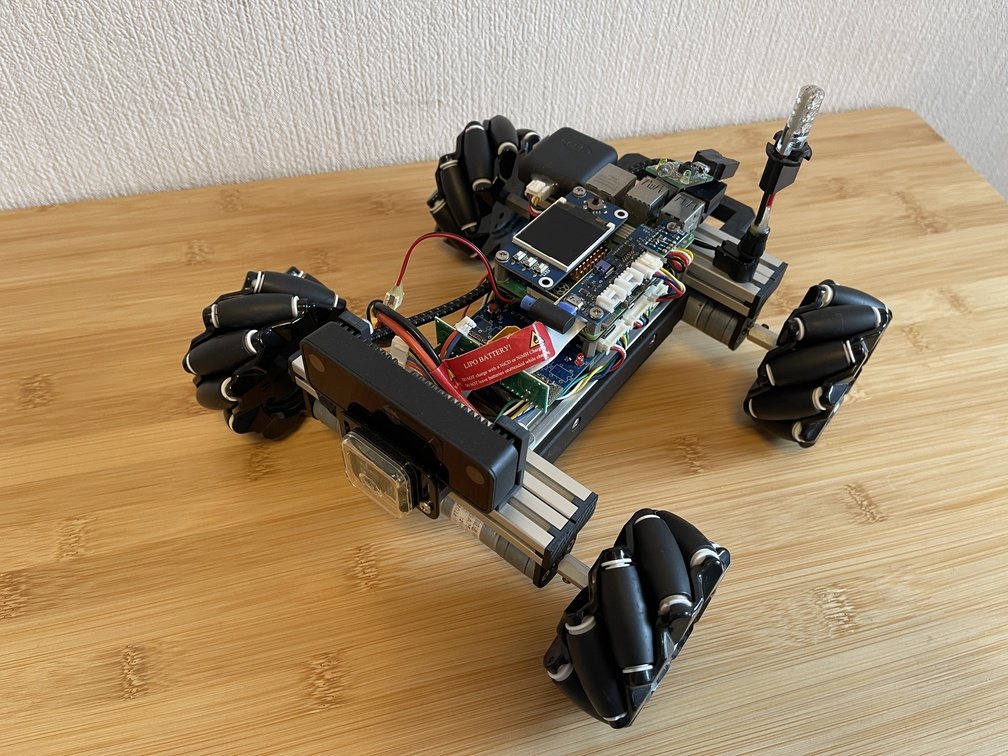 | Pay attention to the wheel arrangement as well. Arrange the wheels so that **the barrel-shaped sub-wheels** positioned diagonally on the wheels form **an X**." This arrangement creates a unique motion.|
---
## RoboCar (TriClops)
URL: https://teamknox.com/en/tech/robotics/robocar/
### TriClops
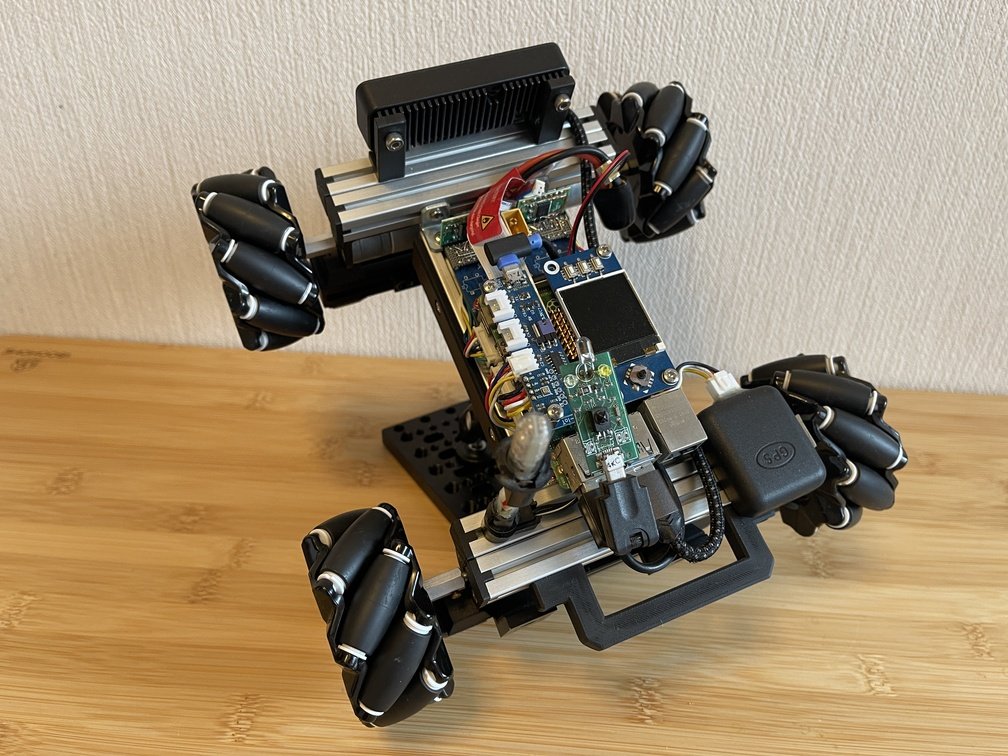
|Front left|On the platform|Three Eyes (Three-Eyed)|
|---|---|---|
|
 |
 |
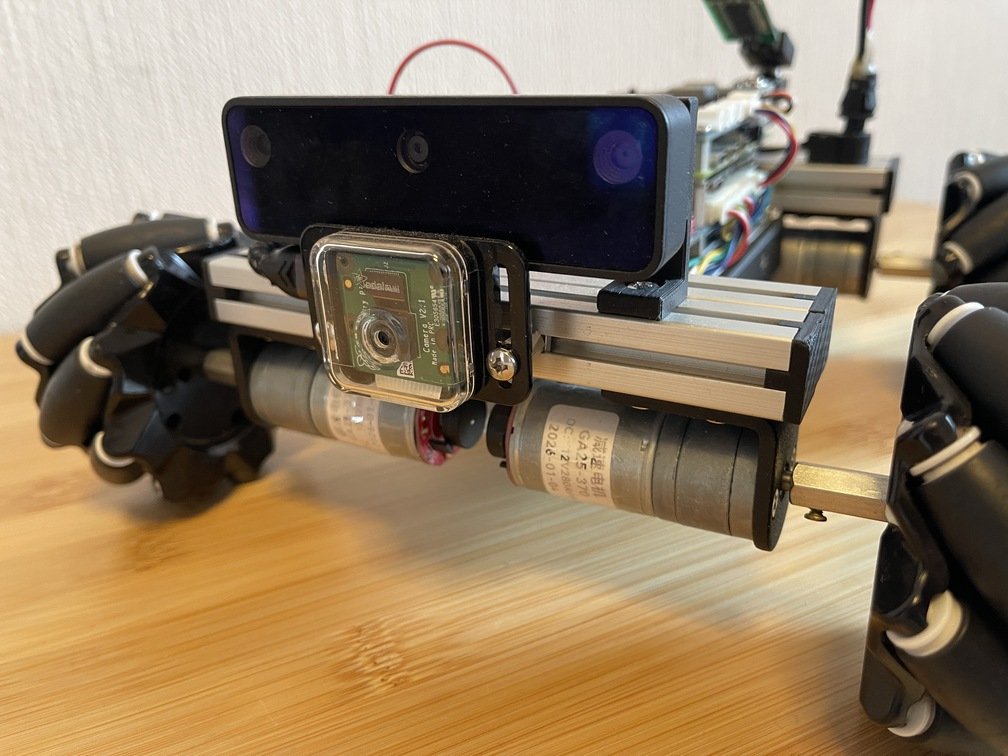 |
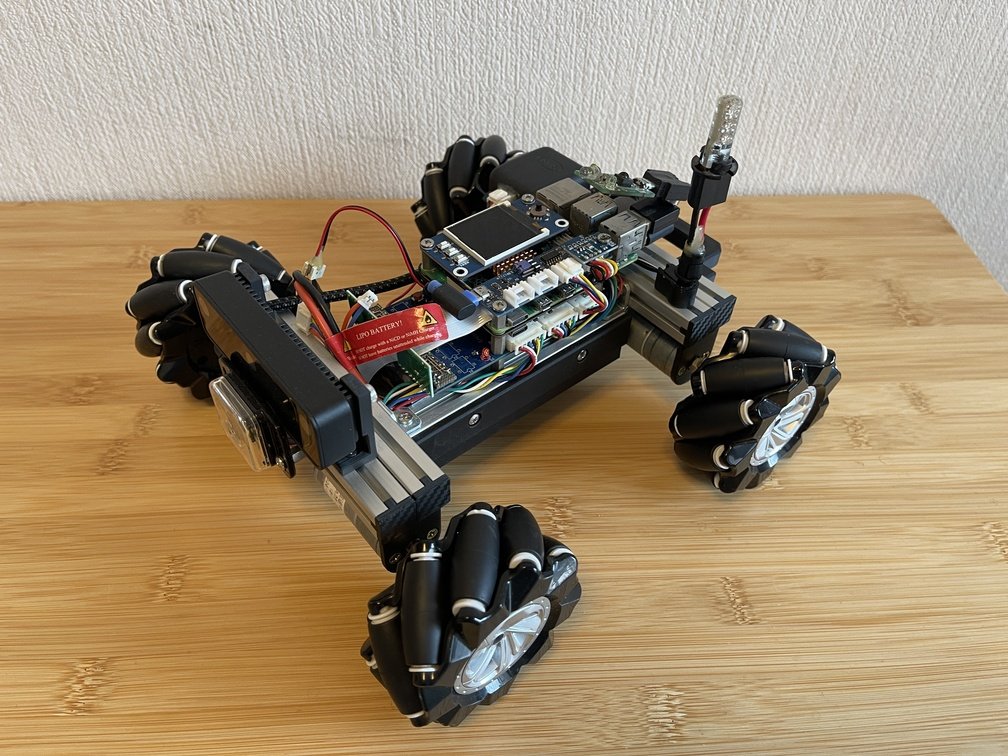
|Bird's-eye view from the upper left front|A view of it mounted on a stand (horse)|The camera sensors consist of a monocular camera and a stereo camera.|
`Rover` Sometimes I call it “`RoboCar`,” or when it’s a single-lens camera, “`Cyclops`,” or when it’s a Raspberry Pi camera paired with “`Oak D-Lite`,” “`TriClops`”… Now **that it has three lenses**, it’s “`TriClops`.” One thing I can say about this project is that it’s the largest in scale and has the biggest budget of any DIY project I’ve worked on, including my electronics projects. It also incorporates a wealth of **the various projects** I’ve developed so far. As for its current form, let’s call it “`TriClops-RoboCar`.”
### Robots Are an Engineer's True Calling
Generally speaking, anyone who calls themselves an engineer wants to present some kind of work to the world. Well, since I can do that through my job, that’s fine, but I also want to do it with things I want to create myself. In my case, **this is what fits the bill** for now.
### Modular Structure
Here, we will explain the current robot configuration by breaking it down into the following modules:`Mechanics`, `Hardware`, and `Software`. Since each module covers a considerable amount of material, please feel free to ask questions at `AI` as needed to deepen your understanding. The key to implementing a large system **is to tackle it one part at a time**. Perform thorough unit testing **to ensure stability**, then integrate the components, and finally perform adjustments and **fine-tuning** as necessary.
---
## ROCK
URL: https://teamknox.com/en/tech/robotics/robocar/software/rock/
### The ROCK Concept
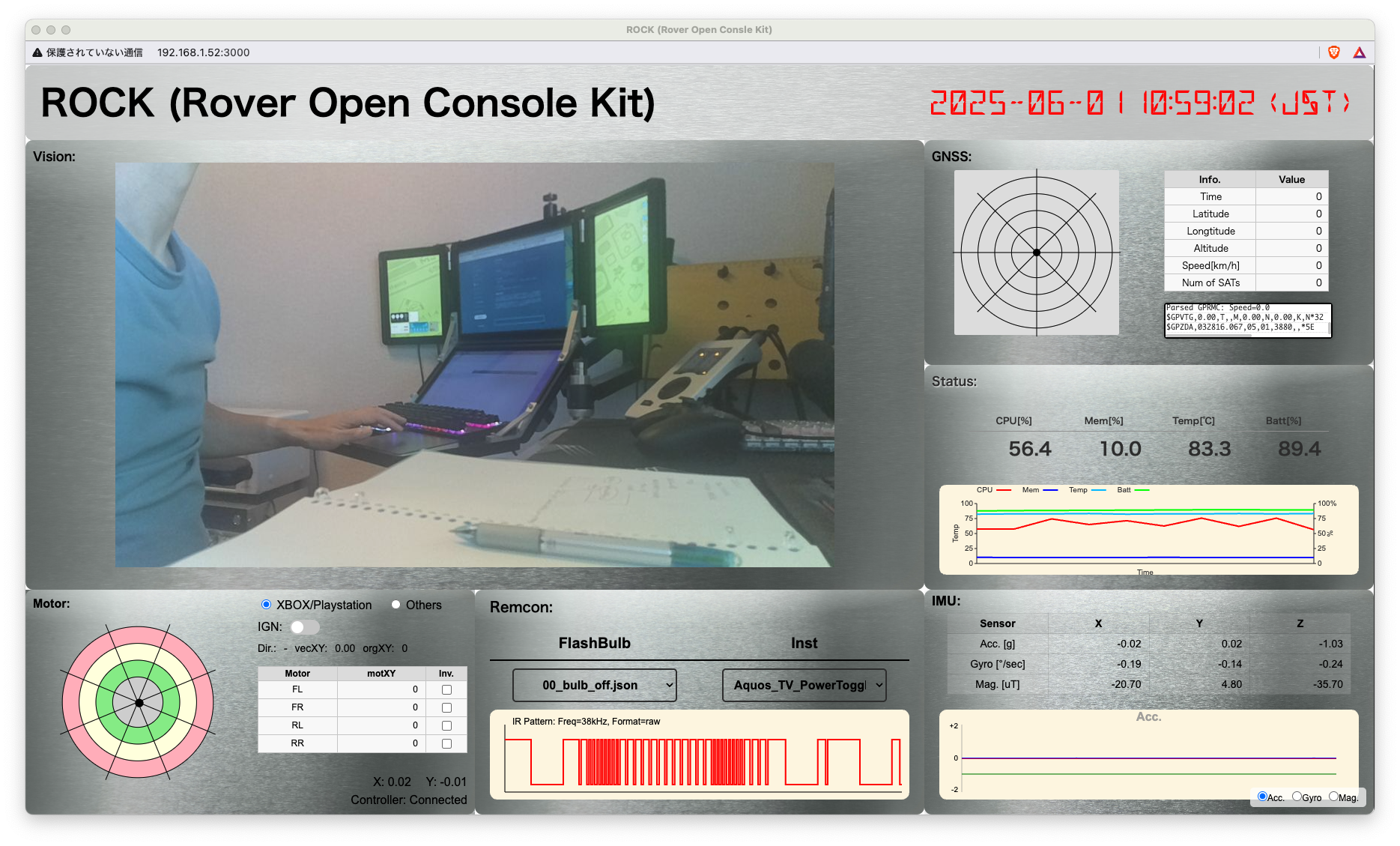
[ROCK](https://gitlab.com/teamknox/rock) is an abbreviation for "`Rover/RoboCar Open Console Kit`." This is an implementation of **a web application** designed to make full use of TriCl [ops](../../../robocar/_index.md)' resources. The basic concept is: How can a web **app** comprehensively handle the various devices supported by `RoboCar`? That's one answer.
 ### The Night Before ROCK
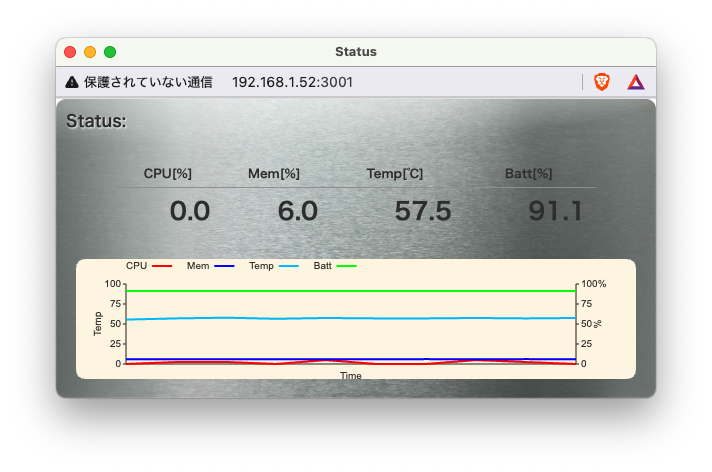
Back when I first started working on **web apps**, I felt like sites like `Web`—or maybe `HTML`—had a sort of **“responsive”** vibe, or maybe not. I tried to structure the screen at `ROCK` as a single page and use `table` to separate it, but the size kept changing depending on the content. That behavior gave me quite a headache…
 |
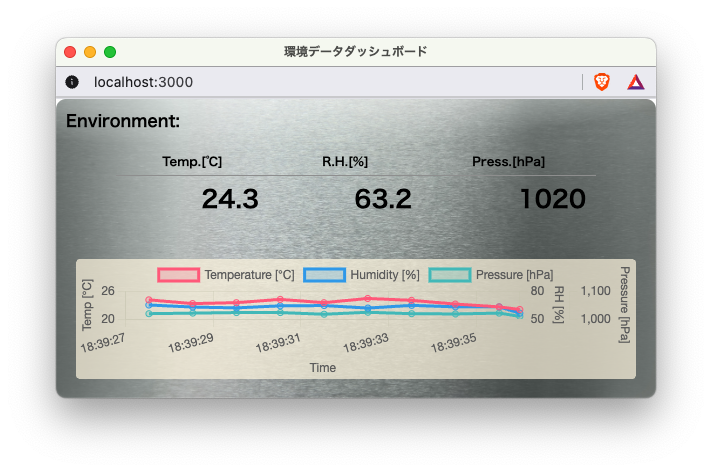 |
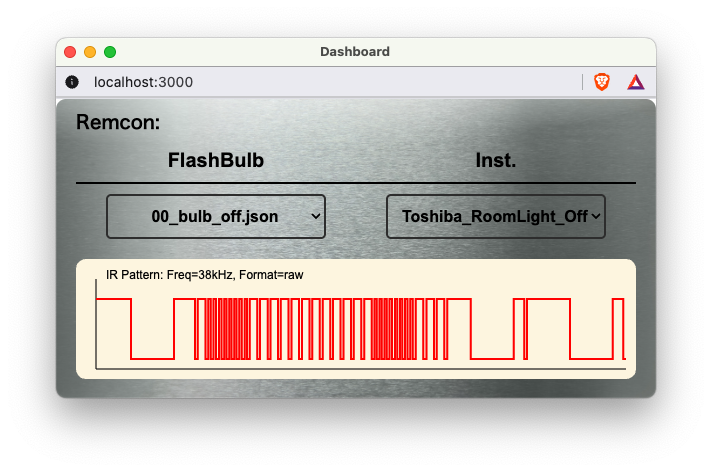 |
|CPU Load / RAM Capacity / Temperature / Battery Level|Room Temperature/Humidity/Atmospheric Pressure|irMagician Control|
- **File Structure**
 |
 |
|Date and Time of Visit|Order|Price|
|---|---|---|
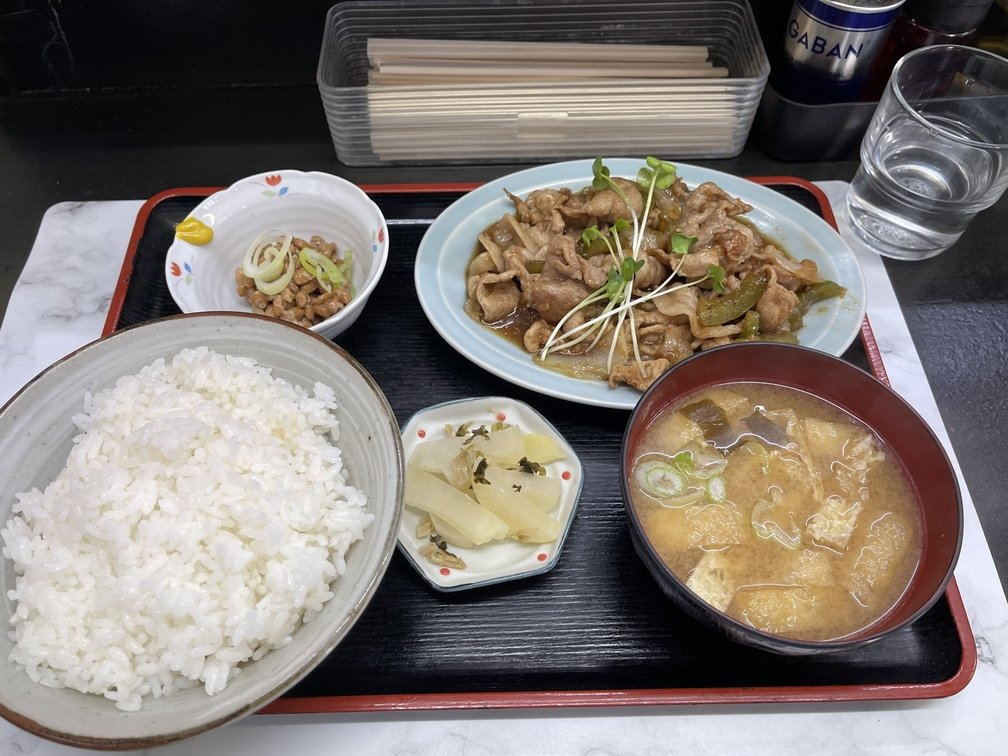
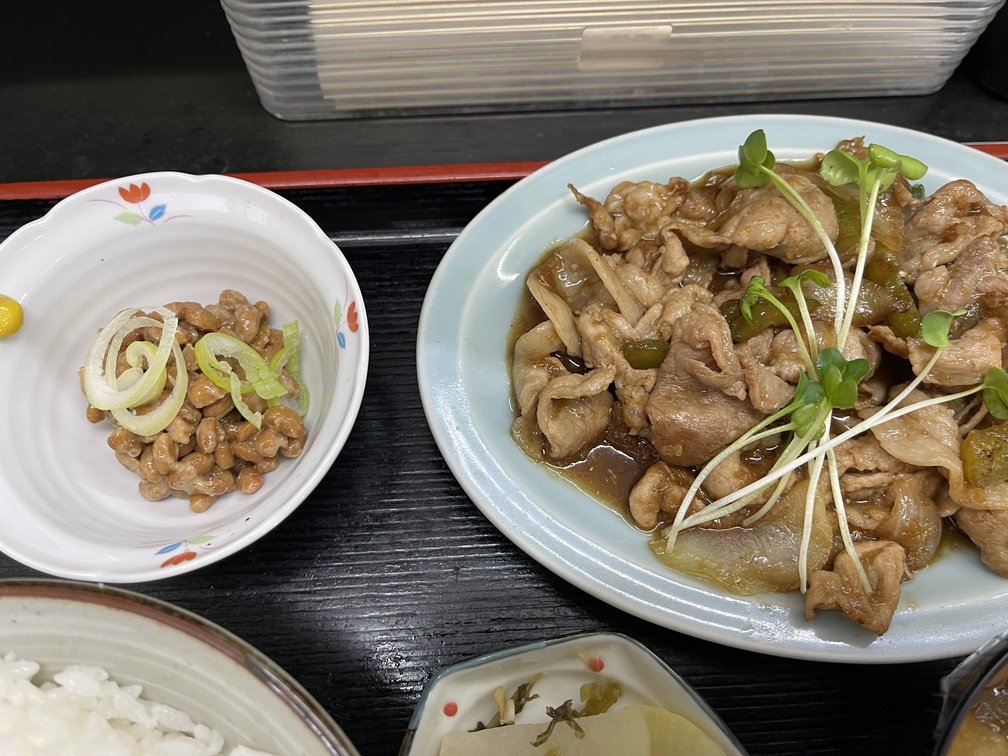
|2026-09-22 12:30|Ginger Pork Set Meal (Lunch)|980 yen|
- **Thoughts**
This is my first time at a restaurant on “Stray Cat Street.” I plan to explore more places here going forward. **As an old-timer**, my appetite tends to shrink. I’m stuffed here too, but I think the portion size is just right for the average person. The meat is a combination of loin and belly, which is nice because it offers a variety of textures. It’s coated in a fairly **sweet-and-salty** sauce that goes really well with rice. I didn’t really taste much ginger, though. Since it’s a one-person operation, it looks a bit hectic, but if you go during off-peak hours, I think you’ll get served just fine. This will definitely be one of my go-to spots when I’m exploring the neighborhood.
---
## Airband
URL: https://teamknox.com/en/tech/radio/airband/
`Airband` Receiving is a classic among ham radio activities and can be enjoyed by everyone from beginners to advanced operators. For me as an old-timer, the revival of ham radio started with this:`Airband`, and I also developed `Trinity` with this `Airband` receiving in mind.
### Link
`Airband` Since receiving data is considered the standard approach, pioneers in the field have made useful information available to the public. Here, we’ll introduce some of the most representative resources.
- [**Aviation Radio Handbook**](https://airband-japan.jimdofree.com/)
The page is easy to read and provides a comprehensive list of frequencies and related information. It really feels like the perfect place to start.
- [**Aviation informatio site**](https://ainet.bent.jp/aviation/index.html)
It covers a wide range of aviation information and also provides comprehensive frequency information.
- [**AirNav.com**](https://www.airnav.com/)
Overseas Websites — Covering a Wide Range of Frequency Information
---
## Audio
URL: https://teamknox.com/en/tech/gadgets/audio/
After going through several changes, I’ve settled on my current system. In the past, I built a `Audio & Visual` system and even experimented with 5.1-channel setups, but now I’ve settled on something relatively simple. Here, I’ll introduce the components of my current audio system.
---
## Fishing
URL: https://teamknox.com/en/hobbies/fishing/
---
## Hardware
URL: https://teamknox.com/en/tech/radio/trinity/modules/hardware/
Here, we'll introduce the hardware components used.
|[**Samsung Galaxy A25 5G**](https://www.samsung.com/jp/smartphones/galaxy-a/galaxy-a25-5g-light-blue-64gb-sm-a253qlbasjp/?srsltid=AU7gw4W88CfORSYcKkdBEJs_gTu0pQd8ZdhVM6S4Hb7Lfb5PrLxt18Tf)|Description|
| :---: | :--- |
|
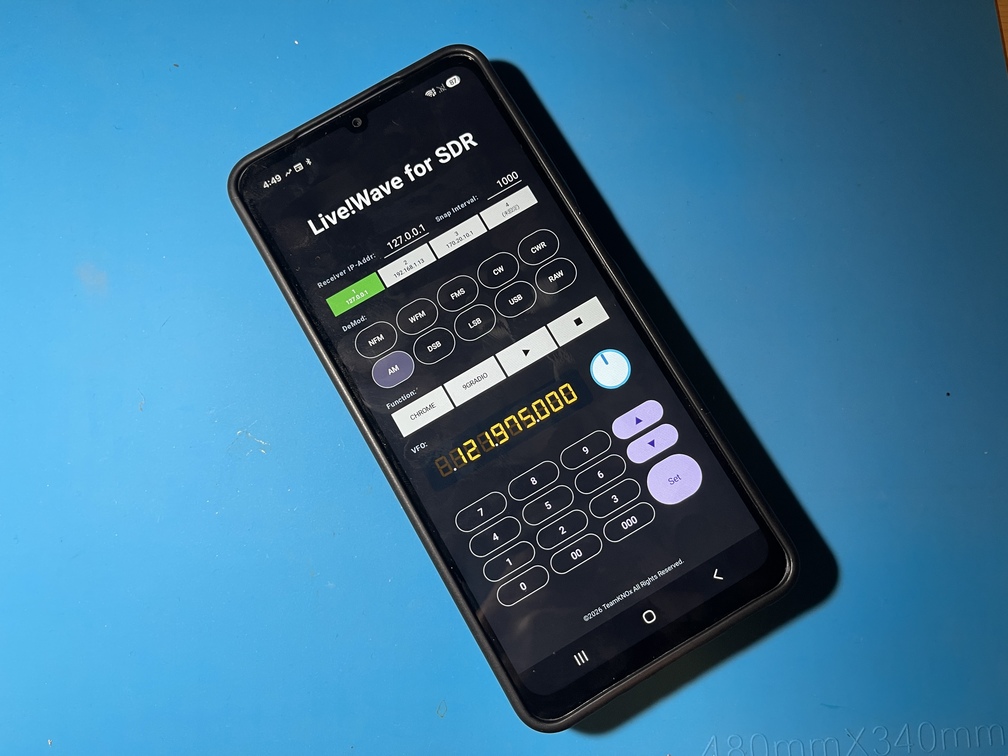 |This is an Android smartphone I got for 1 yen when I switched carriers via Rakuten. Compared to iPhones, Android smartphones have fewer restrictions on device connectivity and are easier to work with, so I recommend that anyone who enjoys electronics projects get one. Since this one is made by Samsung, there’s plenty of information available, so I highly recommend it.|
|[**RTL-SDR BLOG V4**](https://www.rtl-sdr.com/v4/)|Description|
| :---: | :--- |
|
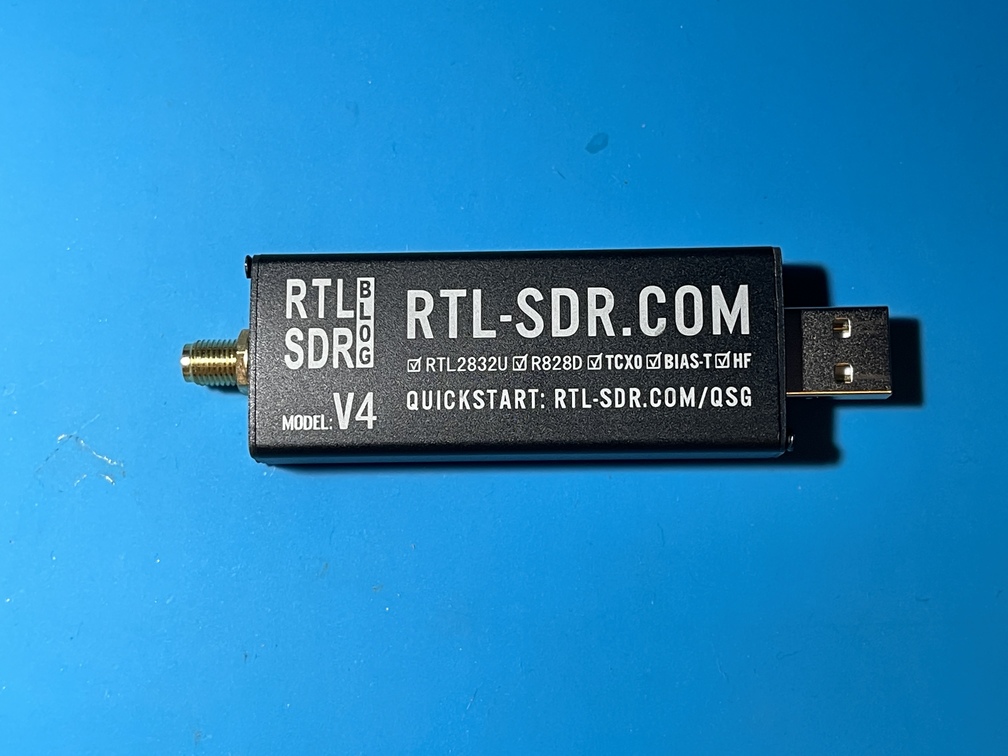 | This is the main hardware component of this project. It incorporates all the necessary functions as a "`SDR`."|
|[**USB Coiled Cable**](https://www.amazon.co.jp/dp/B0DRNR51CV?ref=ppx_yo2ov_dt_b_fed_asin_title&th=1)|Description|
| :---: | :--- |
|
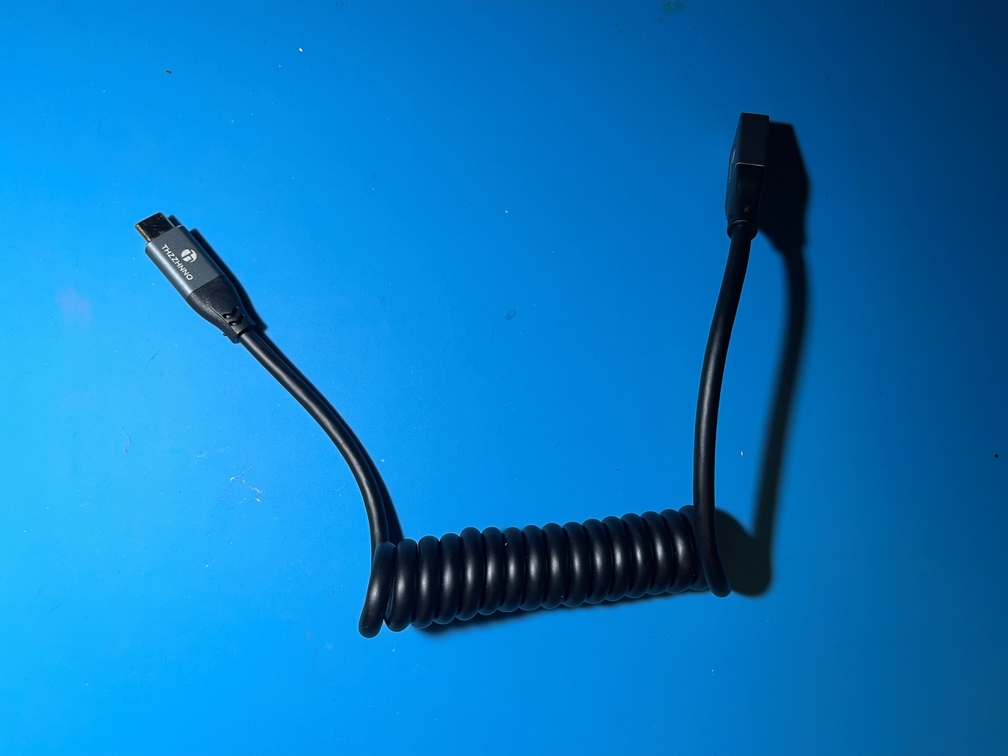 | I suppose any USB cable will work as long as it connects, but since appearance matters too, I’ll go with this one. It’s also a good idea to add a [**standard cable**](https://www.amazon.co.jp/dp/B0DT46FZ29?ref=ppx_yo2ov_dt_b_fed_asin_title&th=1), since it’s easier to route. Also, as mentioned on the mechanics page, the Type-A female connector passes through a hole at the bottom of the bracket, so if you plan to use a cable other than the one included here, be sure to check the dimensions of the bracket’s hole.|
---
## Hardware
URL: https://teamknox.com/en/tech/robotics/robocar/hardware/
### Introduction
`RoboCar-TriClopes` I will explain the electrical components used in this system. When referring to “`Hardware`,” some explanations also include the separately mentioned “`Mechanics`,” but **I** have separated the physical mechanical components (`Mechanics`) from **the electrical components** (`Hardware`). One might also say “`Electronics`,” and there is also the term “`Mechatoronics`.”
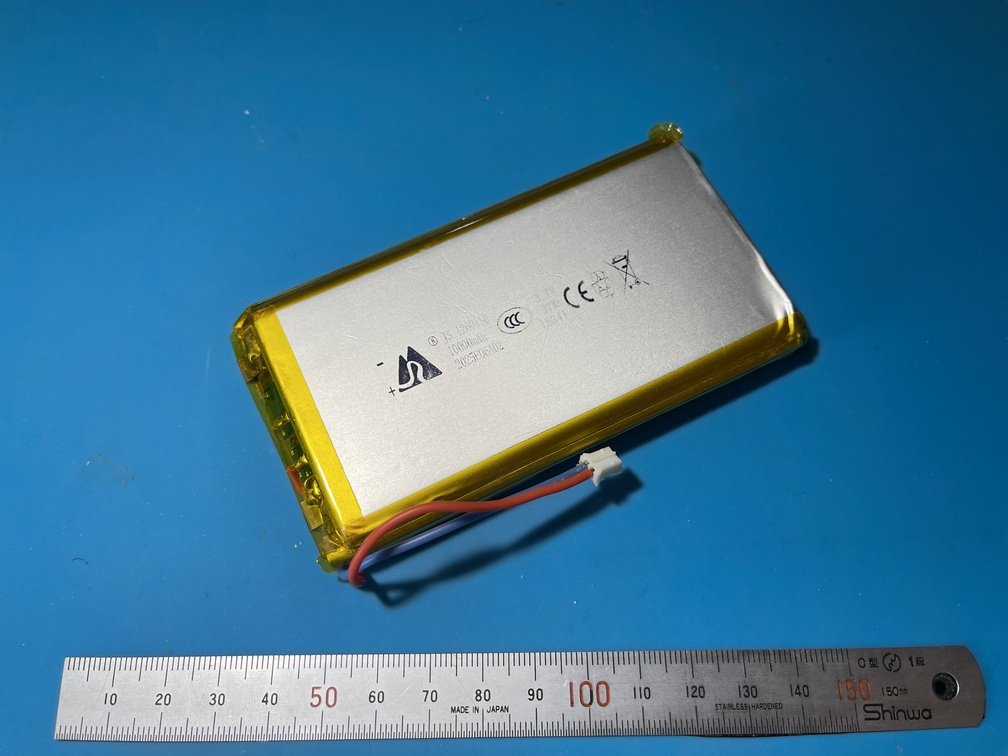 |
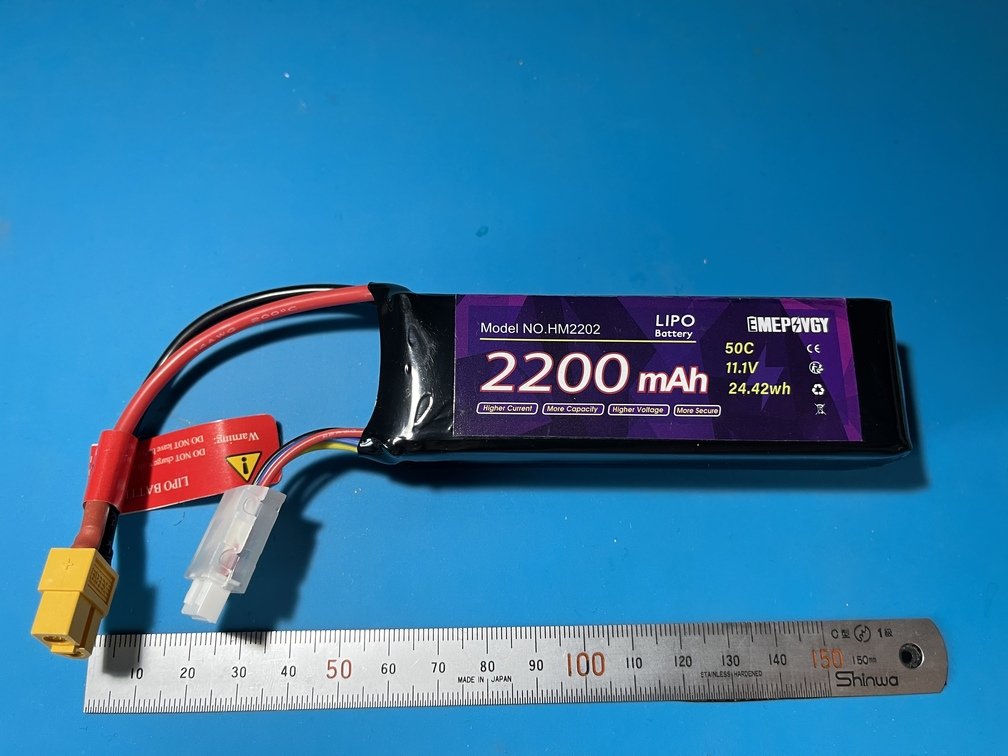 |
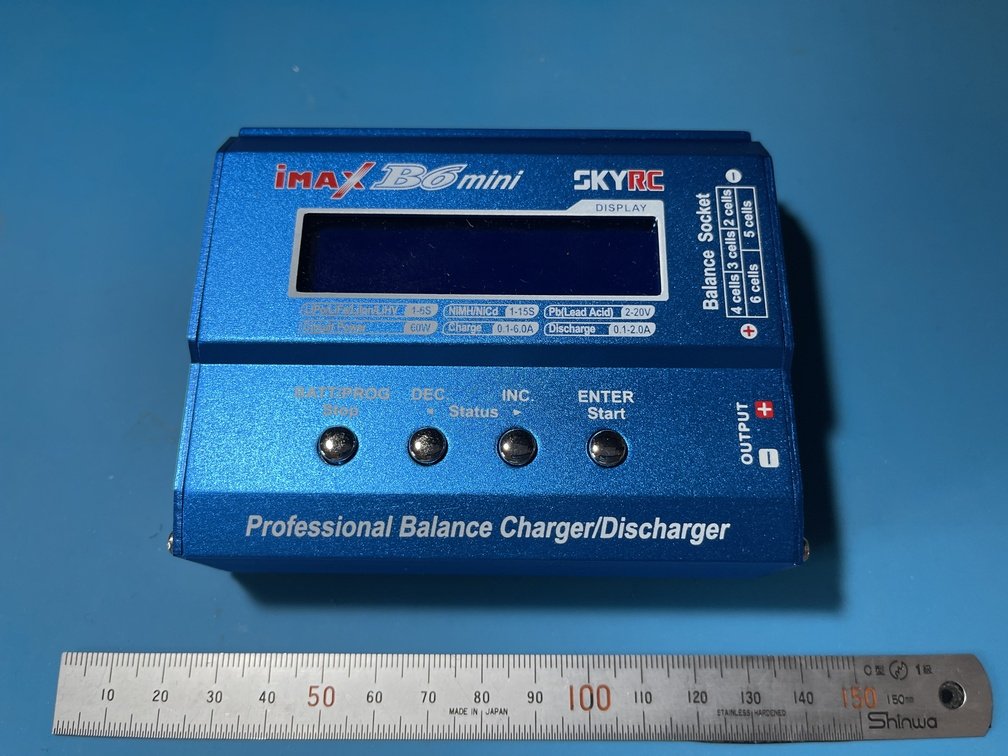 |
|Panoramic View of LiPo|Panoramic View of LiPo |Overview of the Charger|
|Category|Voltage [V]|Capacity [mAh]|Uses|
|---|---|---|---|
|Drivetrain|11.1=3.7x3|2200|Motor Drive|
|Control System|3.7|10000|Control Systems in General|
- **Note**
 |
 |
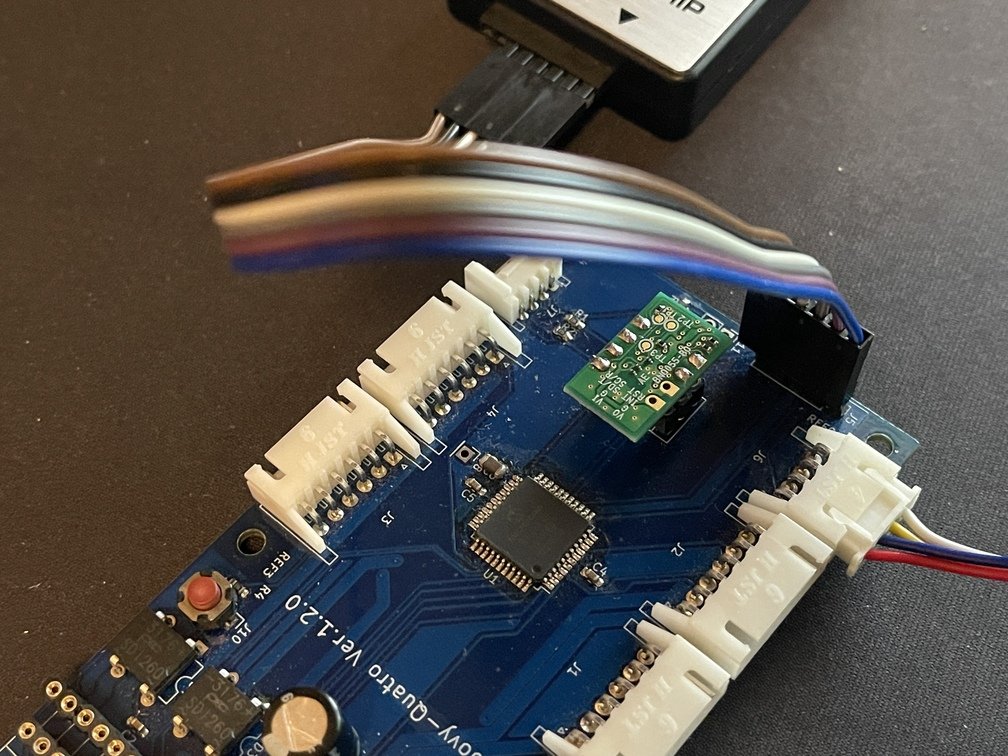 |
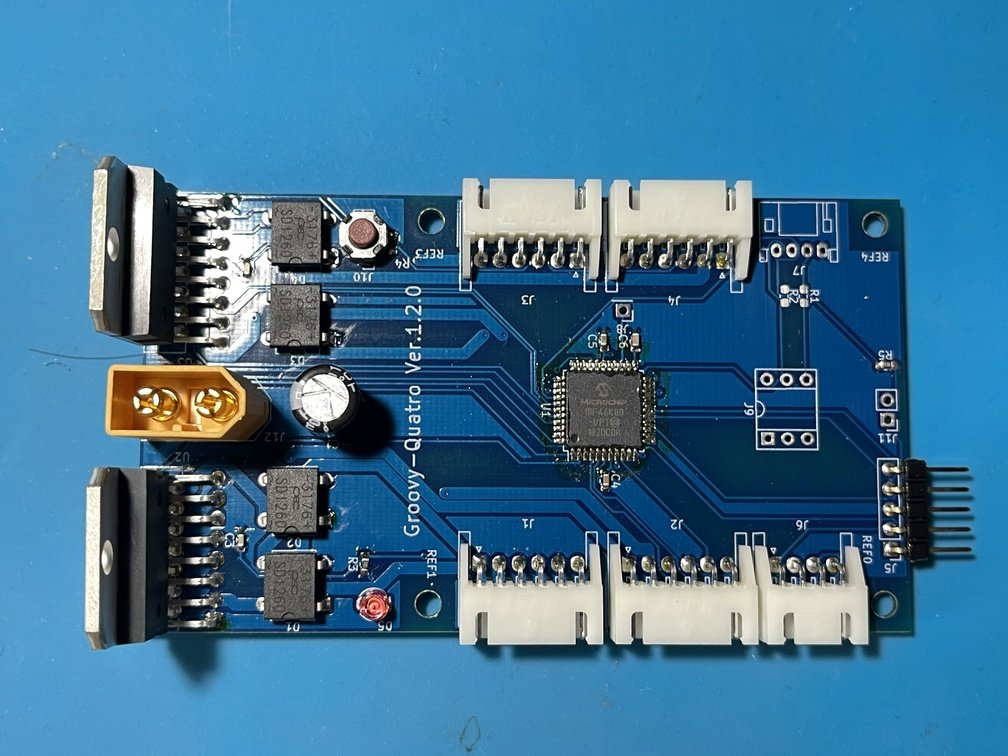
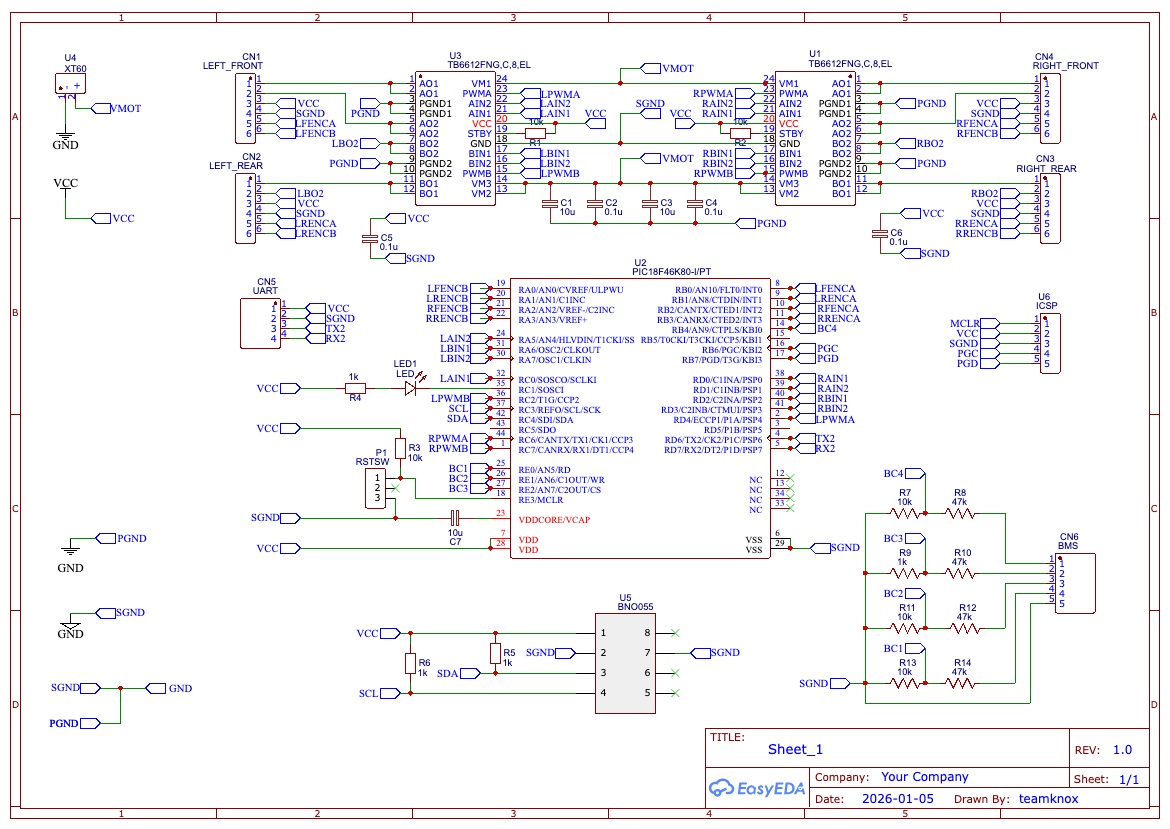
|Before Replacing the Motor Driver|Reference Figure|Flip It Over and Implement It|
`Hardware` This is the core board within the system. Its main functions are as follows:
 |
 |
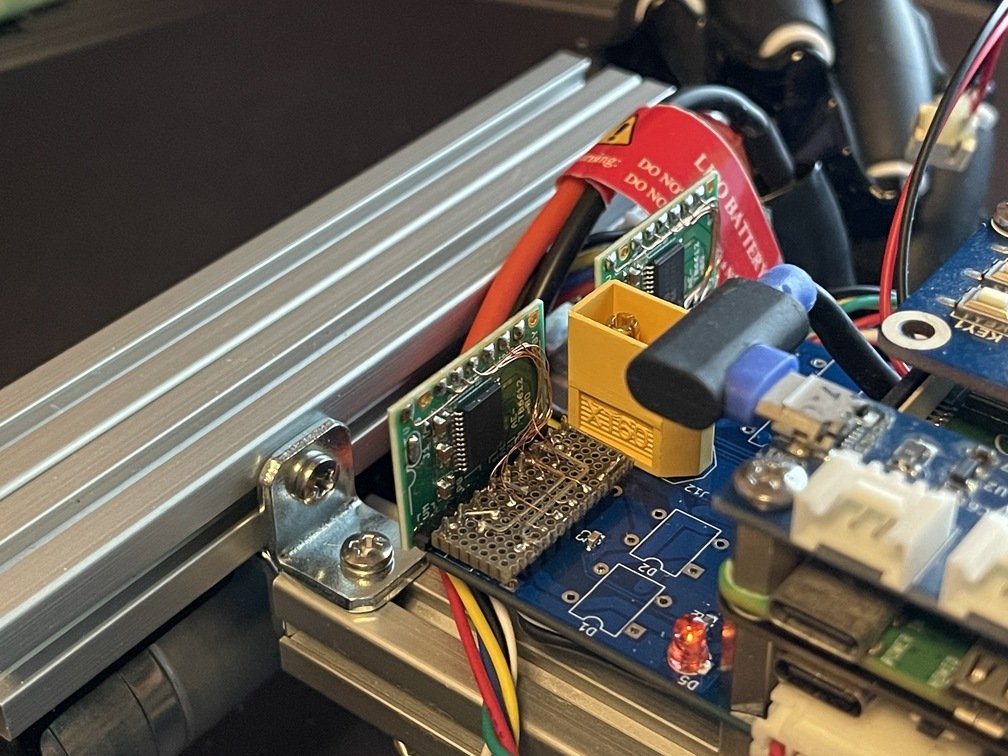 |
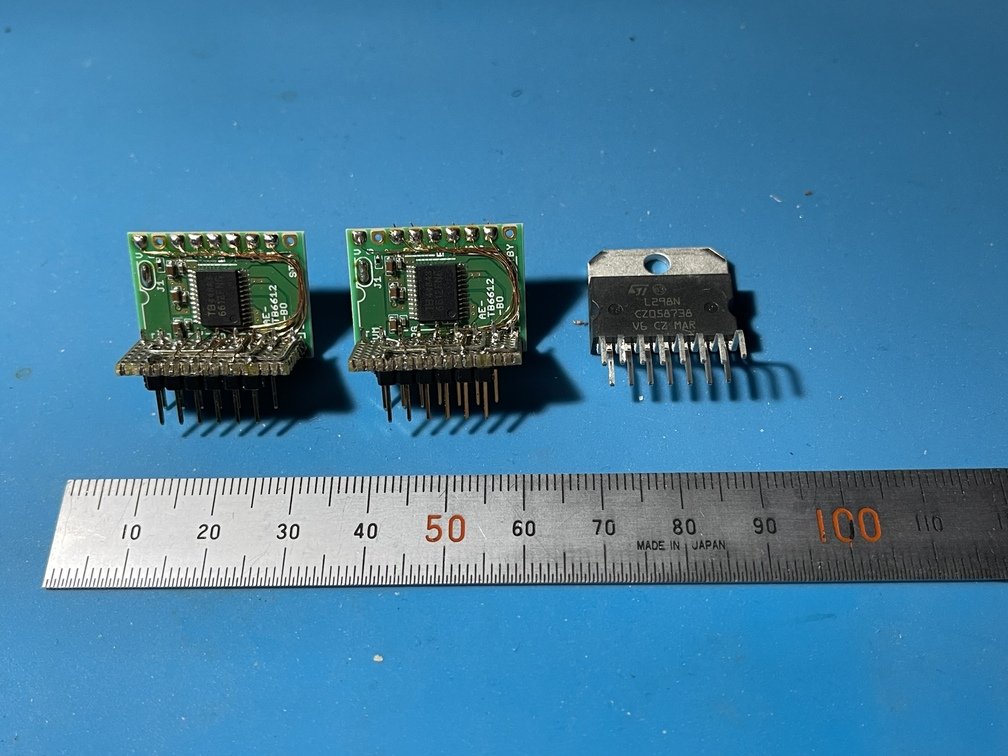
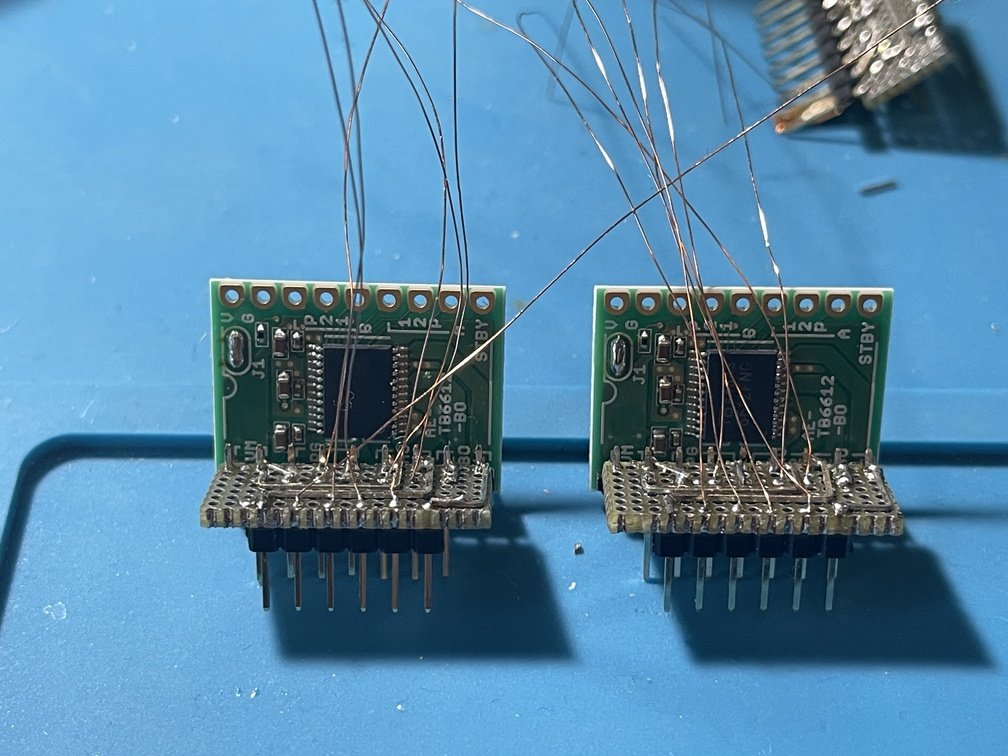
|TB6612 and L298N|Complicated Wiring|Replaced from L298N|
I replaced the motor driver [from the L298N](https://akizukidenshi.com/catalog/g/g106380/) [to the TB6612](https://akizukidenshi.com/catalog/g/g116947/). This improved power efficiency and significantly increased the motor speed, so I replaced the motor to change the gear ratio. I removed the `L298N` and attempted to make the pins compatible so I could simply swap it out—it turned out to be a much harder job than I expected…
 |
 |
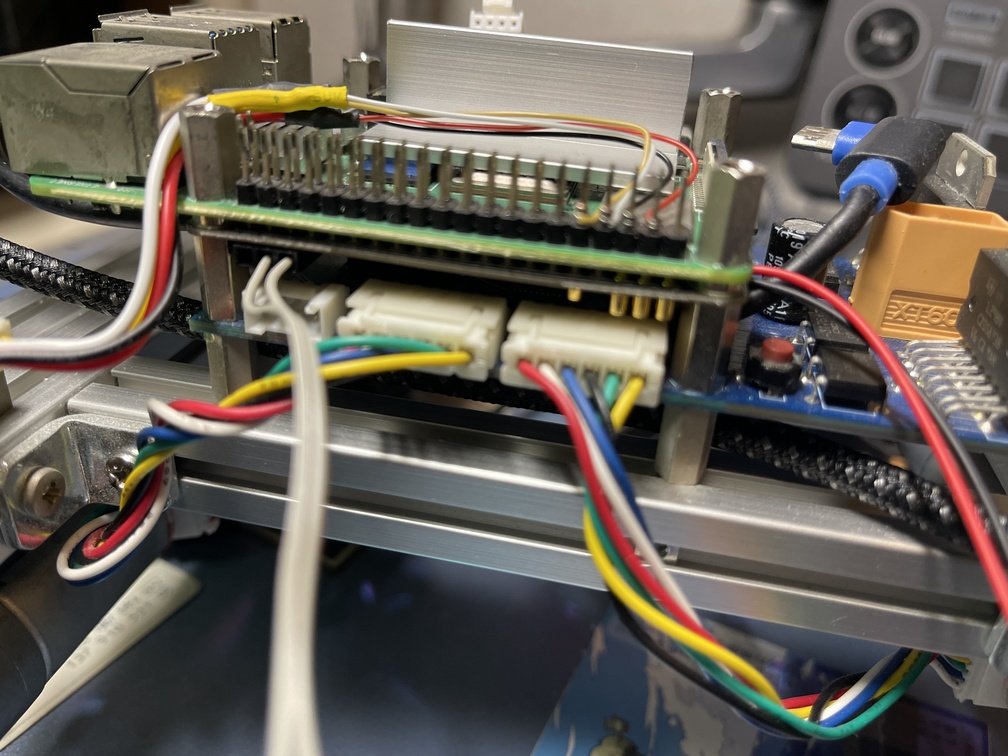 |
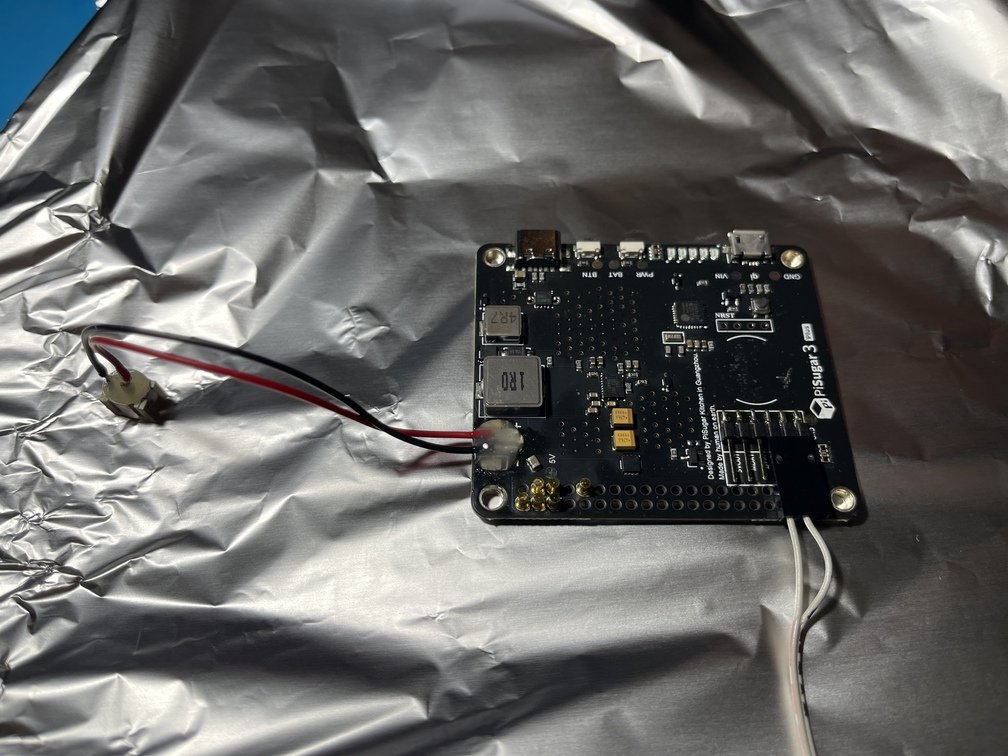
|Logo|Aluminum Foil Protection to Prevent Solder Spills|Assembled at the absolute minimum height|
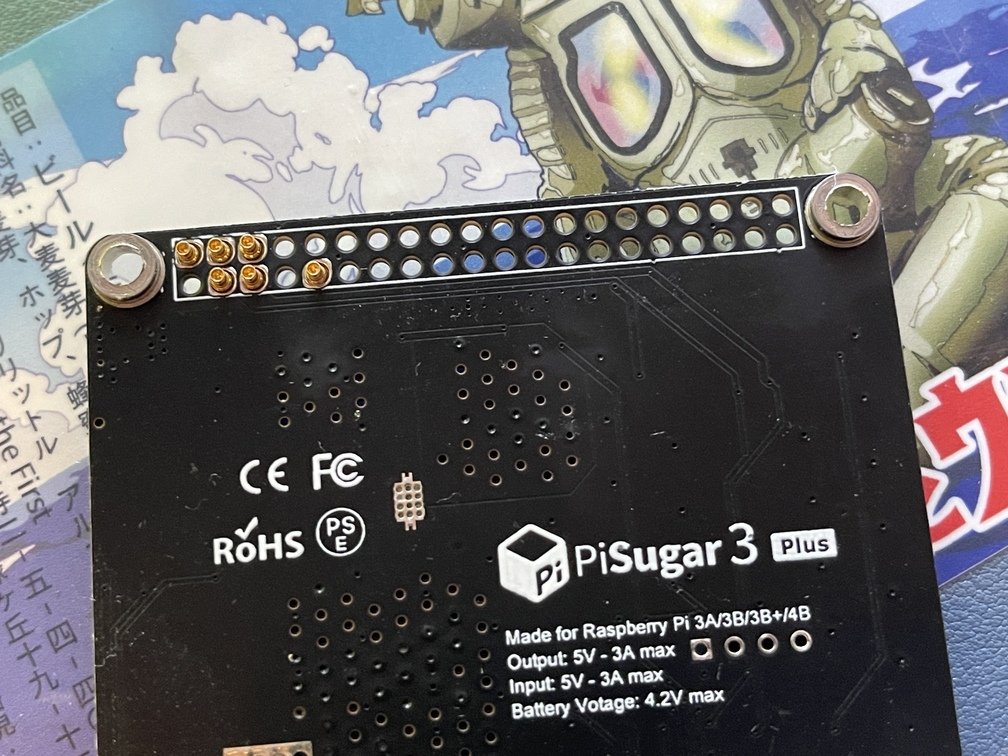
A battery-powered board for the Raspberry Pi. I modified the connector section so it can be stacked with other boards. I also upgraded the included LiPo battery from 5,000 mAh to 10,000 mAh. It steps up the LiPo battery’s 3.7 V to 5 V and charges the battery. The power path is **[USB-PD] ⇒ [PiSugarPCB] ⇒ [LiPo battery], [to the Raspberry Pi via pogo pins]**.
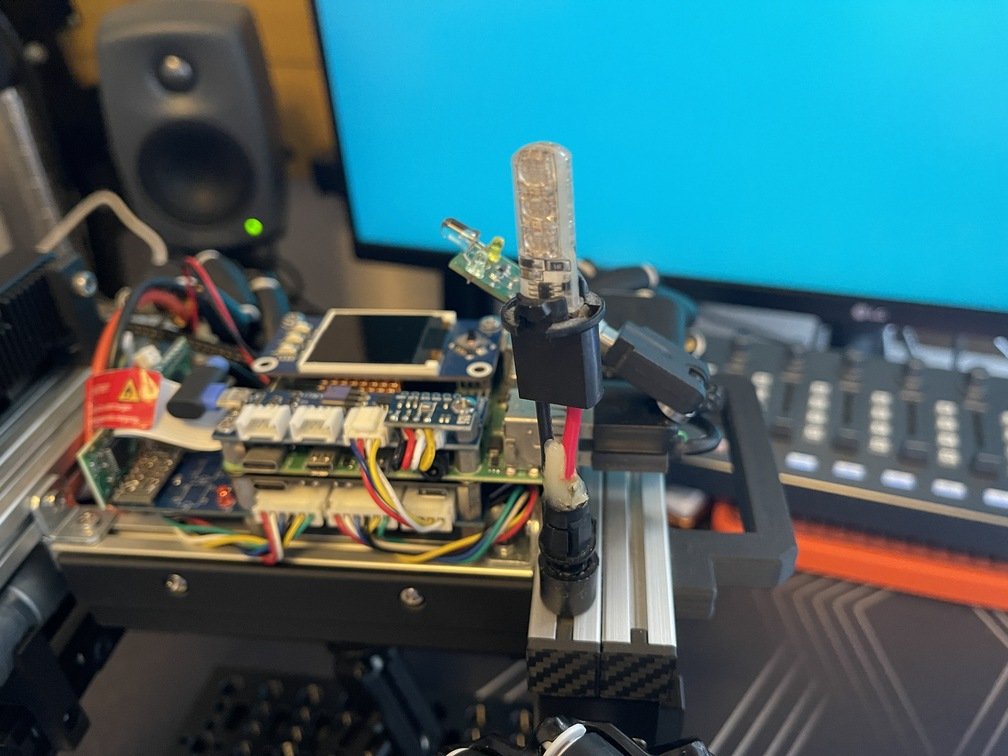
- **Flashlight**
 |
 |
 |
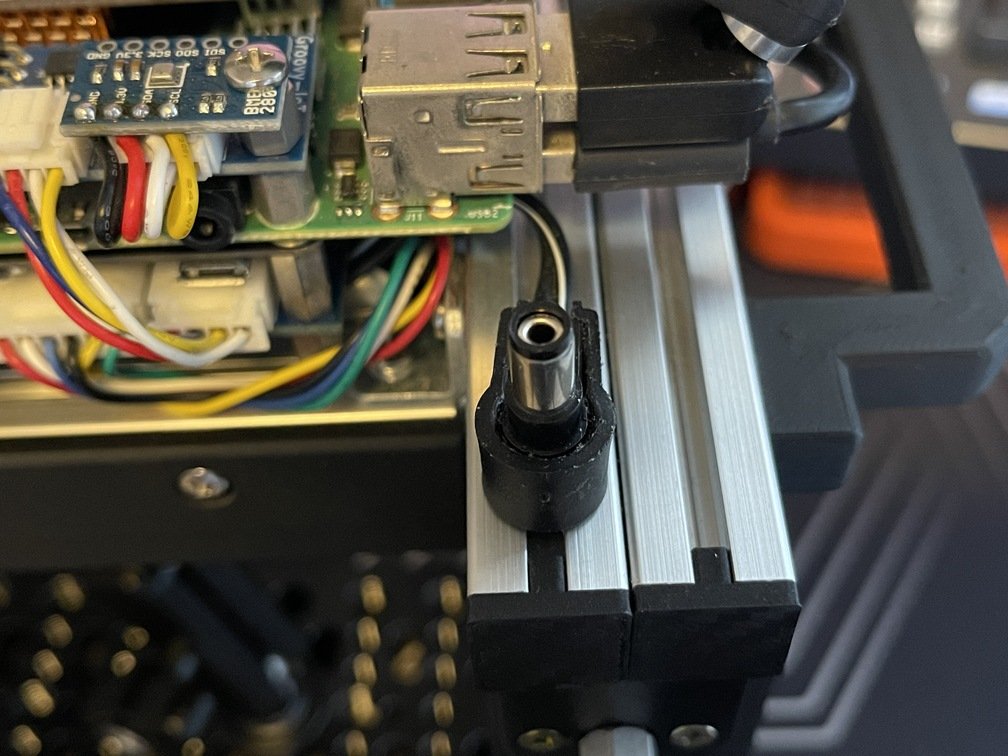
|Mounted on the frame|Power Supply from the Drive System|Solder the female connector|
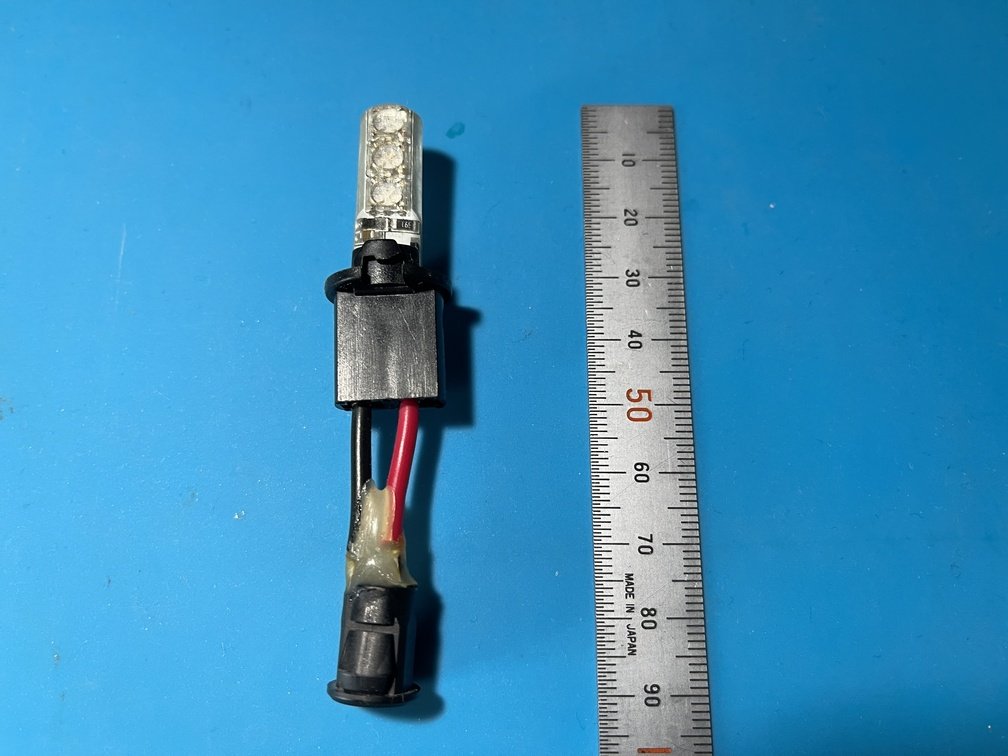
A [**flashlight**](https://akizukidenshi.com/catalog/g/g112660/) has been installed to alert those around you. Since **this flashlight** can be controlled via an infrared remote, it is controlled [using irMagician](../../../Devices/irmagician/_index.md). Various patterns are available, so you can choose the one that best suits your preferences.
### Raspberry Pi (hereinafter referred to as "Raspberry Pi") 4
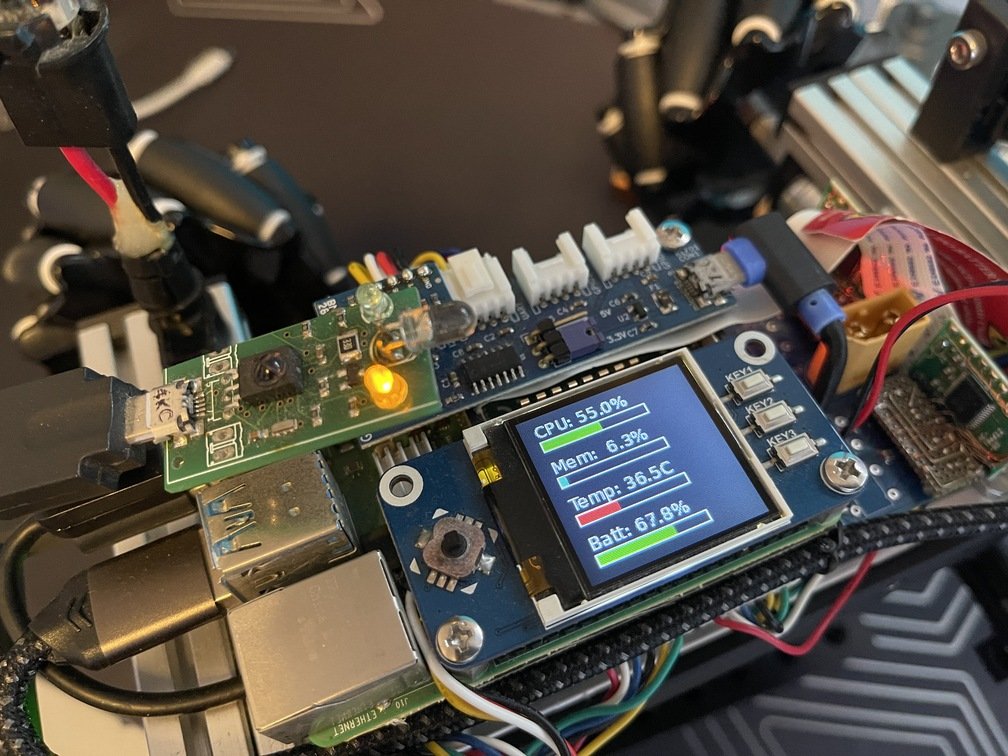
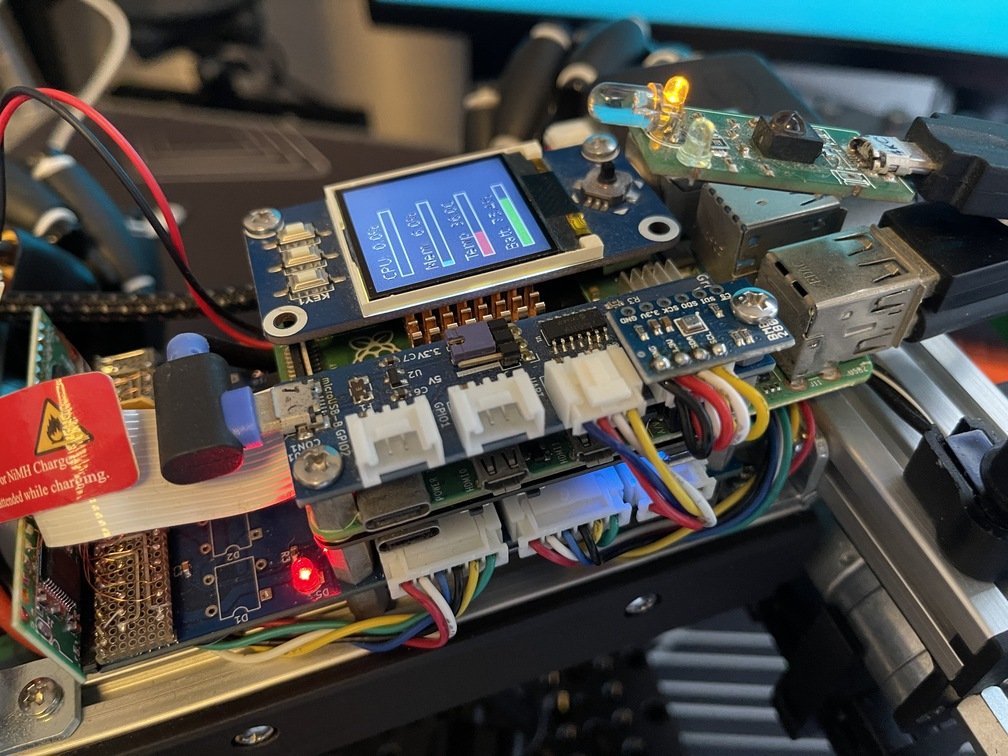
If the board mentioned above is responsible **for the drivetrain**, then the Raspberry Pi 4 can be considered **the brain**." In this section, we'll explain the devices that connect to the Raspberry Pi 4.
 |
 |
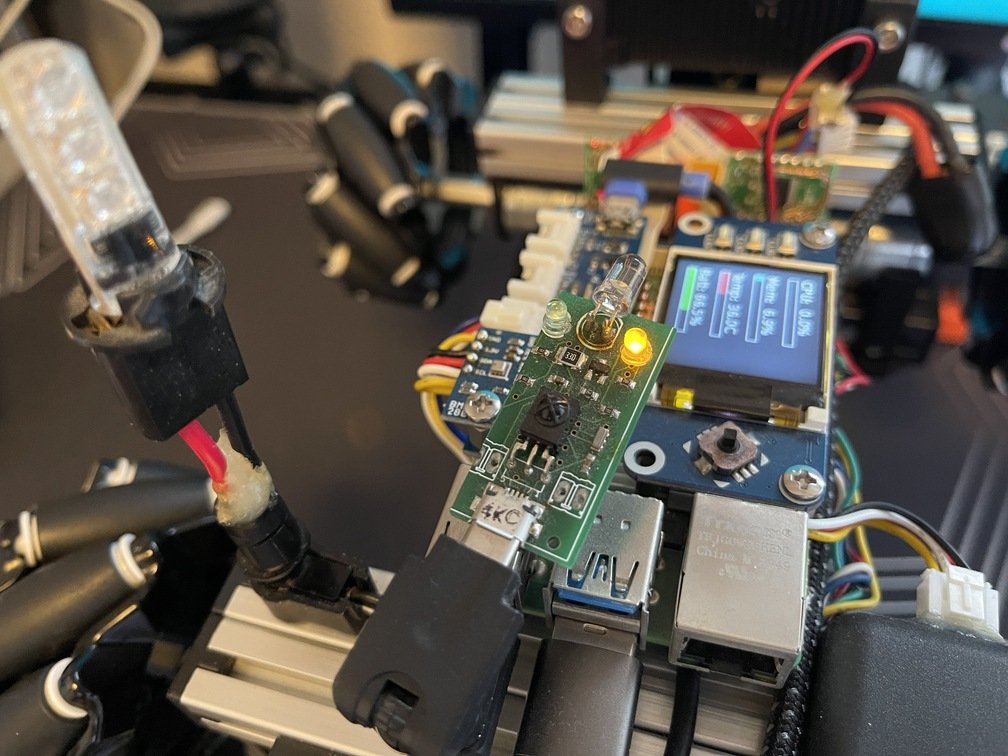 |
|Attached directly to the header pin|Mounted on the opposite side of the LCD hat|Connect using a USB adapter|
- **LCD Hat**
 |
 |
 |
|Mounted on a frame|Grove UART Compatible|Wire-wrapping a header pin|
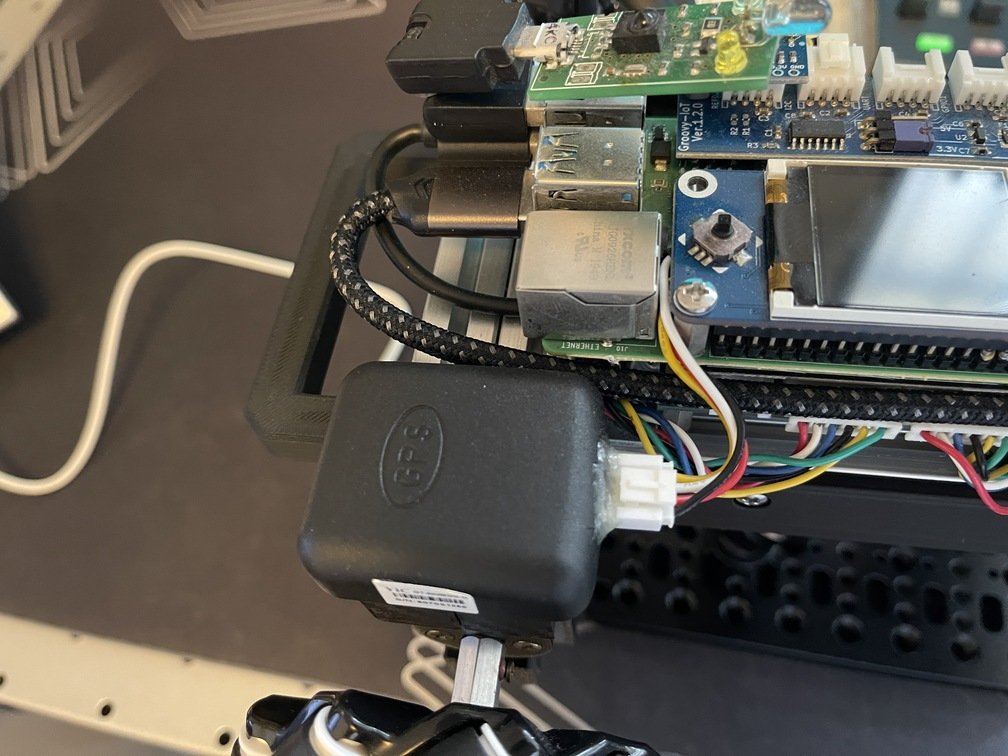
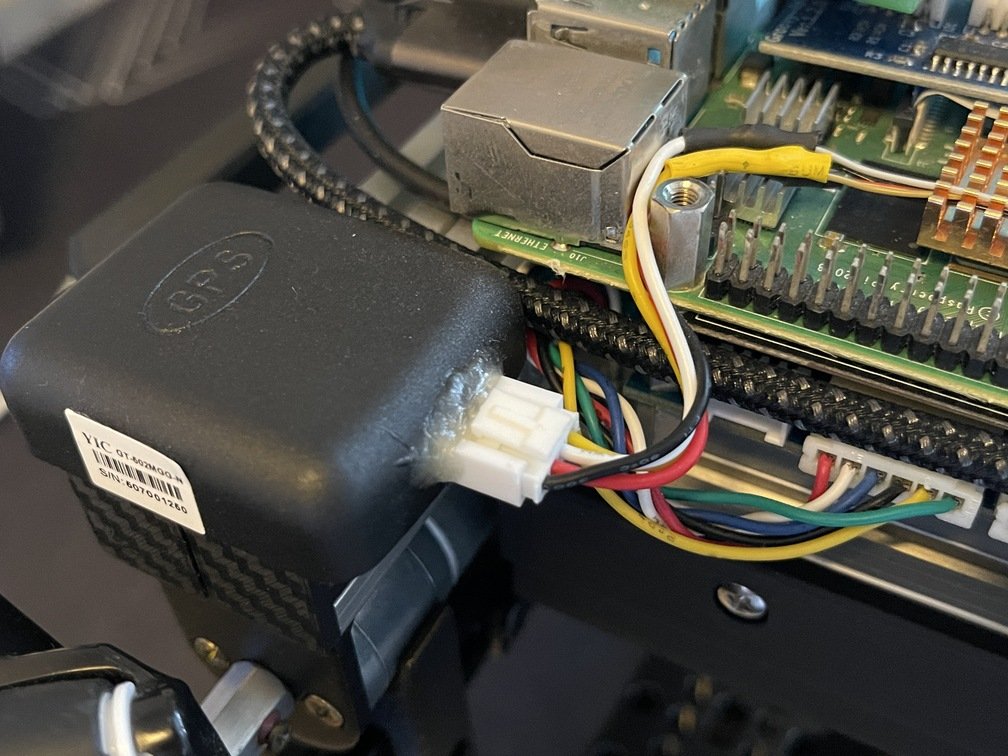
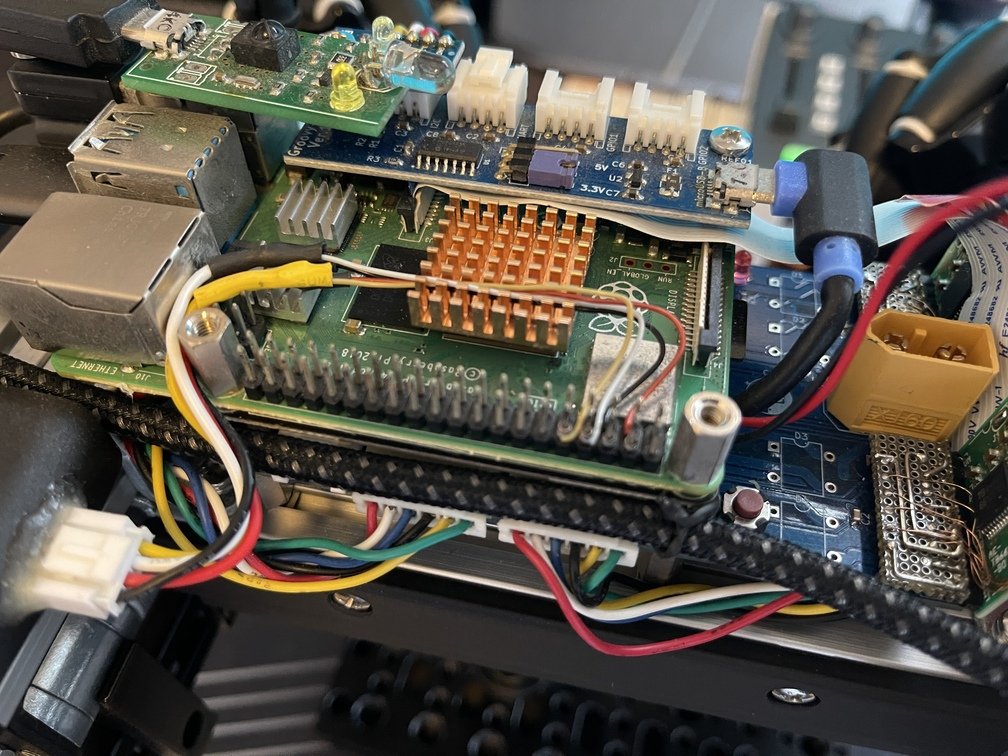
`GNSS` The unit uses [a product sold by Akizuki Denshi](https://akizukidenshi.com/catalog/g/g117980/). I modified it by attaching a Grove connector to make it easier to handle. The wiring utilizes the Raspberry Pi 4’s built-in UART. The wires are connected directly to the UART pins on the main board header [using wire-wrapping techniques](https://ja.wikipedia.org/wiki/%E3%83%AF%E3%82%A4%E3%83%A4%E3%83%A9%E3%83%83%E3%83%94%E3%83%B3%E3%82%B0) to ensure they do not interfere with the aforementioned LCD hat.
### Camera
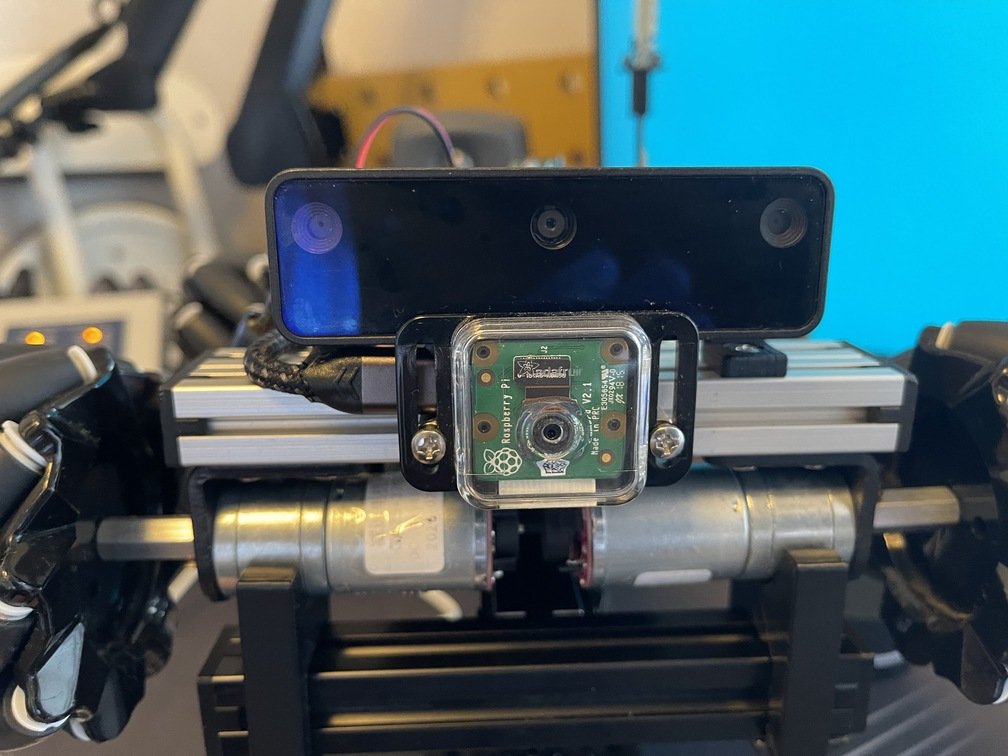
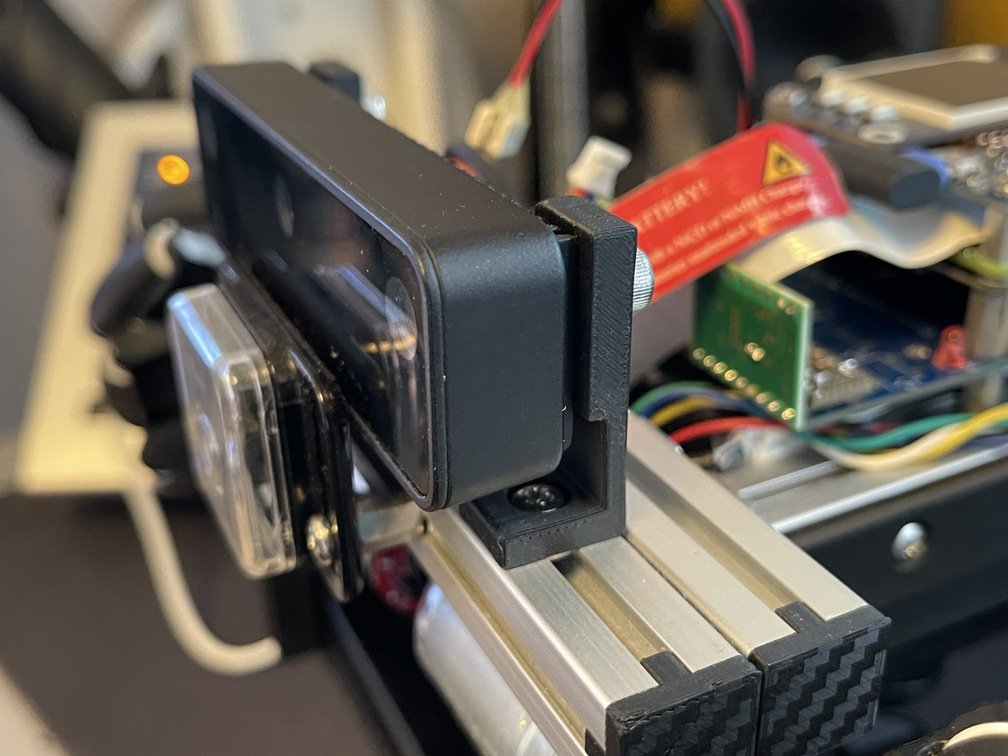
The system uses [the official Raspberry Pi camera](https://akizukidenshi.com/catalog/g/g110518/) (connected directly to the Raspberry Pi 4 via a dedicated interface) and the [Oak D-Lite](https://shop.luxonis.com/products/oak-d-lite-1) depth camera via USB 3.0. The official camera is used for real-time video streaming for navigation, while the `Oak D-Lite` camera is used as a `Depth` camera for object recognition.
 |
 |
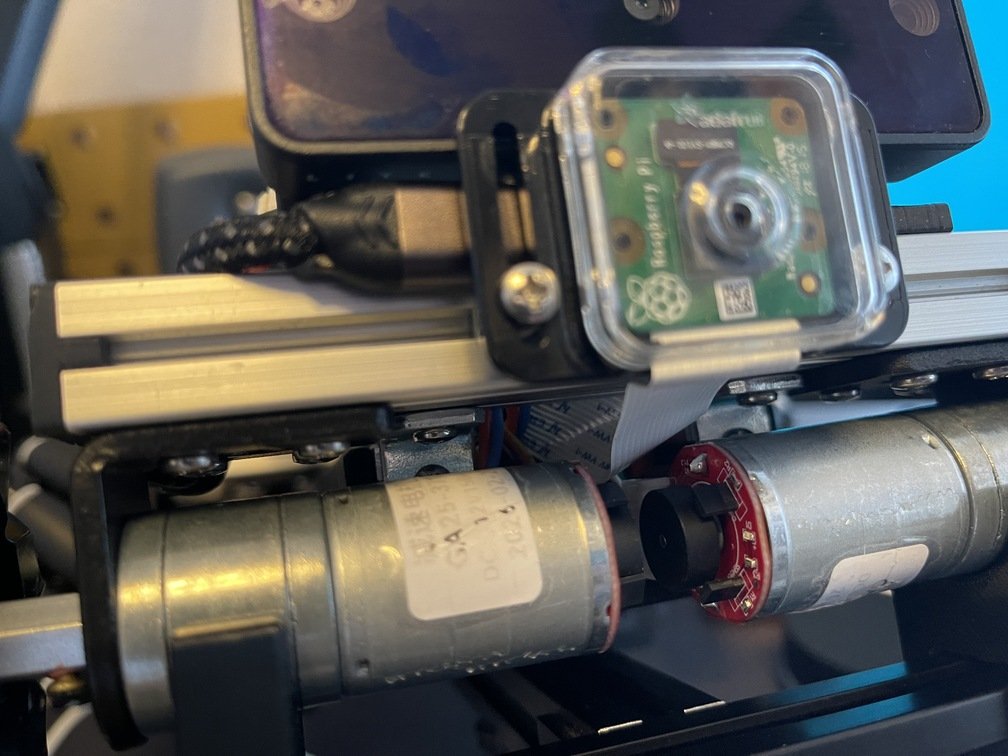 |
|Consolidated at the front|Molded a custom mount and installed it|Wiring Through Tight Spaces|
- **The Story Behind the Three Eyes**
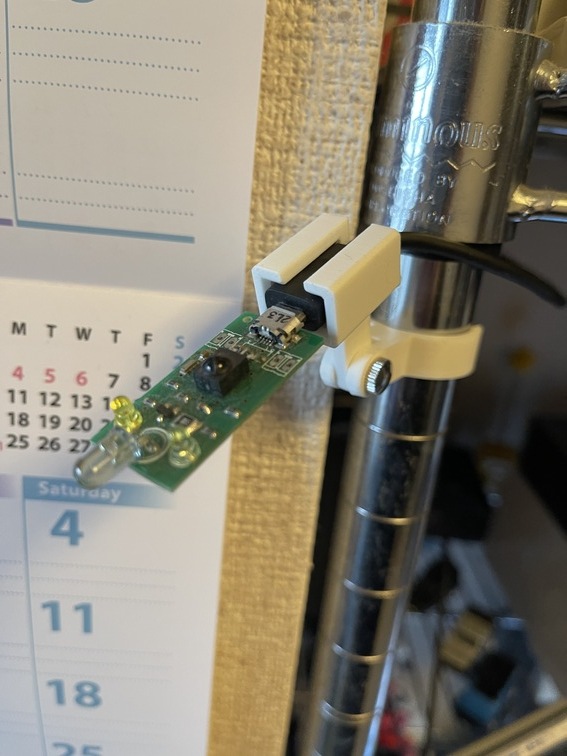 | `irMagician` Riding the wave of the `IoT` boom, it managed to sell **2,500 units**—an impressive figure, especially for a DIY hardware project. It’s been quite a few years since its release, and while it’s already been discontinued, I still find it very useful at home, paired with a homemade program that runs on the Raspberry Pi at `NAS`. Here, I’ll explain how to make the most of it.|
### Deliverables
- **YDBC-30**
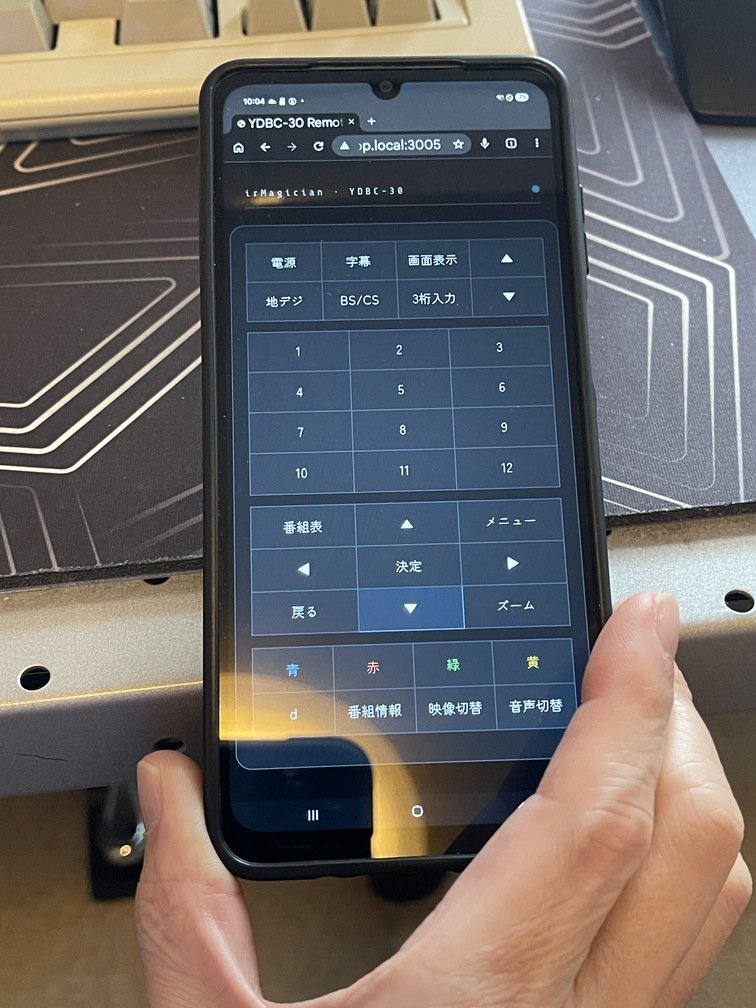 | [The YDBC-30](https://www.amazon.co.jp/%E3%82%BB%E3%83%B3%E3%83%88%E3%83%AC%E3%83%BC%E3%83%89M-E-YDBC-30-%E3%83%8F%E3%82%A4%E3%83%93%E3%82%B8%E3%83%A7%E3%83%B3%E5%AF%BE%E5%BF%9C%E3%80%81%E5%9C%B0%E4%B8%8A%E3%83%BBBS%E3%83%BBCS%E3%83%87%E3%82%B8%E3%82%BF%E3%83%AB%E3%83%81%E3%83%A5%E3%83%BC%E3%83%8A%E3%83%BC/dp/B0010W9SFA) is a terrestrial digital TV tuner; I bought it over 15 years ago. Since it outputs a signal at `HDMI`, you can connect it directly to `LCD` or to the capture unit at `HDMI`. Especially when using a capture unit, since it doesn’t take up the entire screen, it’s convenient for making effective use of `4K-LCD`. [The YDBC-30](https://gitlab.com/teamknox/ydbc30)—named after the device itself—serves as a web app that functions as a remote control for it. Since it runs in a web browser, you can even turn your smartphone into a remote control, as shown in the photo. I hope this serves as a reference when using other devices that support remote control.|
- **Live!Prog**
 |
 |
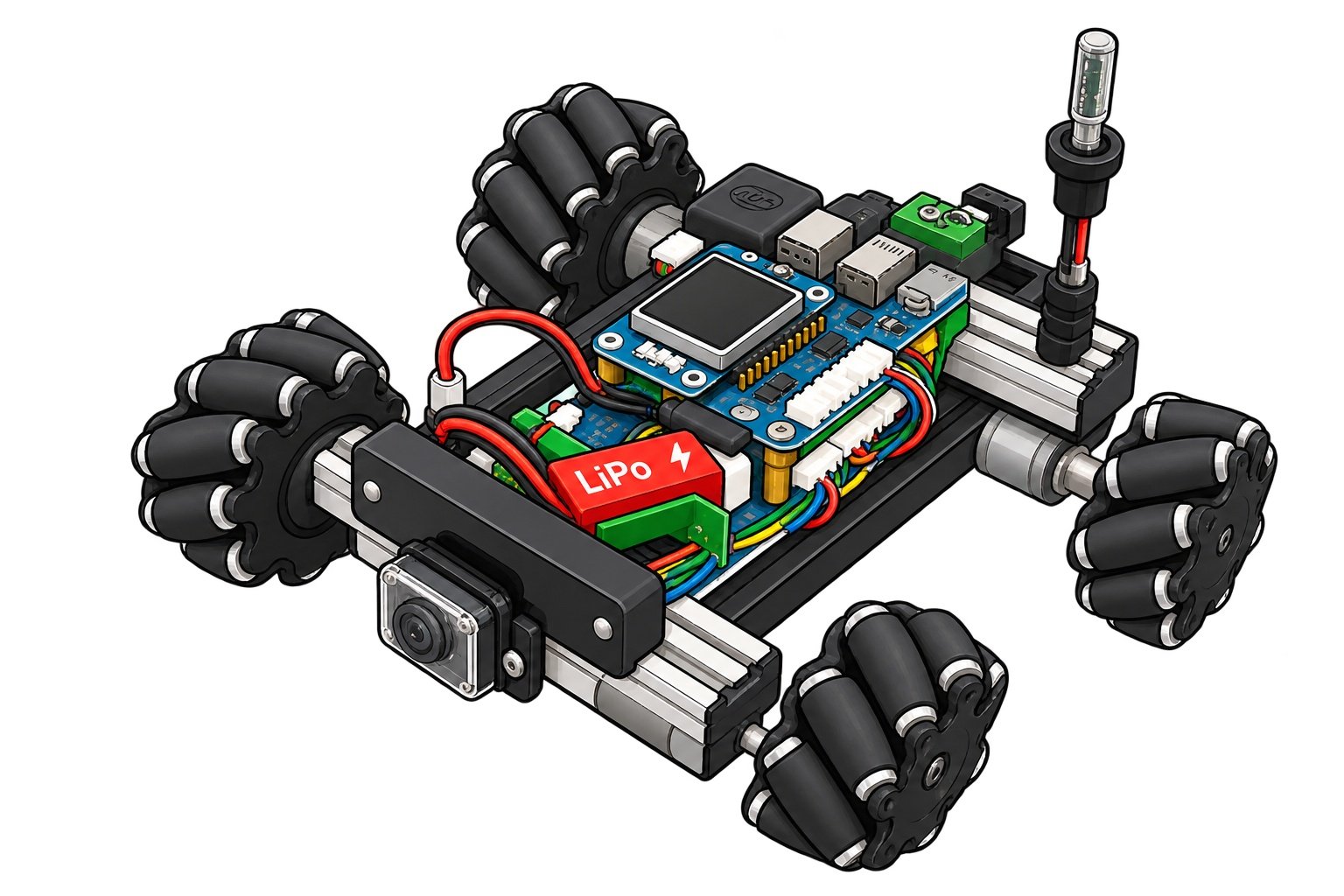 |
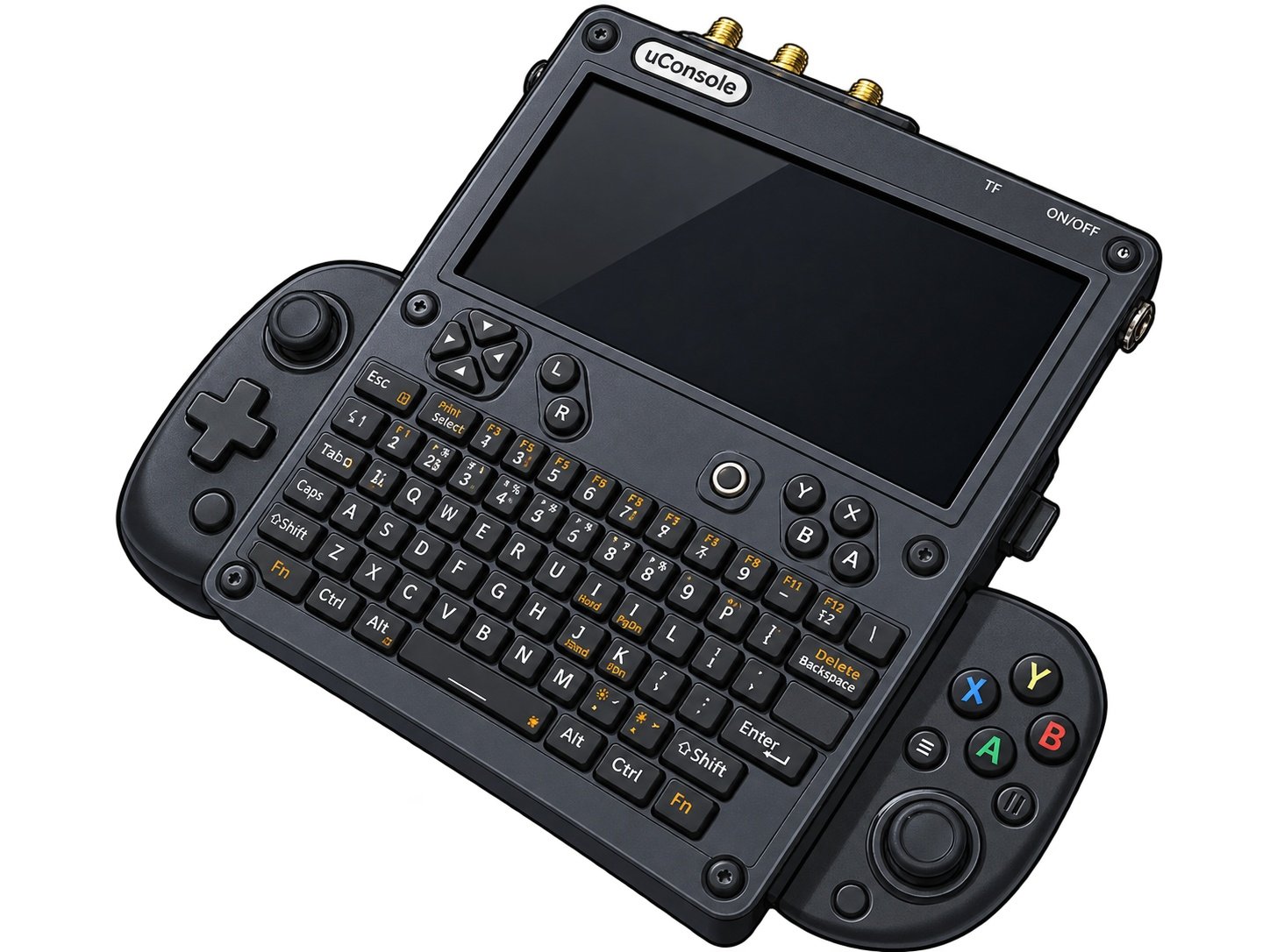
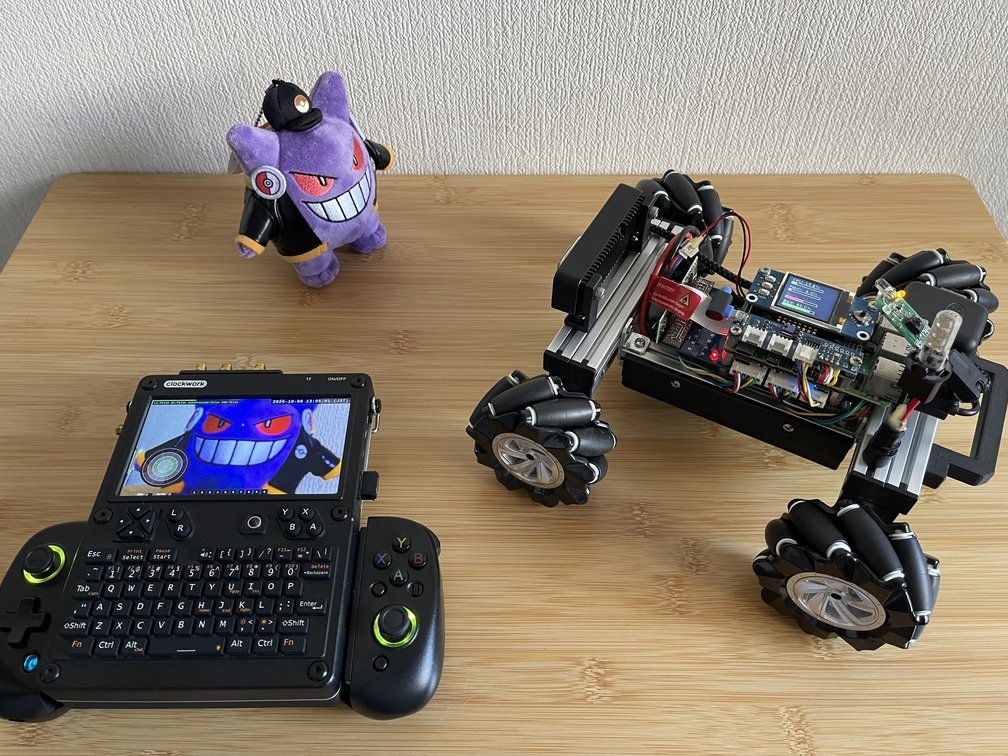
|Comes with a game controller|uConsole+TriClops|Cartoon-style|
### Overview
[RVCS](https://gitlab.com/teamknox/rvcs) is a web app whose name stands for `Rover/RoboCar Vision and Control System`; it is [TriClops](../../../robocar/_index.md)' operating system designed specifically [for uConsole](../../../../gadgets/console/10_uconsole/_index.md).
 |
 |
|Date and Time of Visit|Order|Price|
|---|---|---|
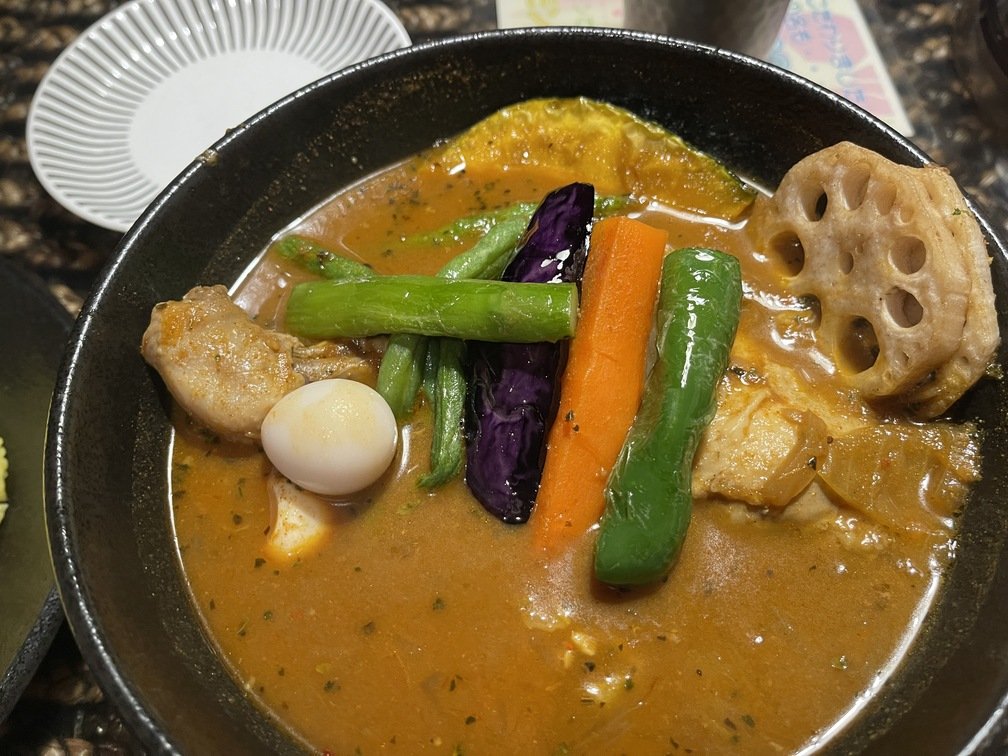
|2026-09-30 11:30|Chicken Curry|1,680 yen|
- **Thoughts**
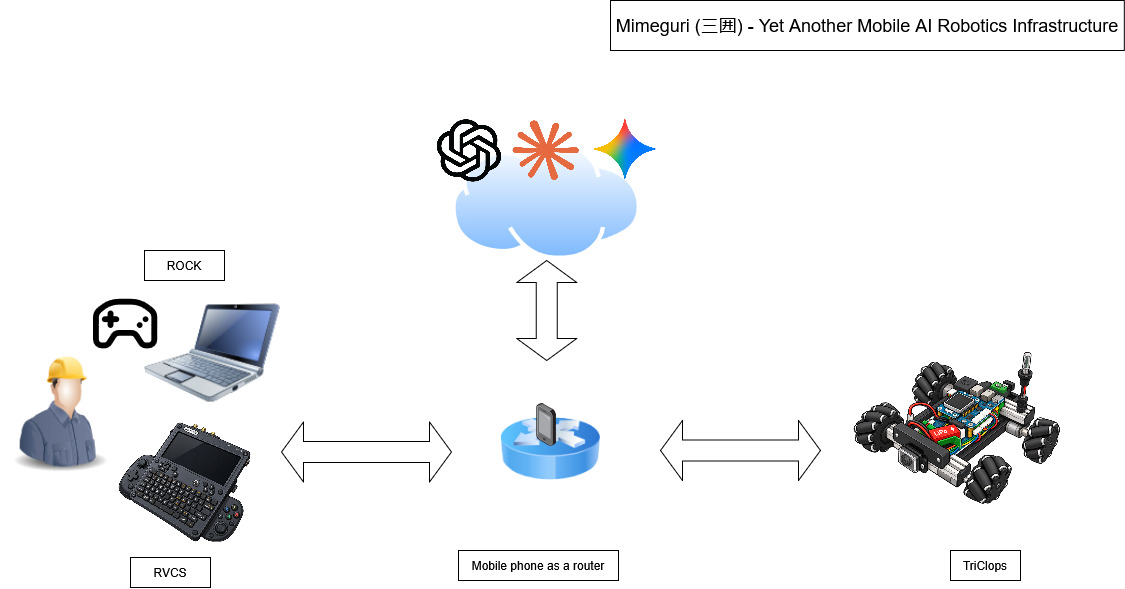 If we define **applications that** run **in a web browser** as **web apps**,” then `Mimeguri` is undoubtedly the foundation for web **apps**. That’s right—it’s **web app development** **on on-premises servers**. However, what sets this apart from typical **web app** development is that it requires knowledge and experience with devices—such as sensors—and robotics to implement.
### Software Architecture (Web Application Components and Device Components)
`TriClops` I will explain the software components that make up the system. The core device of `TriClops` is **the Raspberry Pi** 4 **(hereinafter referred to as “Raspberry Pi”)**. Although **it** is incredibly small, it serves as **an on-premises server** for `Linux`. Therefore, software development is carried out on the server. In other words, it is used as a development environment for **the**`Linux`**system**.
 |
 |
|Date and Time of Visit|Order|Price|
|---|---|---|
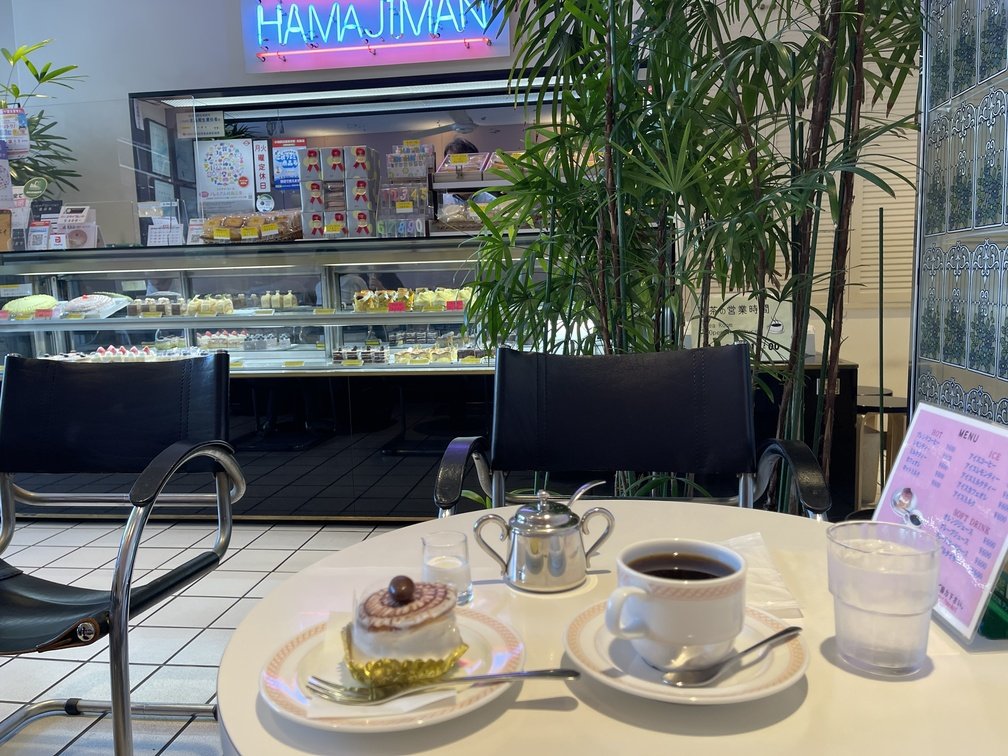
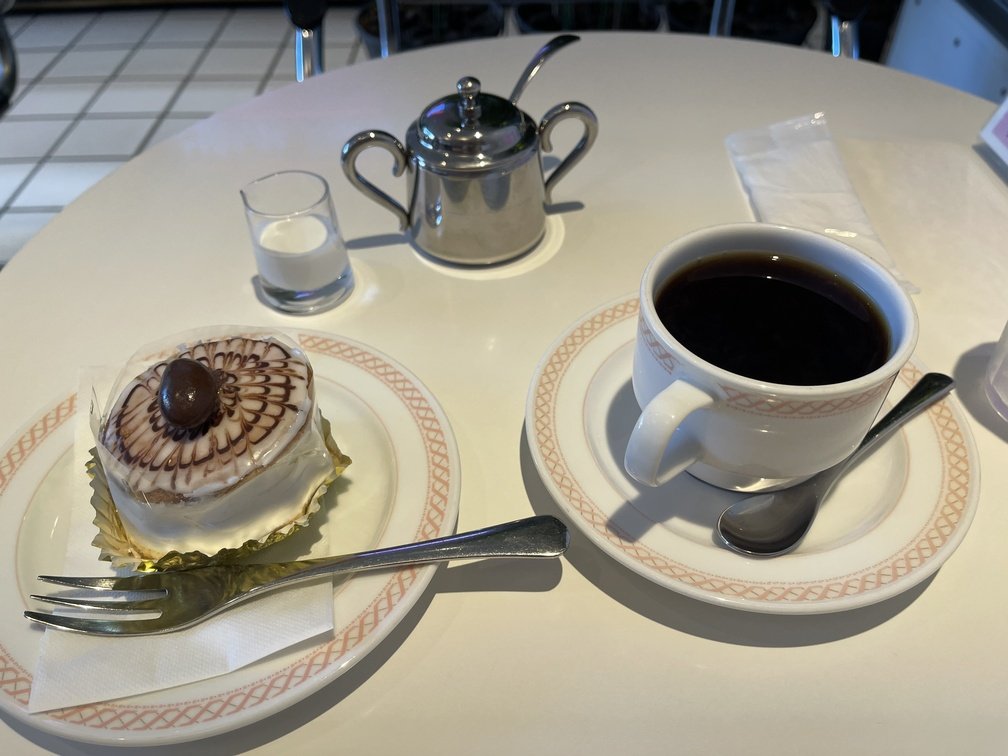
|2026-10-01 15:15|Cake Set|1,100 yen|
- **Thoughts**
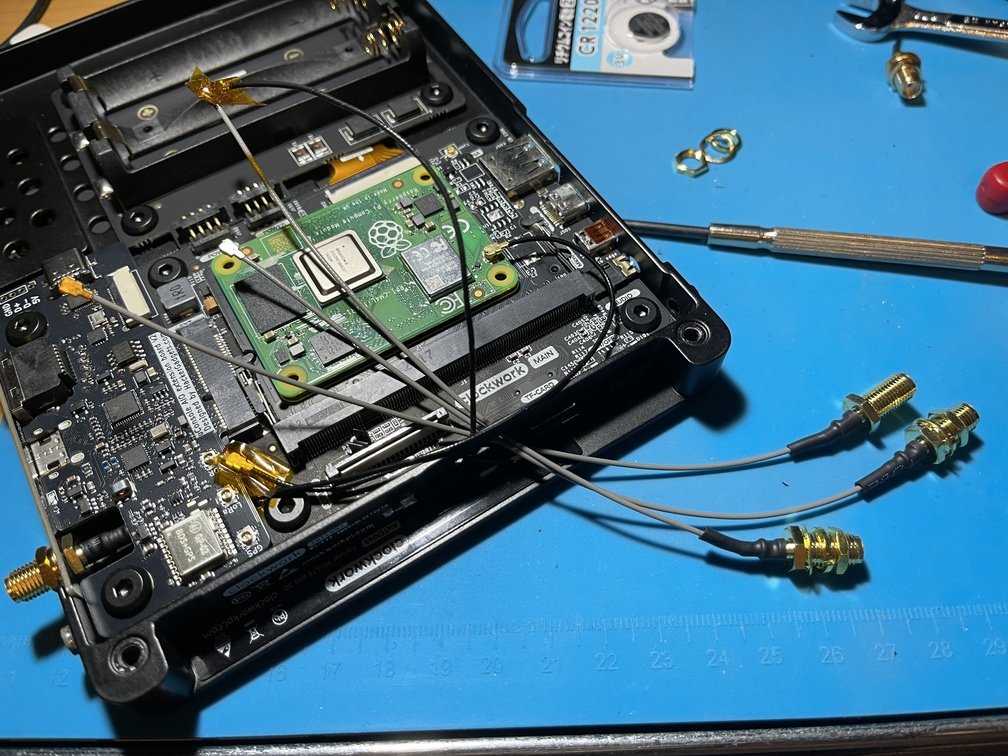
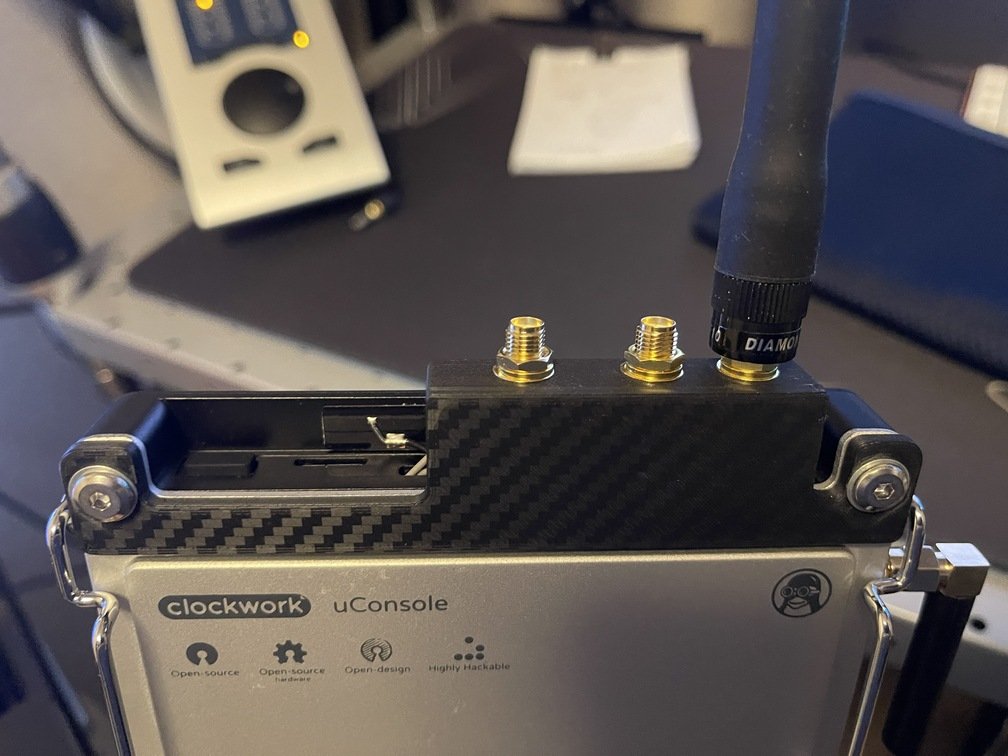
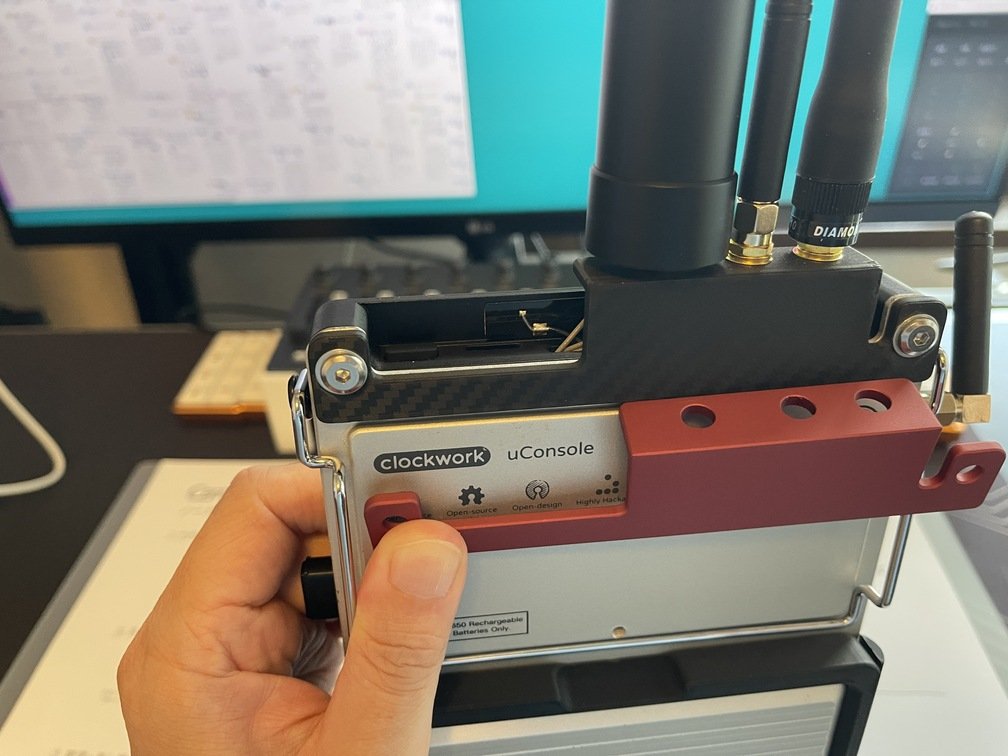
| Connecting the Internal Antenna Terminal | Antenna Installation | |
|---|---|---|
 |
 |
 |
| Modifying SDR++ | Description |
|---|---|
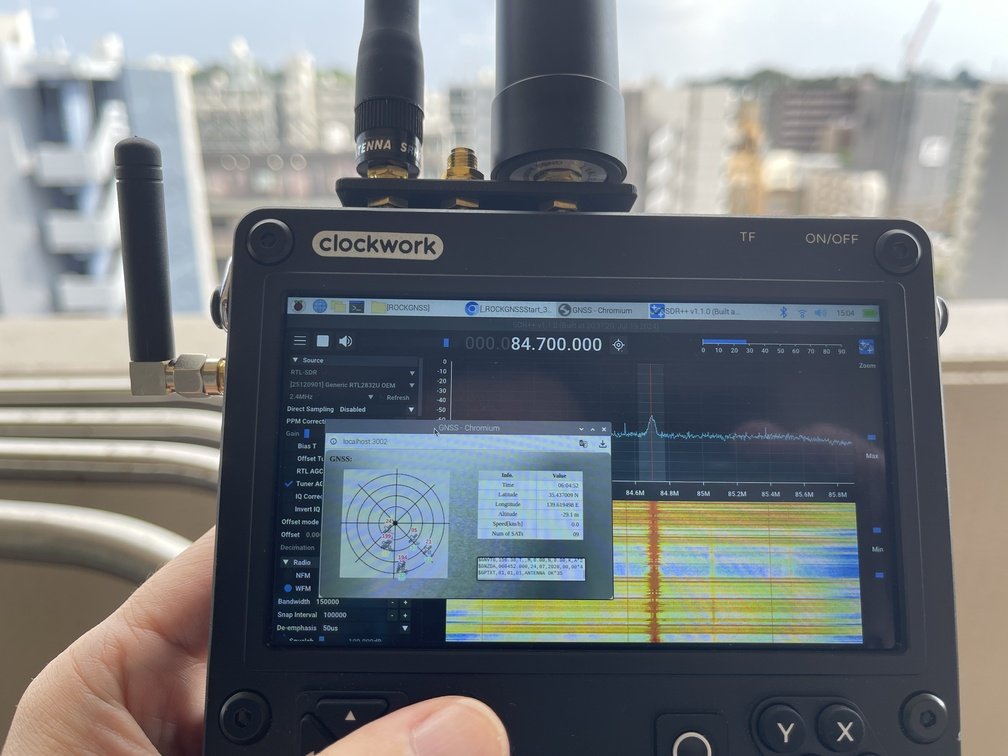 |
The following control software can be used:SDR++. Originally, the following tools were available for external control:rigctl; however, these commands have been extended to make external control easier. Several commands have been expanded, enabling integration withTrinity. |
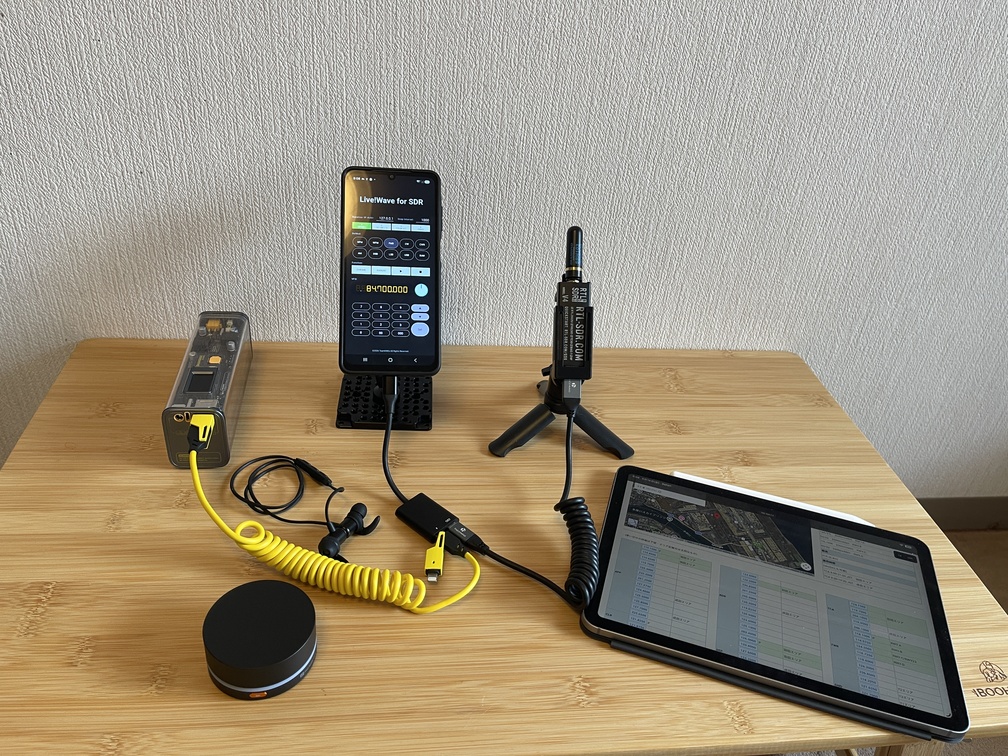 |By connecting various devices, you can create an even more comfortable viewing environment.|
|Jog Dial|Description|
| :---: | :--- |
|
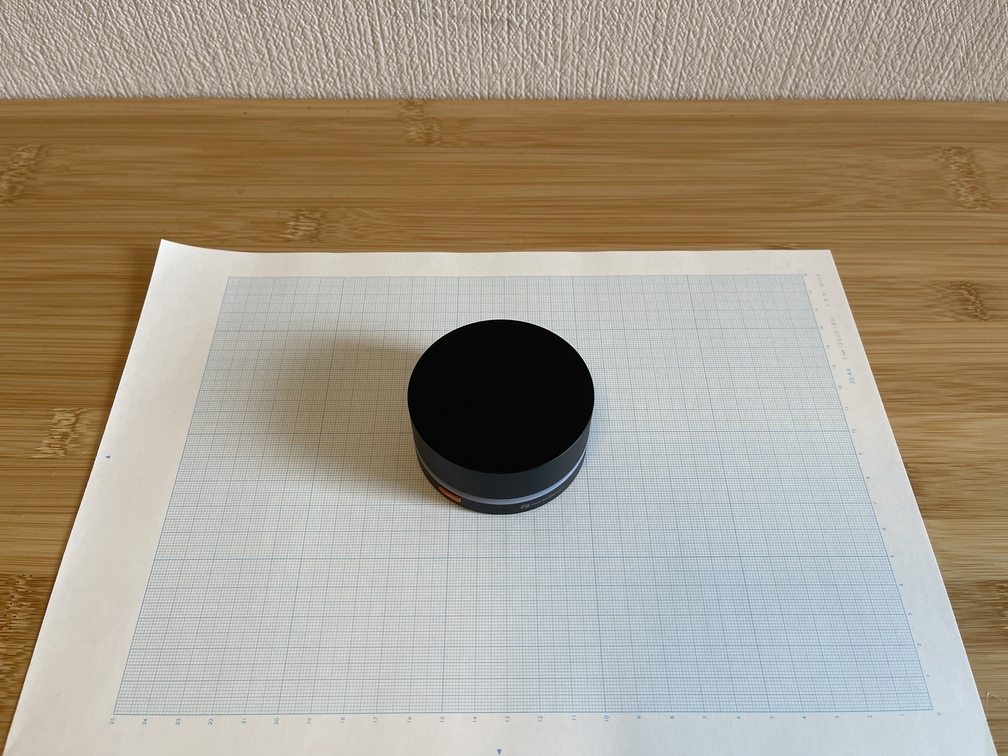 |When the `Live!Wave for SDR` or `9GRadio` is active, you can intercept the input from the [Fosi Audio VOL20](https://fosiaudio.co.jp/products/vol20-bluetooth-volume-control-knob) and use it as a jog dial for VFO control.|
|Bluetooth Earbuds|Description|
| :---: | :--- |
|
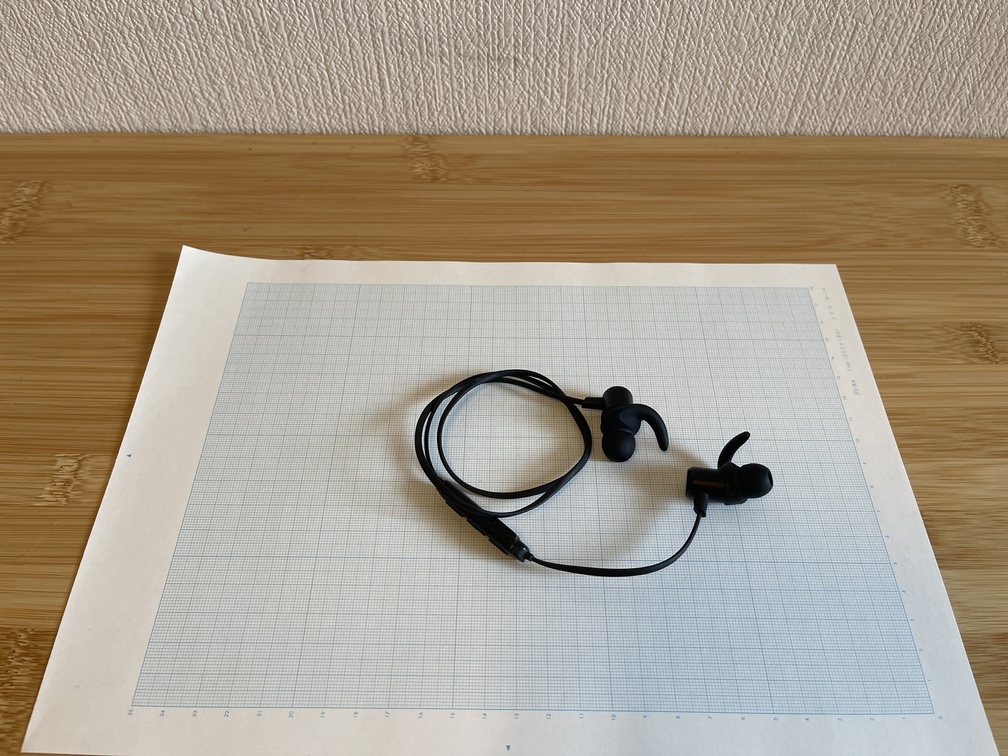 |I'm using the "`AVRCS`" feature that comes standard with BT earbuds to assign the "`Play/Pause`" button to the On/Off function of "`9GRadio`."|
|Cheese Plate + Flexible Arm|Description|
| :---: | :--- |
|
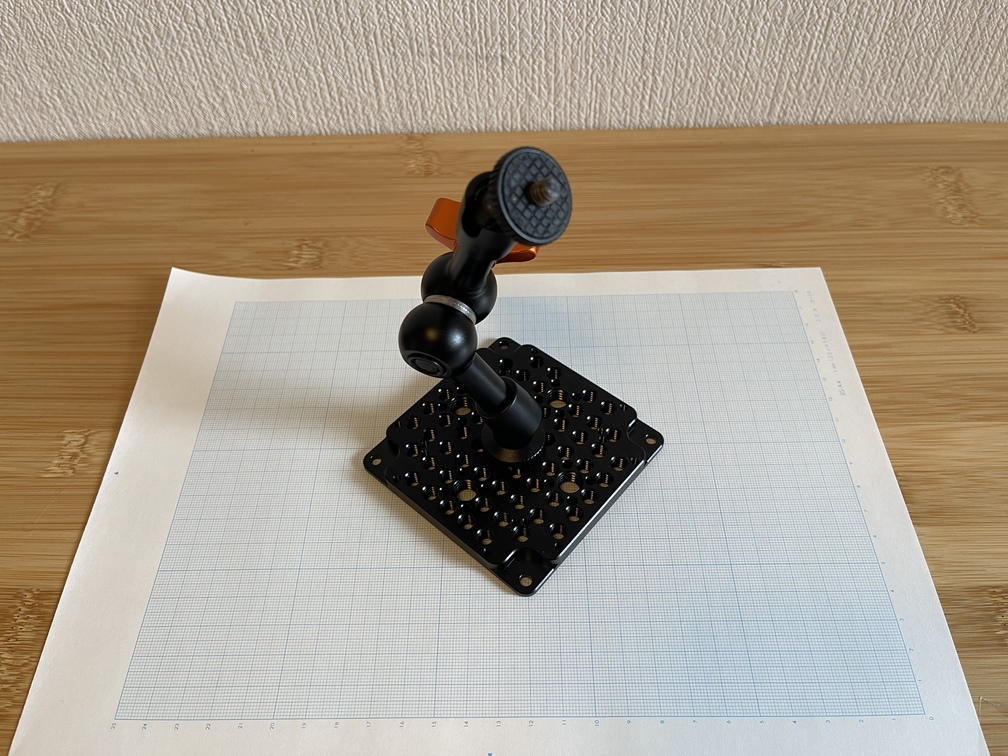 |Using the tripod mount—a smartphone case that has been modified with a cheese plate and a flexible arm—you can securely position your smartphone however you like. [↗](https://www.amazon.co.jp/dp/B09QBY5ZFJ?ref_=ppx_hzsearch_conn_dt_b_fed_asin_title_2) [↗](https://www.amazon.co.jp/dp/B0DZHMST1S/ref=pd_bxgy_d_sccl_2/358-0891028-7216001?pd_rd_w=F8J3R&content-id=amzn1.sym.fb3df7da-4601-4c73-b94b-e275cd0eb364&pf_rd_p=fb3df7da-4601-4c73-b94b-e275cd0eb364&pf_rd_r=HEBGCCV6ZGG452NGF2NQ&pd_rd_wg=s9VgL&pd_rd_r=02e747c5-d262-470d-9a4f-570128a35ad2&pd_rd_i=B0DZHMST1S&th=1)|
|Compact Tripod|Description|
| :---: | :--- |
|
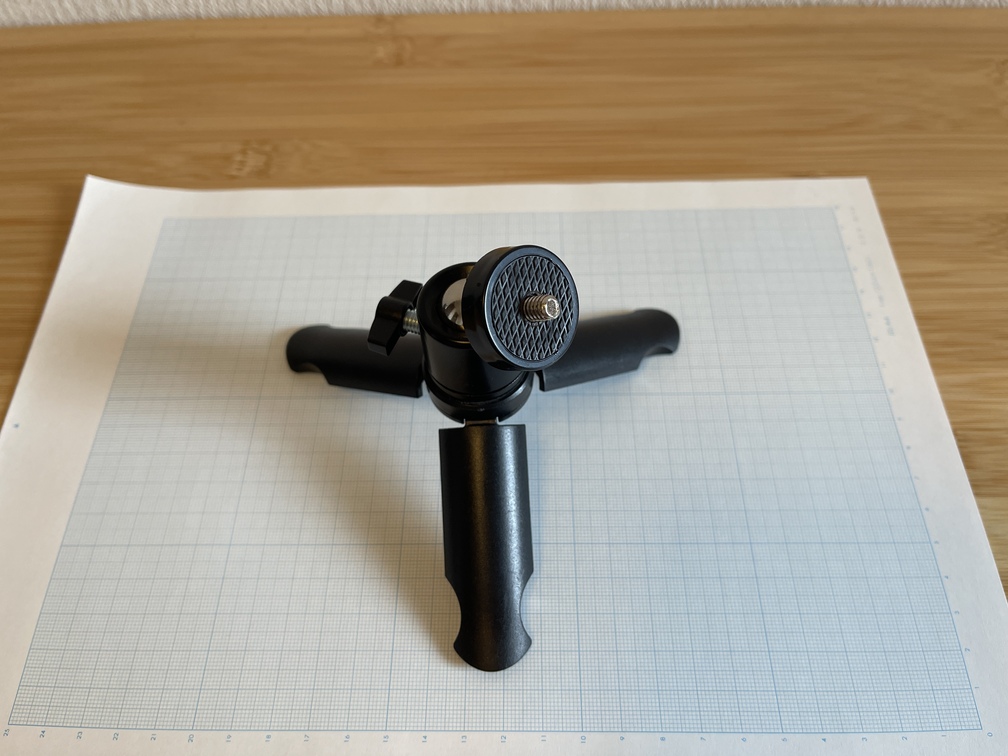 |`RTL-SDR V4` Placing it away from your smartphone gives you more flexibility with the antenna.|
|Tablet|Description|
| :---: | :--- |
|
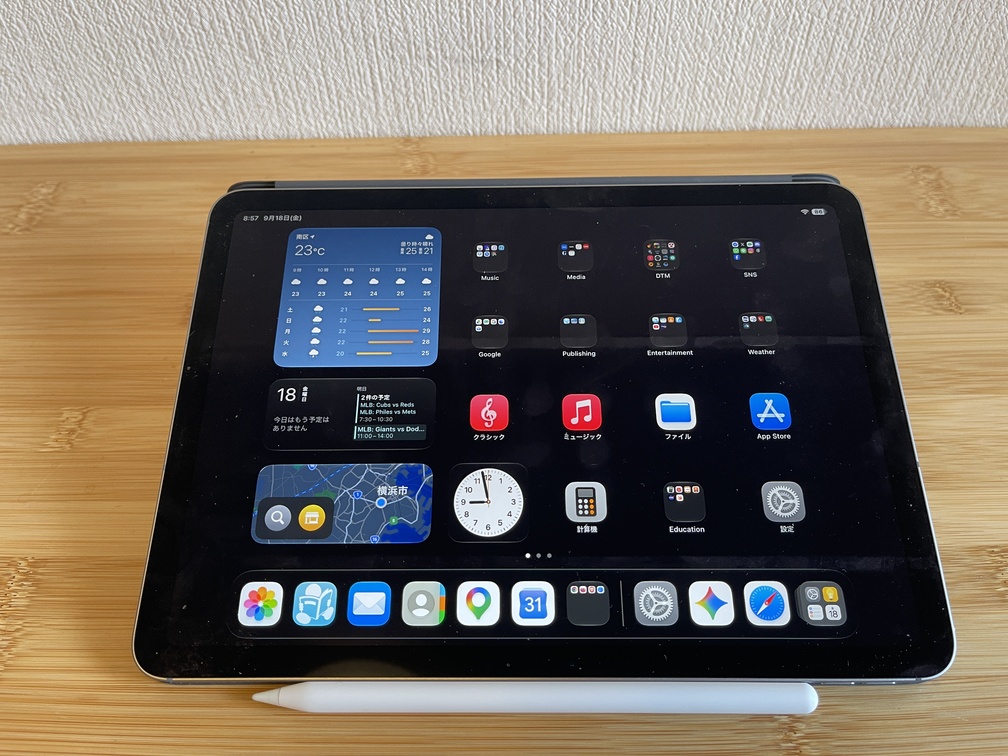 |`t-t-t` This improves the readability of the frequency information when setting frequencies.|
|Power Banks and Charging Adapters|Description|
| :---: | :--- |
|
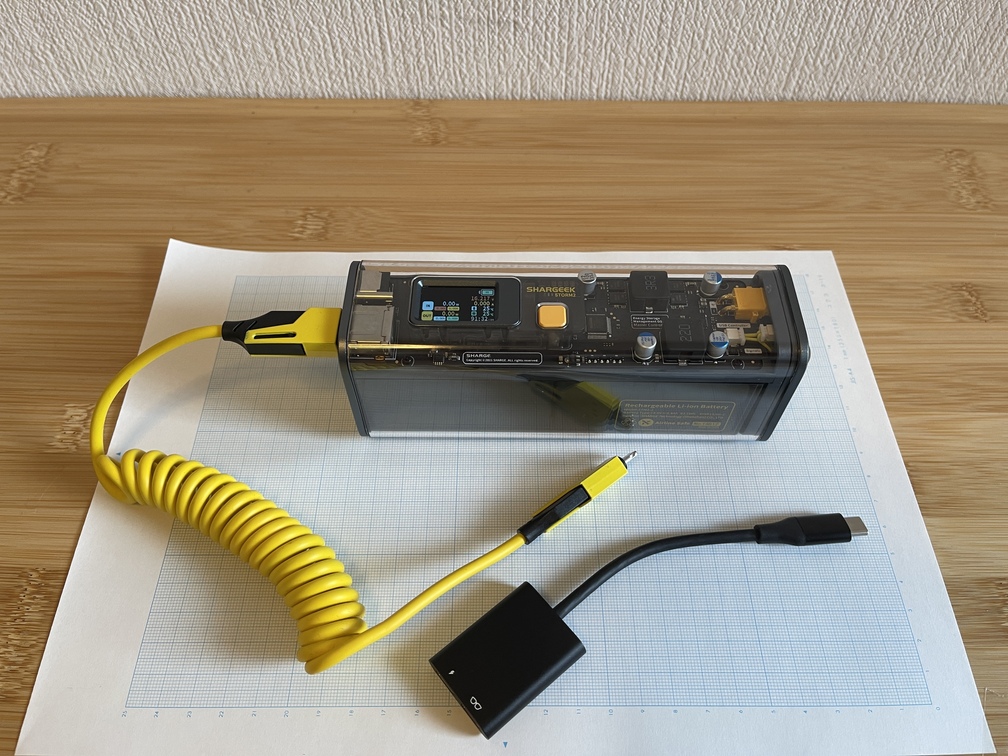 |The SDR dongle is powered by the main unit. If you use [a power adapter](https://www.amazon.co.jp/dp/B0DH42CQFP?ref_=ppx_hzsearch_conn_dt_b_fed_asin_title_12&th=1) to draw power from [a portable battery](https://sharge.com/products/storm2) or an AC adapter, you won't have to worry about the power supply.|
---
## Auxiliary
URL: https://teamknox.com/en/tech/robotics/robocar/auxillary/
---
## Devices
URL: https://teamknox.com/en/tech/devices/
An Introduction to the Various Devices We Have Developed So Far
---
## Hobbies
URL: https://teamknox.com/en/hobbies/
`Tech` I'll also be posting records of other challenges.
---
## Lab Tools
URL: https://teamknox.com/en/tech/gadgets/labtools/
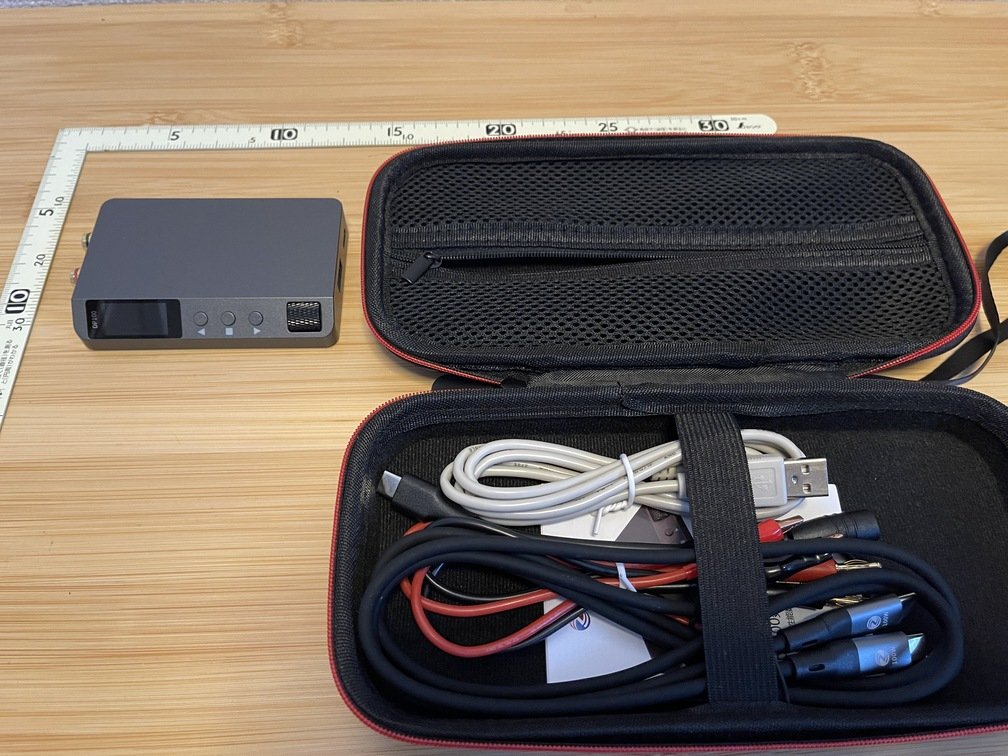
When electronics projects become a hobby, you’ll need a variety of power supplies and measuring instruments for building, testing, and debugging. Here, I’ll introduce **the experimental equipment** that **this old-timer** loves to use. Lately, I’ve really noticed the remarkable rise of Chinese-made products, whether they’re devices or measuring instruments. Unfortunately, it seems **the title of “manufacturing powerhouse”** may be shifting to China…
---
## Dragon and Phoenix
URL: https://teamknox.com/en/life/gourmet/ryuhou/
Date: 2026-10-03
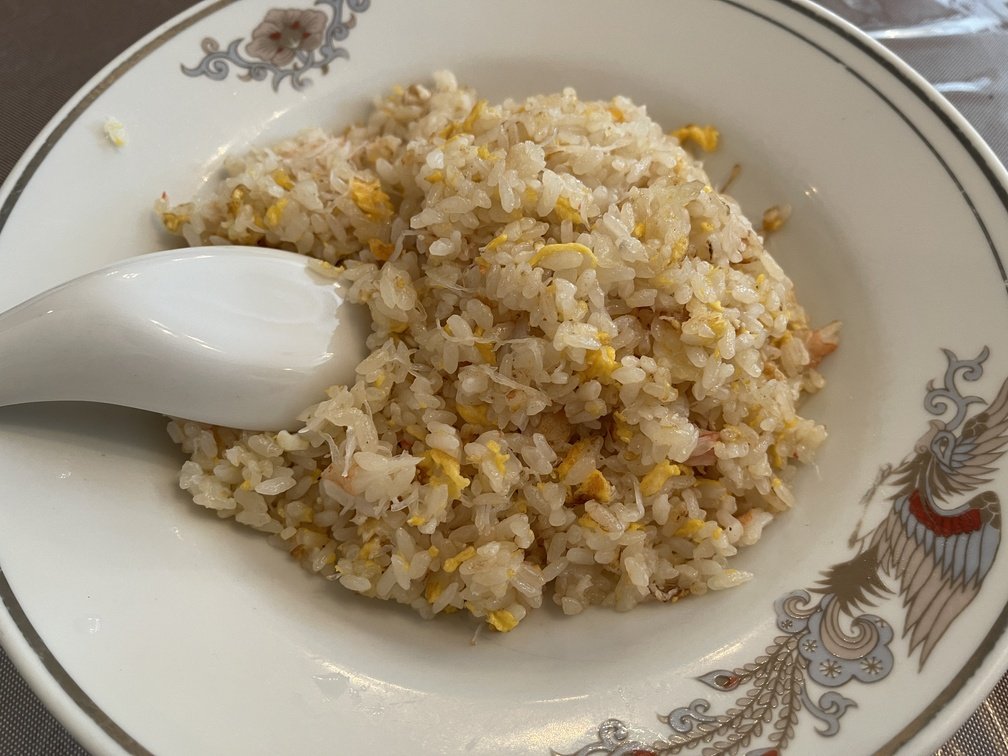
|Overall|Enlarge|Store|
|---|---|---|
|
 |
 |
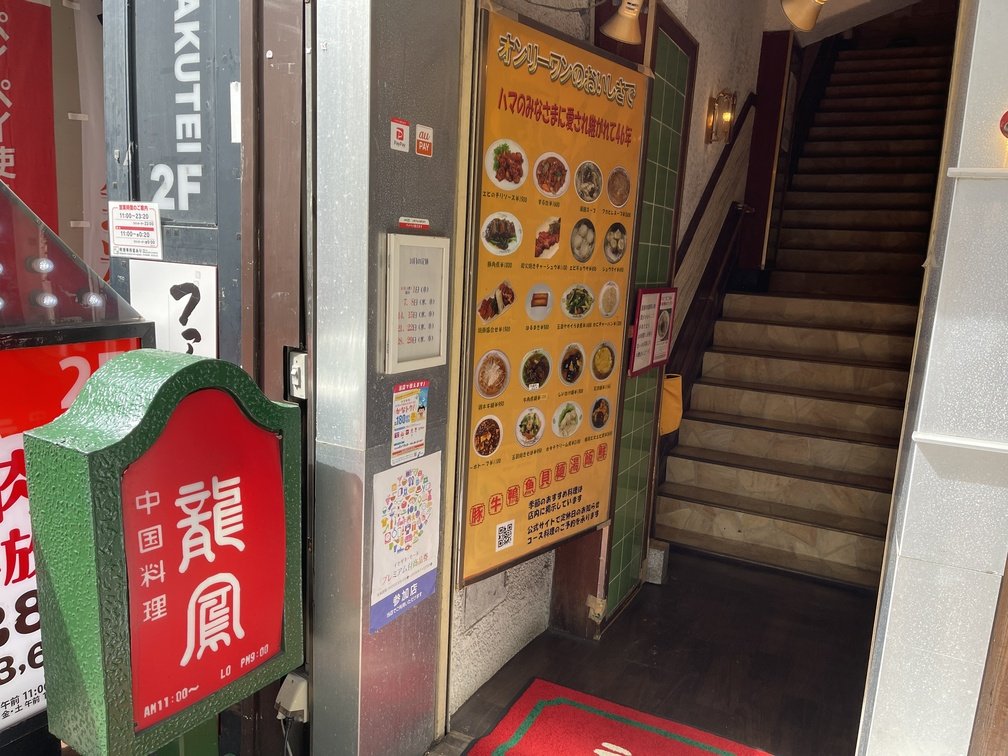 |
|Date and Time of Visit|Order|Price|
|---|---|---|
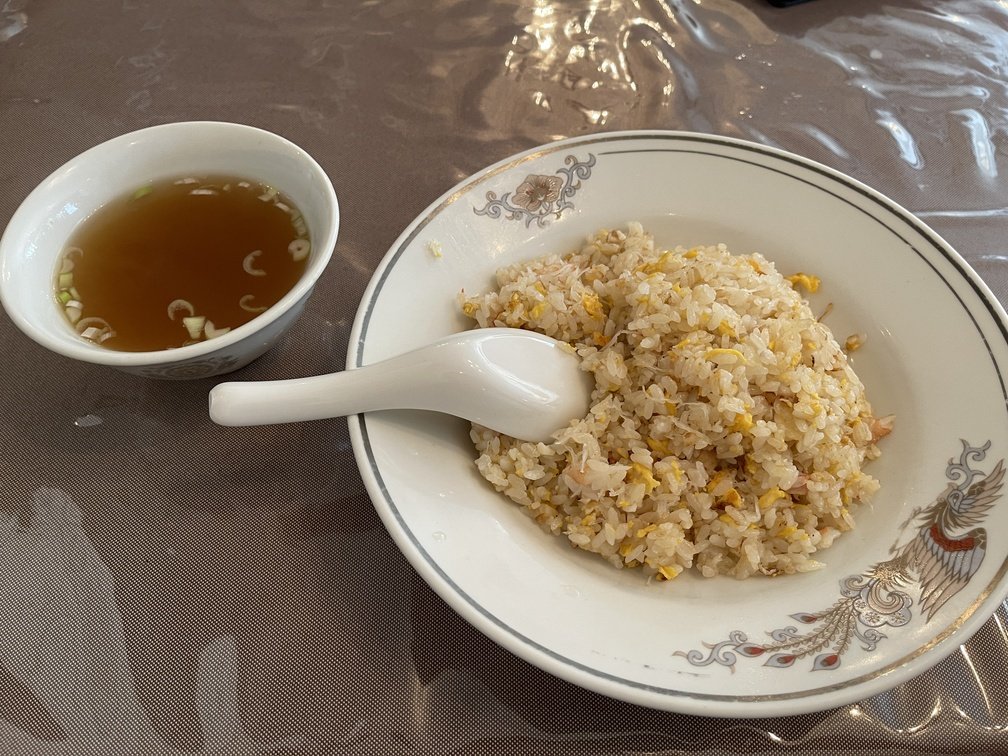
|2026-10-03 11:45|Crab Fried Rice|1,200 yen|
- **Thoughts**
 |
 |
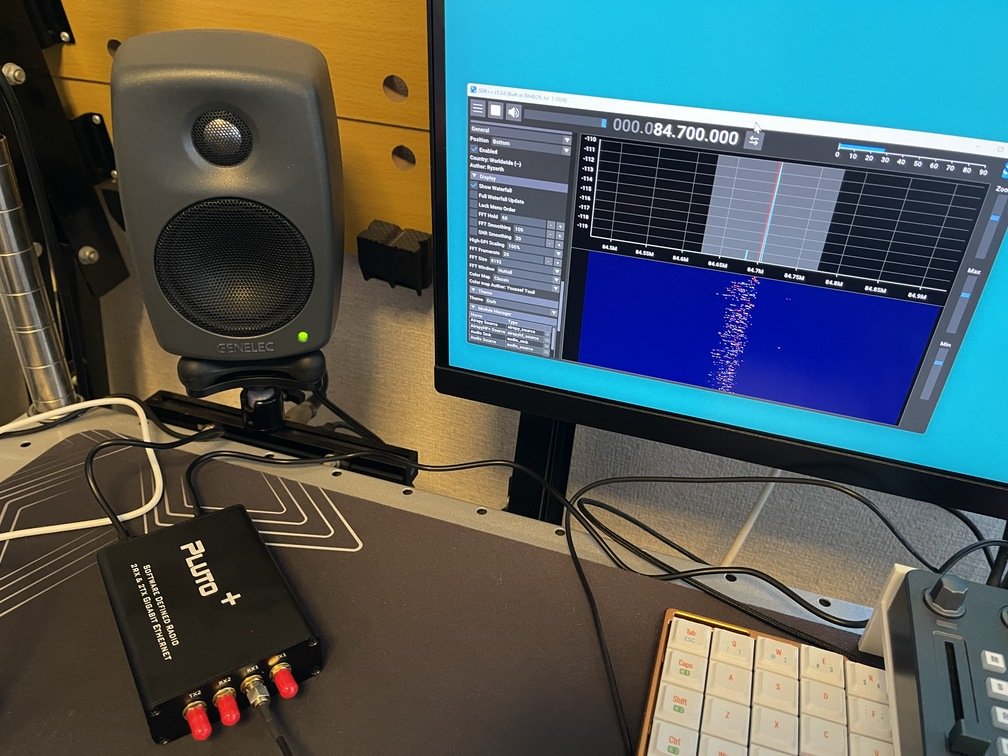 |
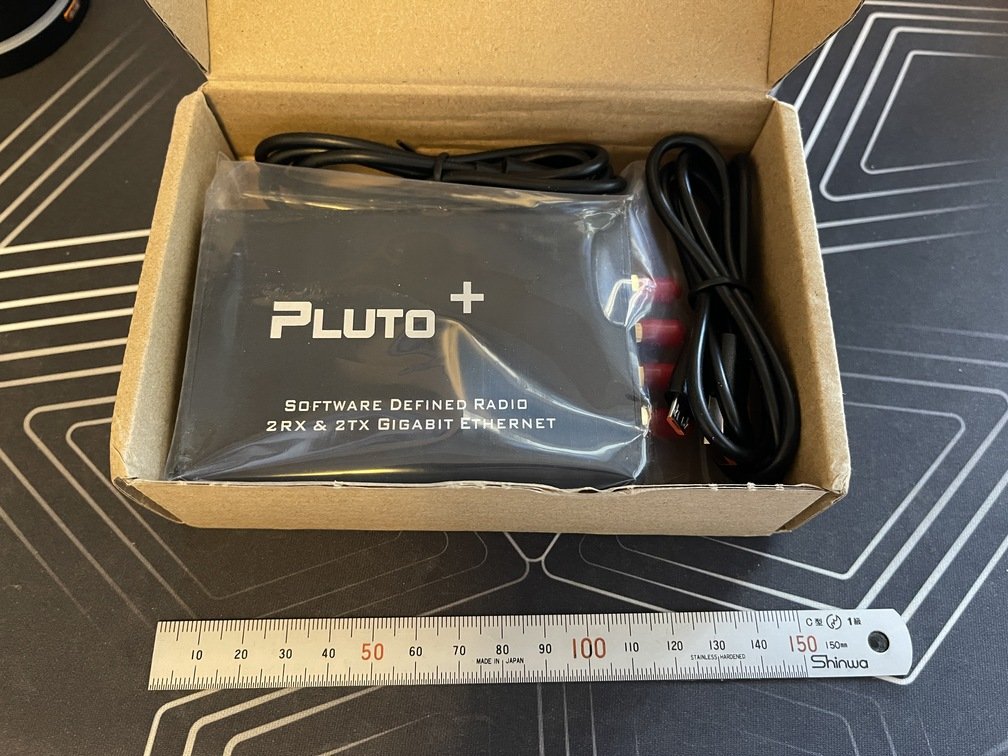
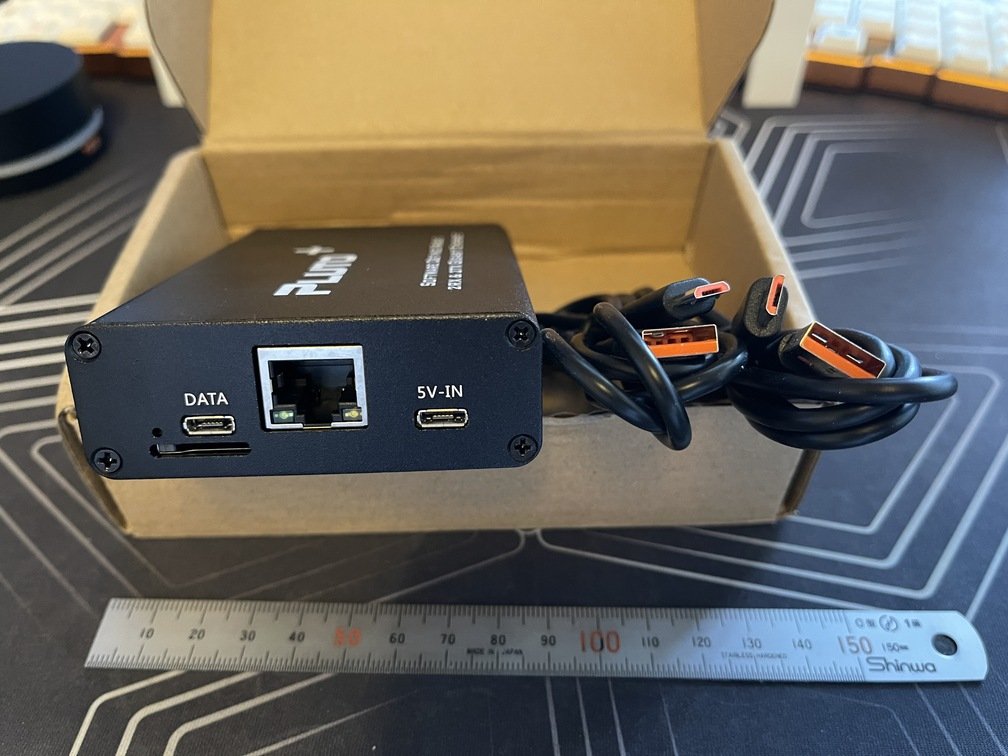
|AliExpress Quality|I feel totally ripped off|It worked, at least.|
### Functionality Test
`SDR++` Since it supports `rigctl` by default, it can be installed in a [Trinity](../Trinity/_index.md) environment.
Tuned by Jog dial (Live!Wave)
t-t-t (Live!Wave Proxy)
 |
 |
 |
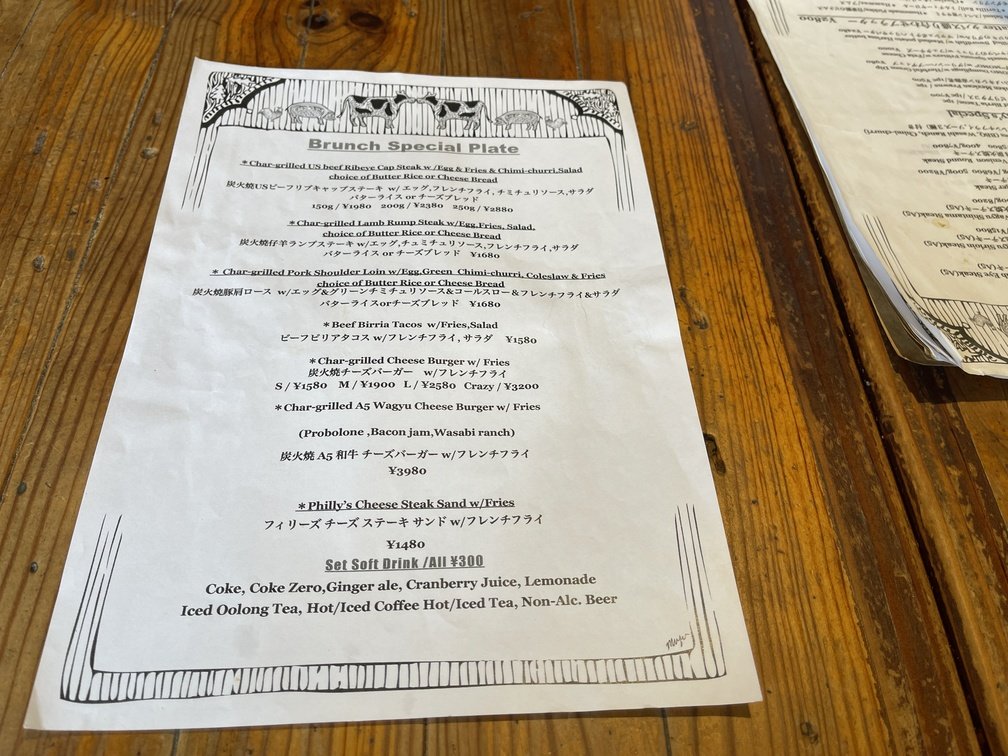
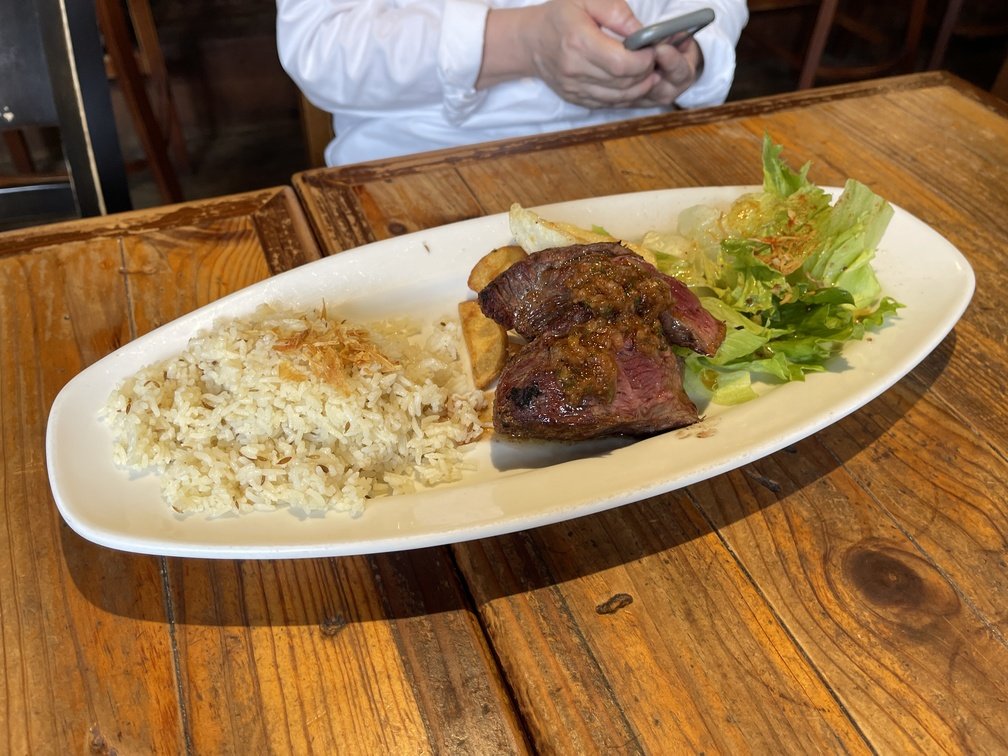
|Menu|Beer|Steak|
|---|---|---|
|
 |
 |
 |
|Date and Time of Visit|Order|Price|
|---|---|---|
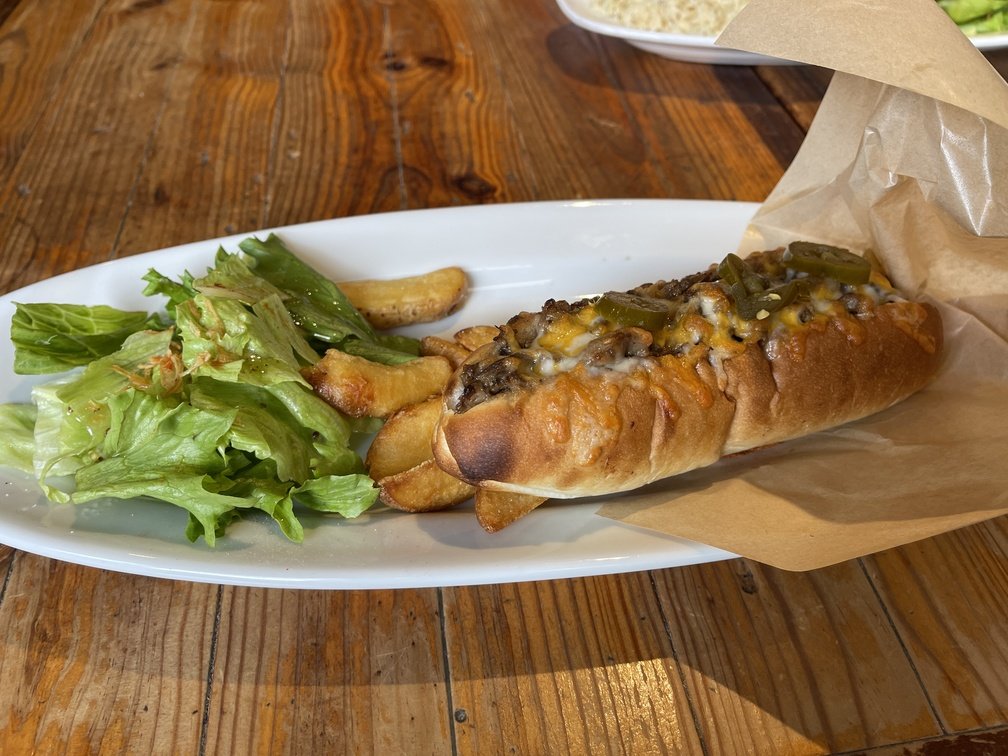
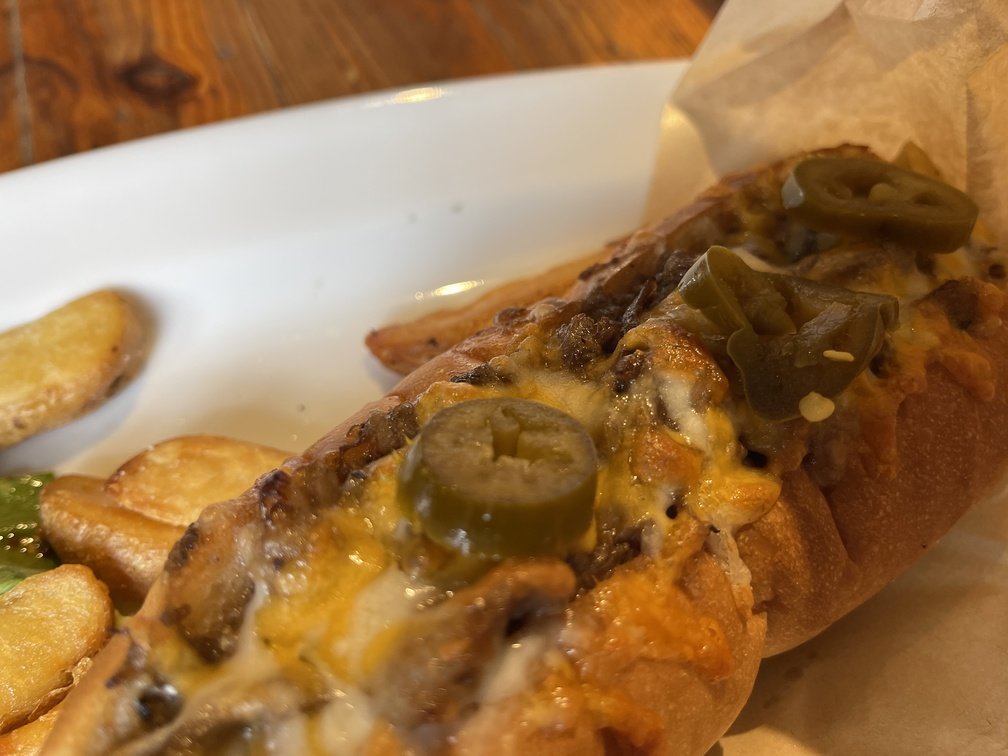
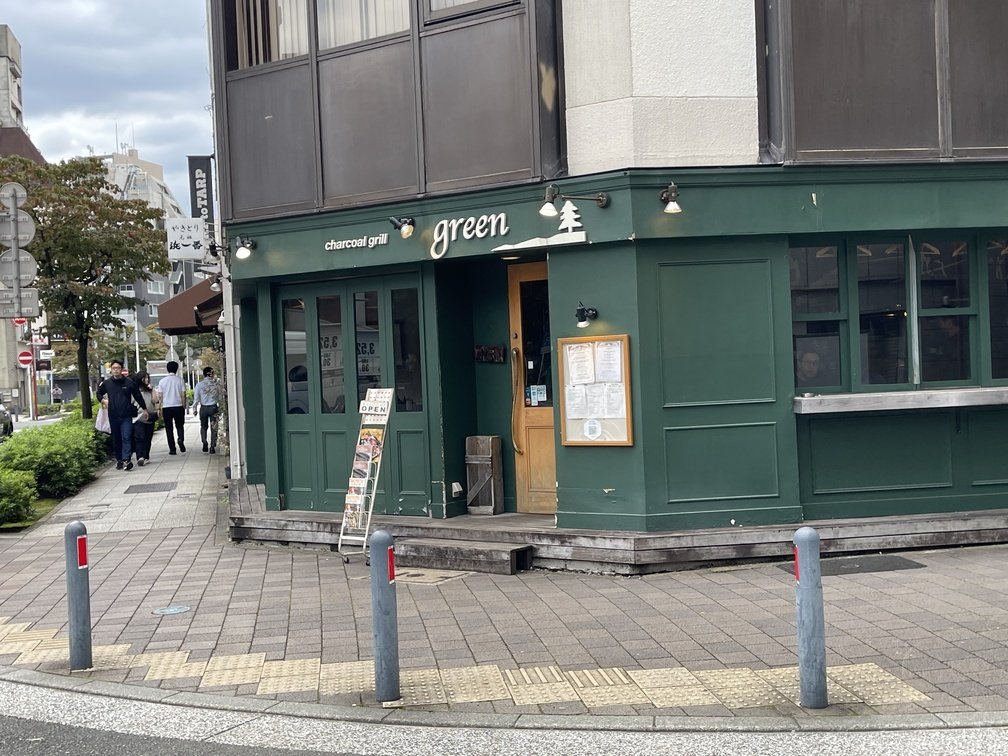
|2026-10-04 12:15|Philly Cheesesteak Sandwich + Beer|2,480 yen|
- **Thoughts**
 |
 |
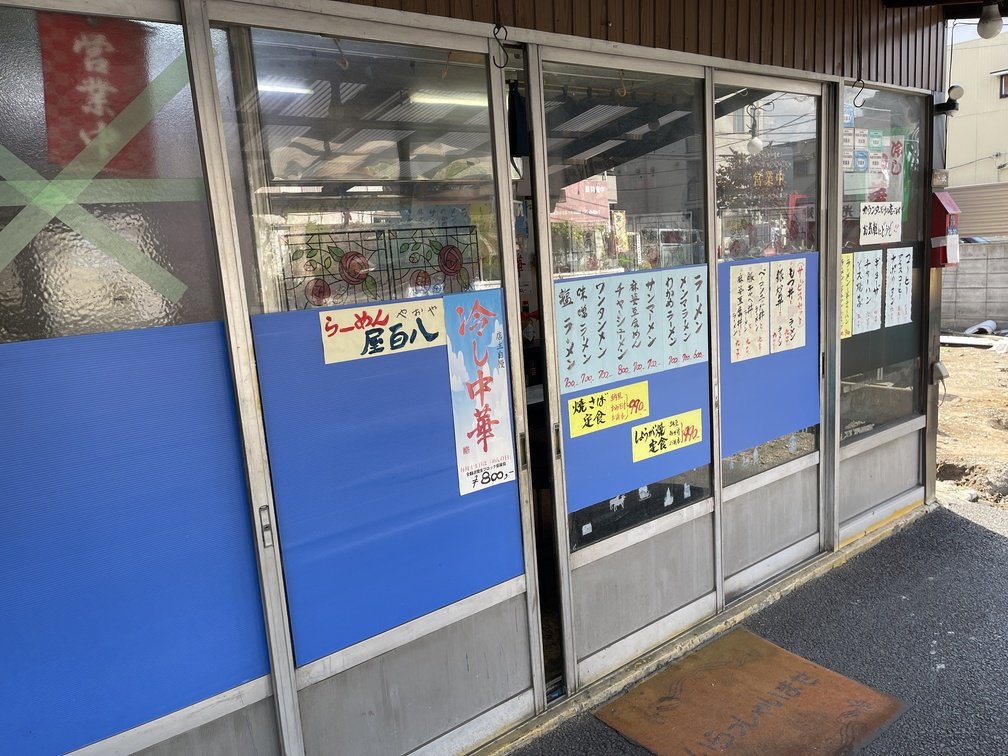 |
|Date and Time of Visit|Order|Price|
|---|---|---|
|2026-10-15 11:30|Ginger Pork Set Meal|990 yen|
- **Introduction**
 |
 |
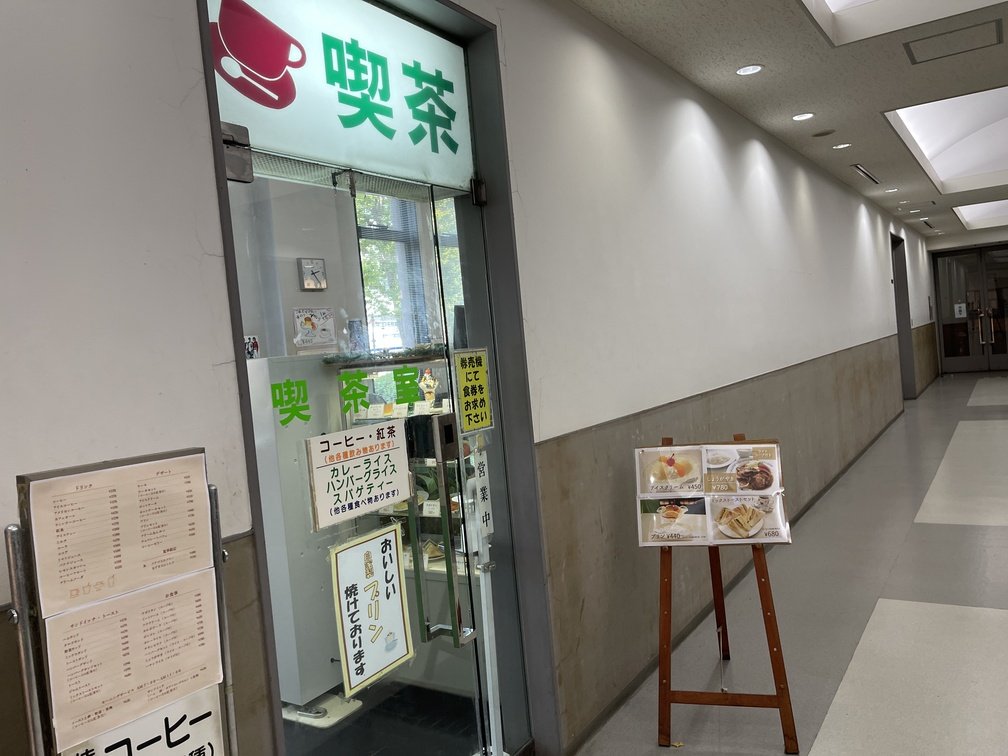 |
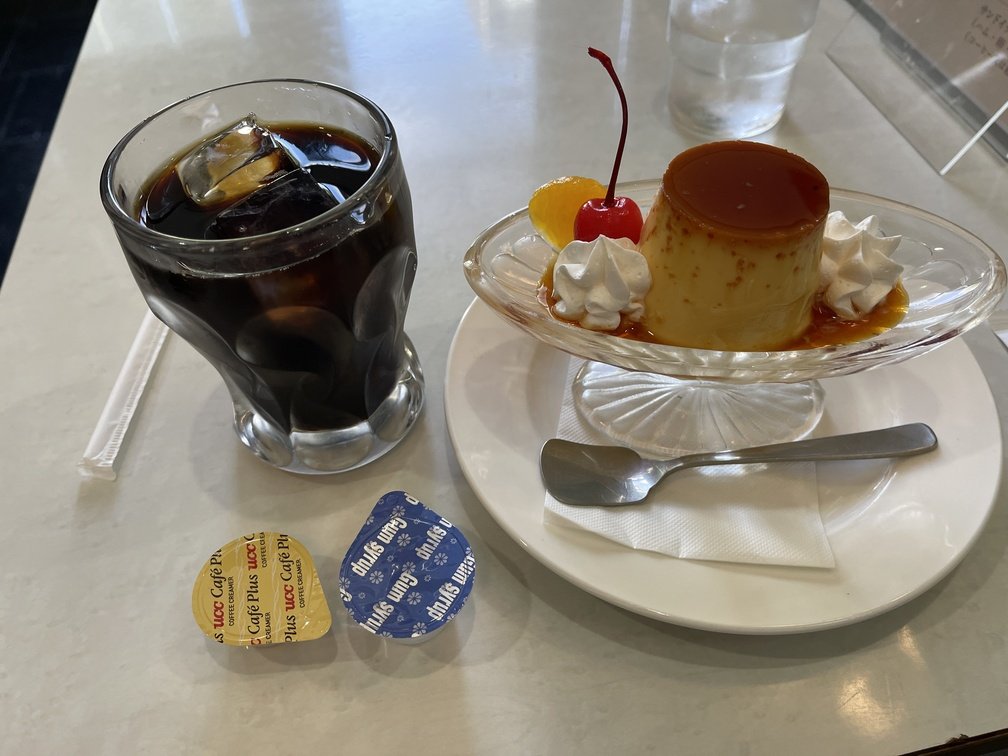
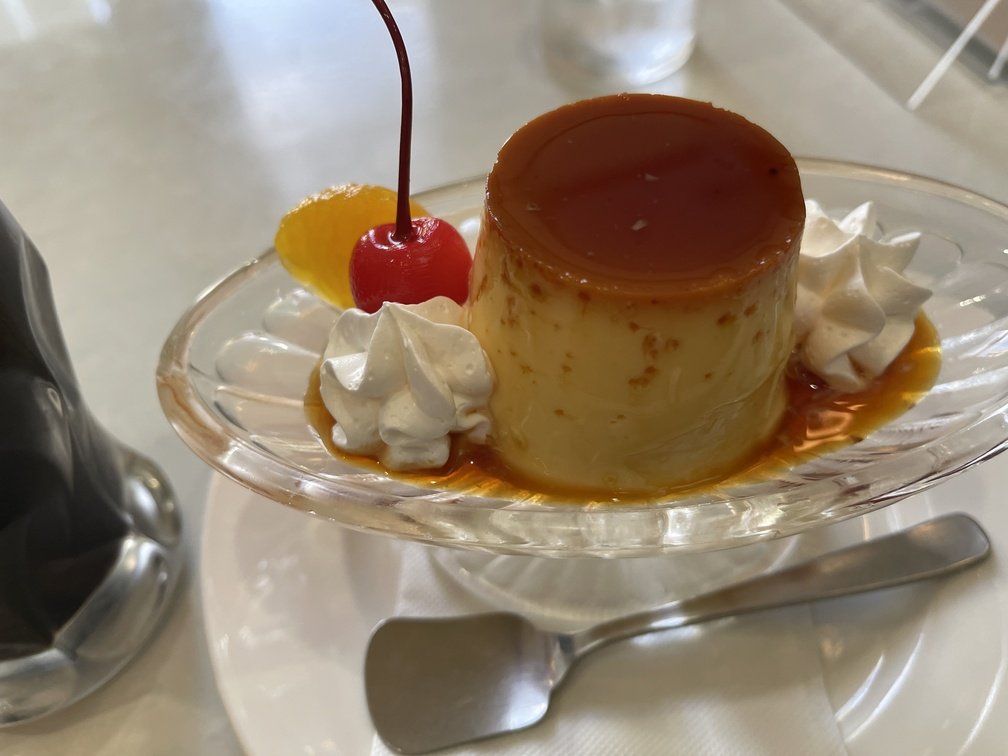
|Date and Time of Visit|Order|Price|
|---|---|---|
|2026-10-16 15:15|Pudding Set|730 yen|
- **Introduction**
 |
 |
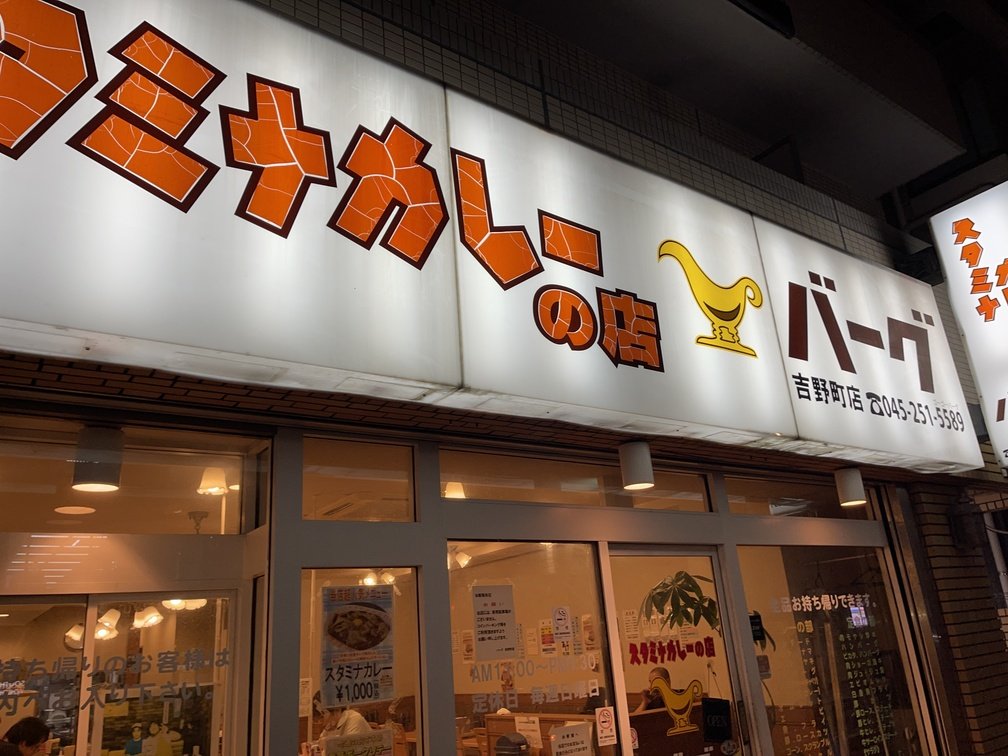 |
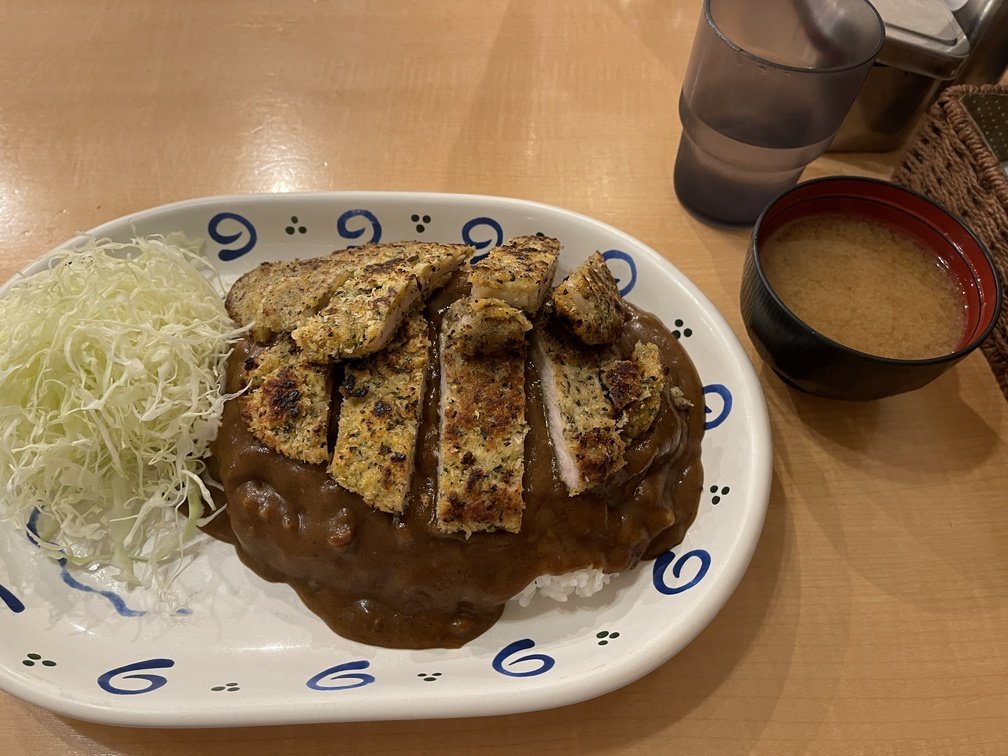
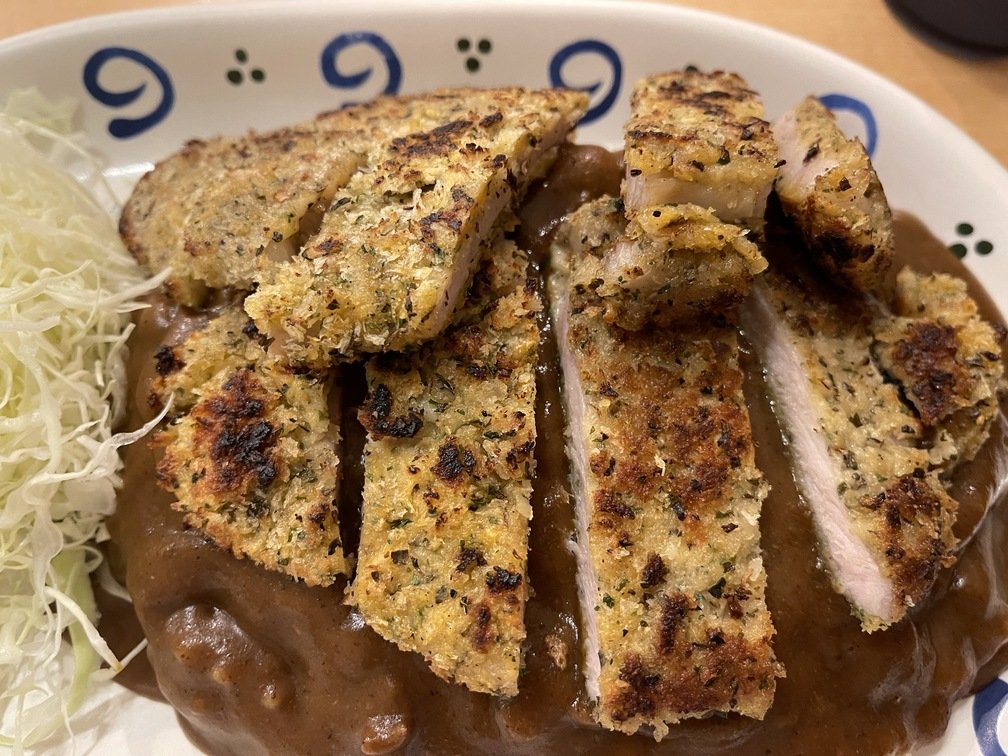
|Date and Time of Visit|Order|Price|Cashless|
|---|---|---|---|
|2026-10-16 18:00|This Week's Recommendations|1,200 yen|No credit cards accepted; cash only|
- **Introduction**
 |
 |
 |
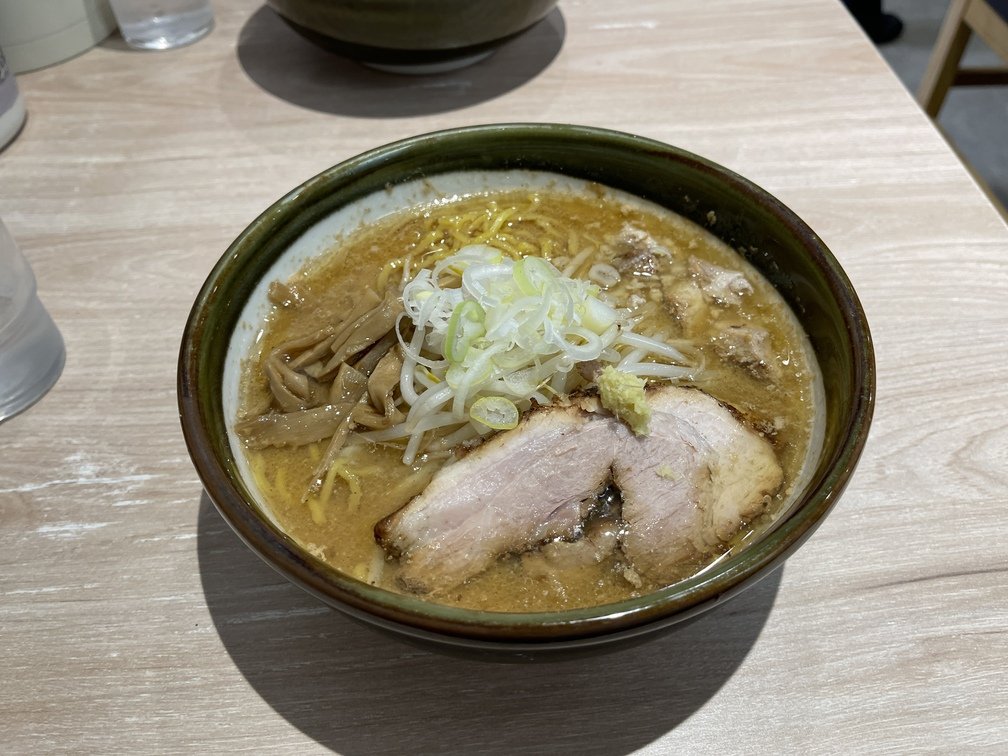
|Date and Time of Visit|Order|Price|Cashless|
|---|---|---|---|
|2026-10-18 12:00|Miso Ramen|1,200 yen|No credit cards accepted; cash only|
- **Introduction**
 |
 |
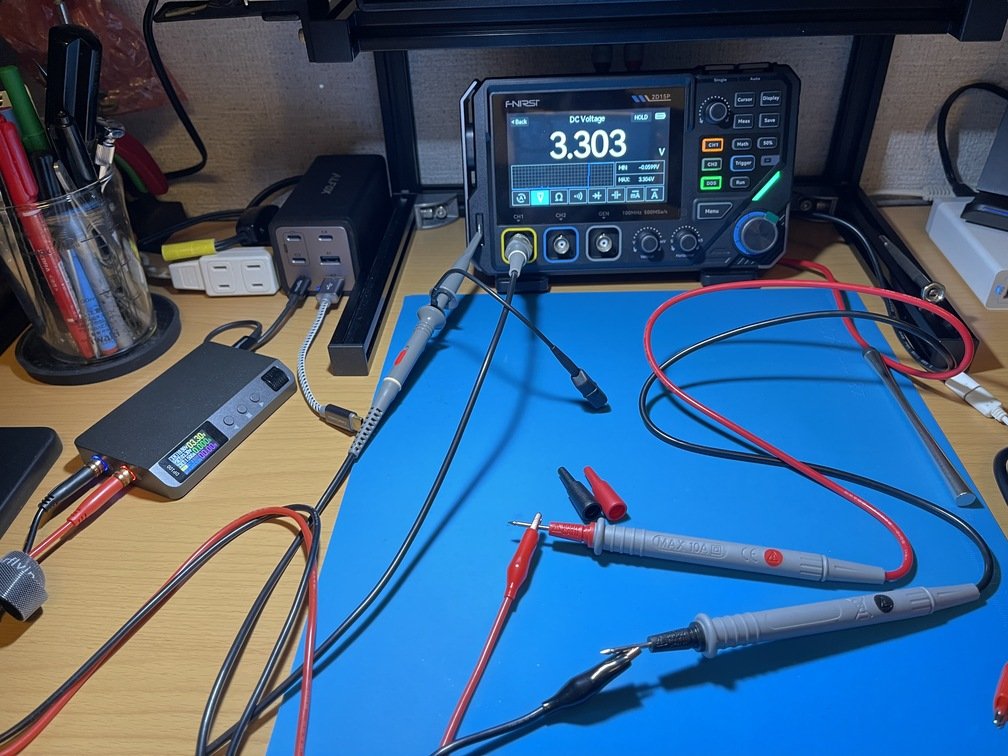 |
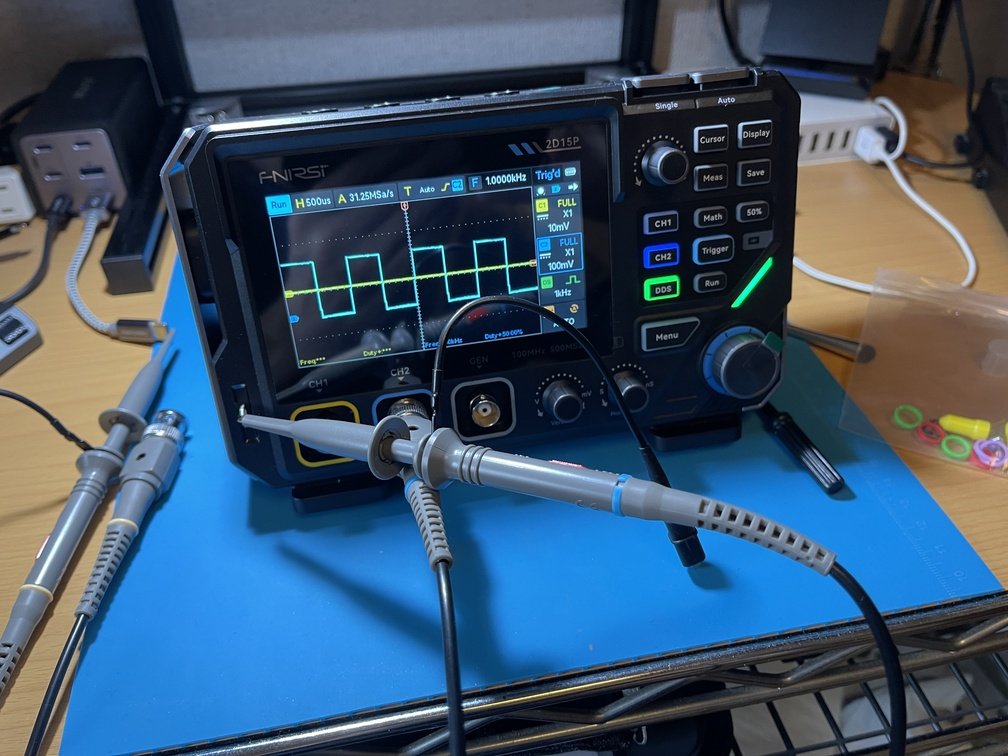
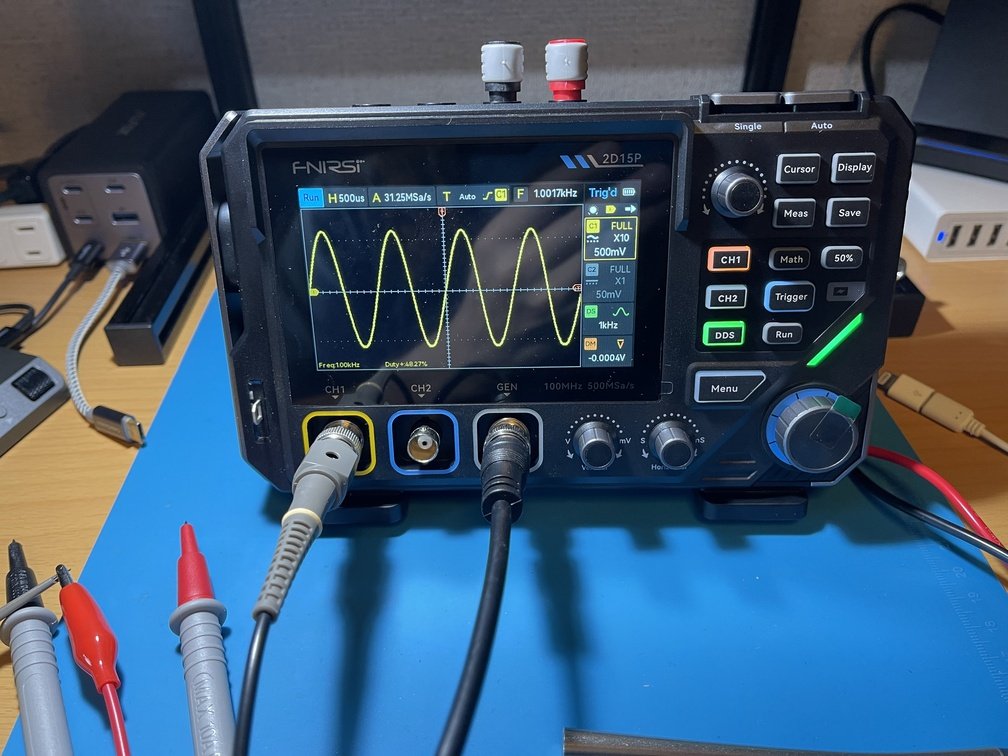
|Adjust the probe by observing the edges of the square wave|The built-in oscillator is independent|Versatile Features|
- **Background**
 |
 |
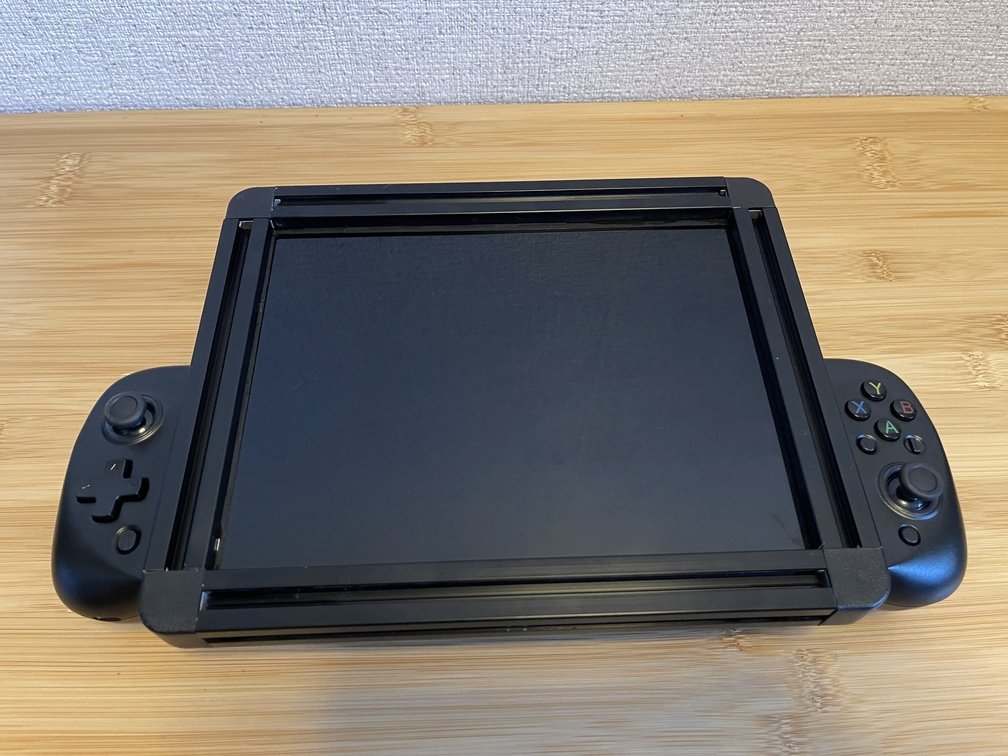 |
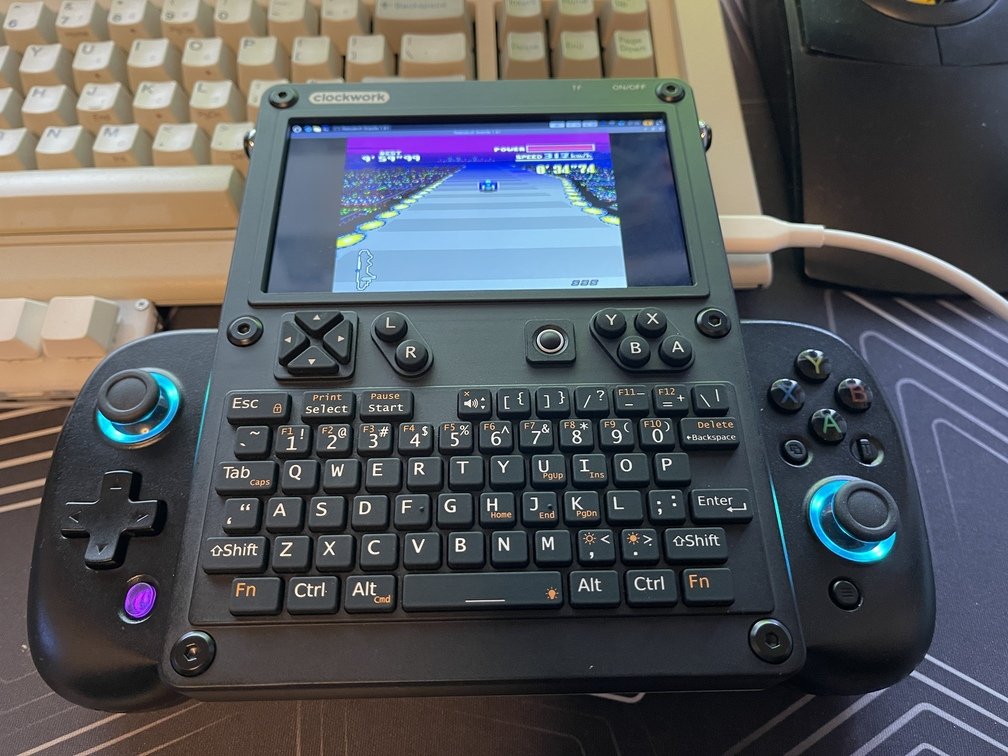
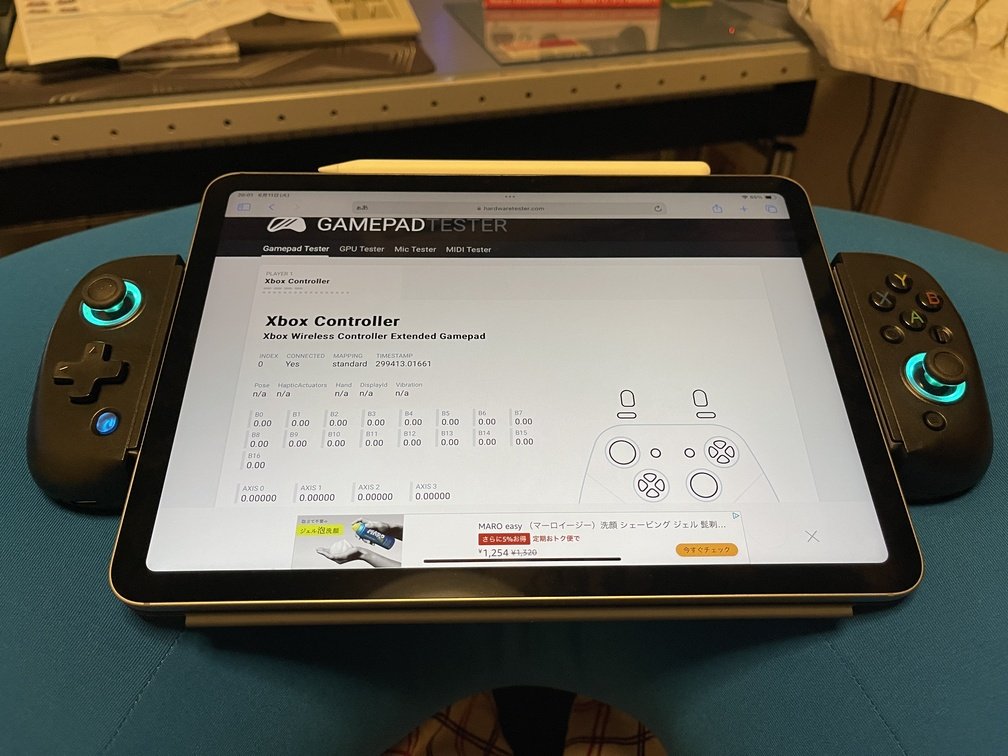
|Running the Emulator|The iPad Air is just barely enough|Fit it into the groove on the LCD bezel|
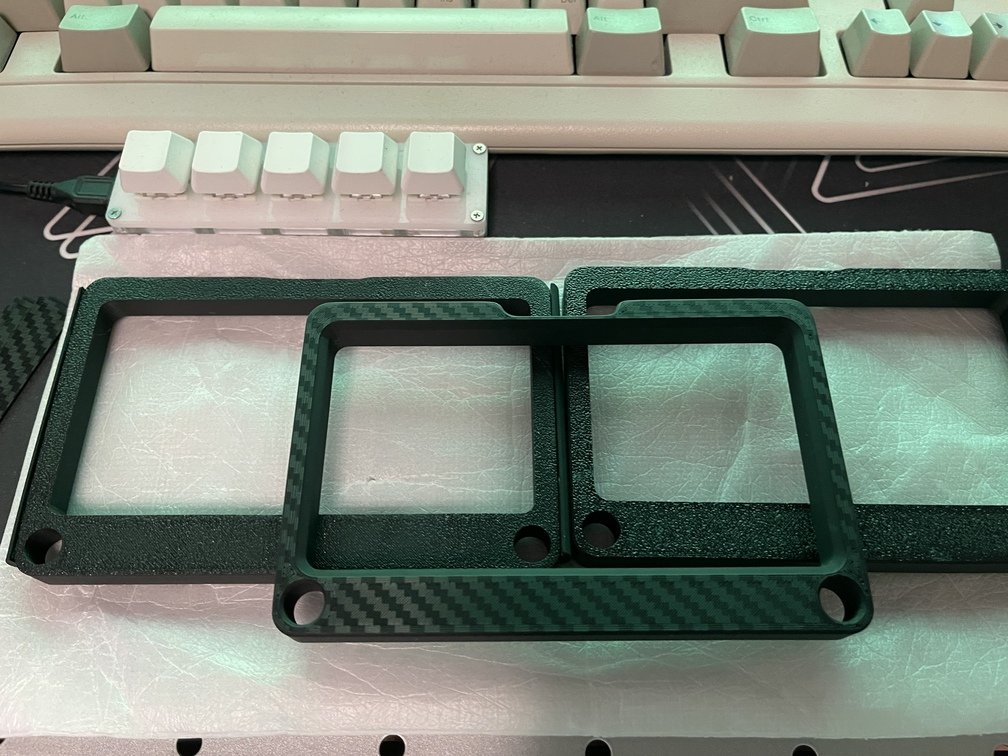
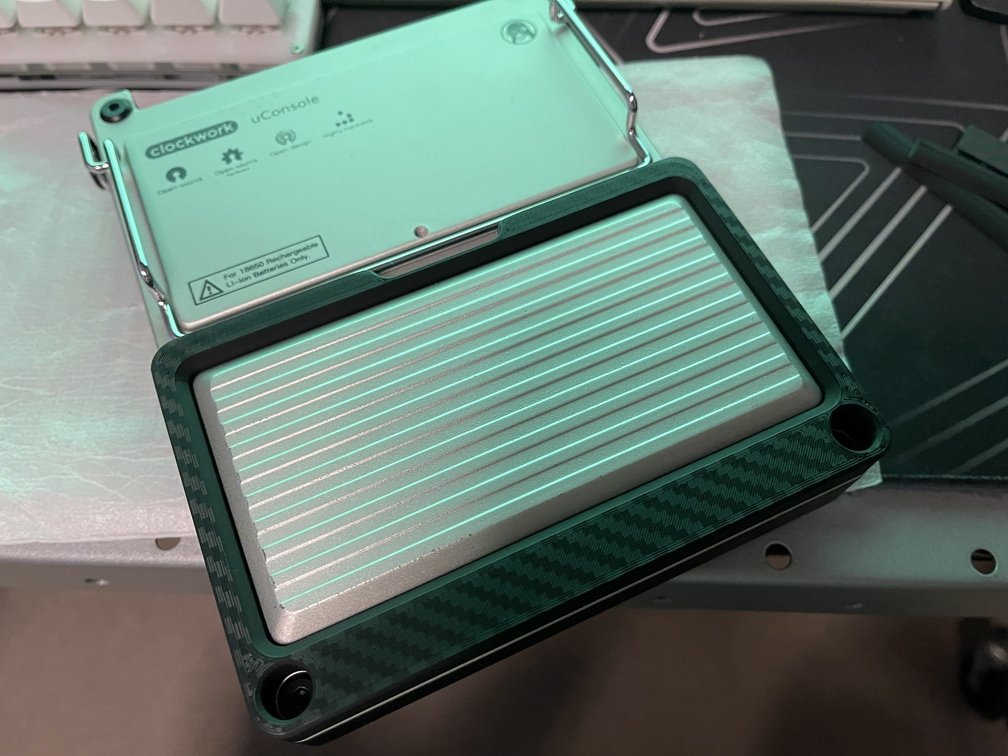
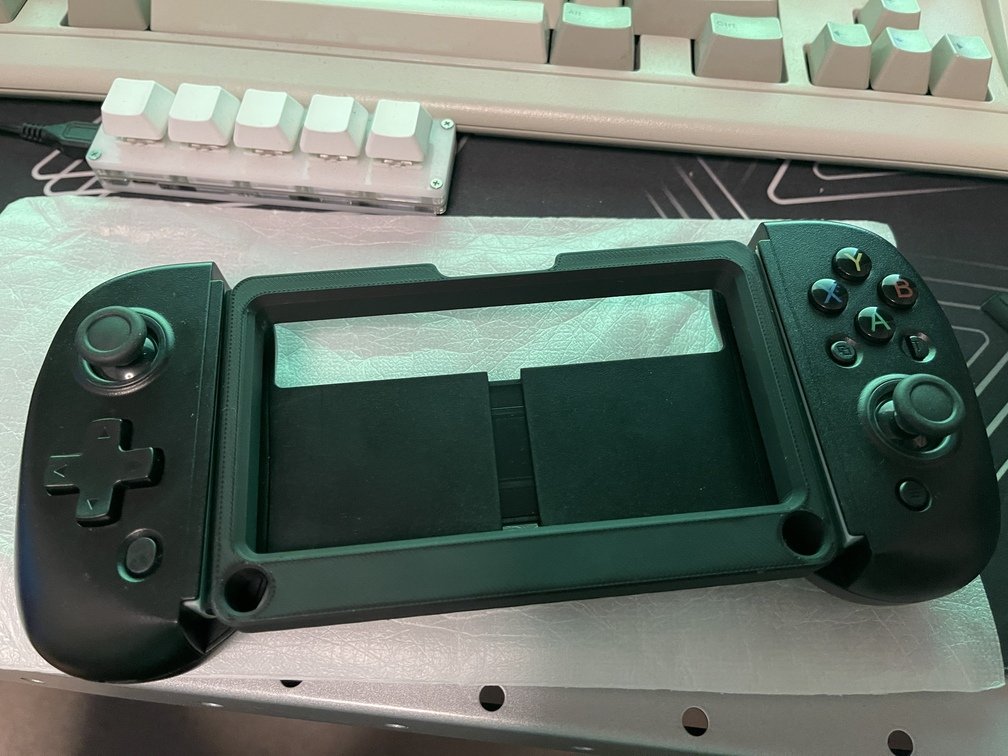
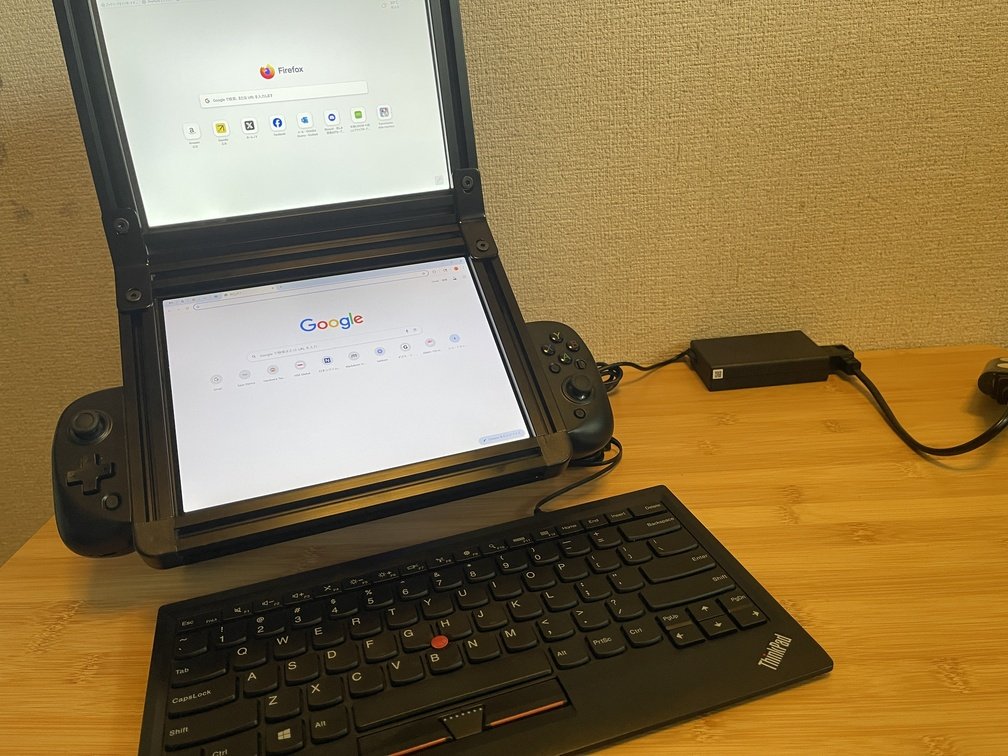
I use a game controller that attaches to a smartphone or tablet, but since the `uConsole` is about 135 mm wide, I choose a game controller that extends at least that far. You can decide based on your other equipment as well. Since **the "old-timer"** also works with **tablets**, I look for and use [a model with a wide opening](https://www.amazon.co.jp/dp/B0CY7R3GFM?ref=ppx_yo2ov_dt_b_fed_asin_title).
### Installing a Game Controller
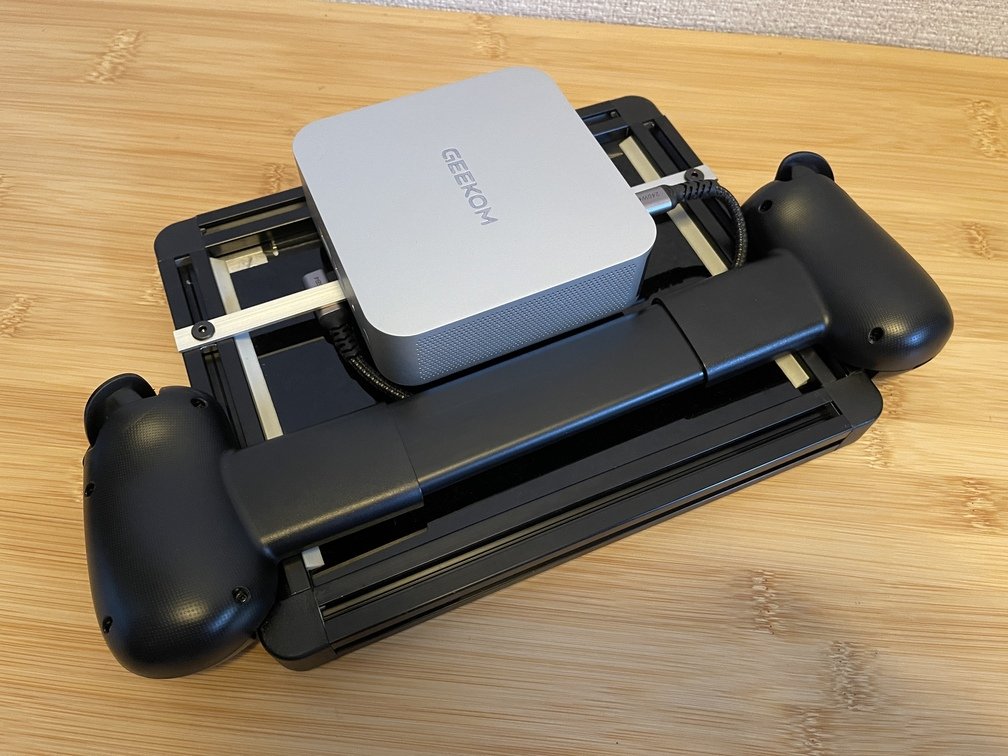
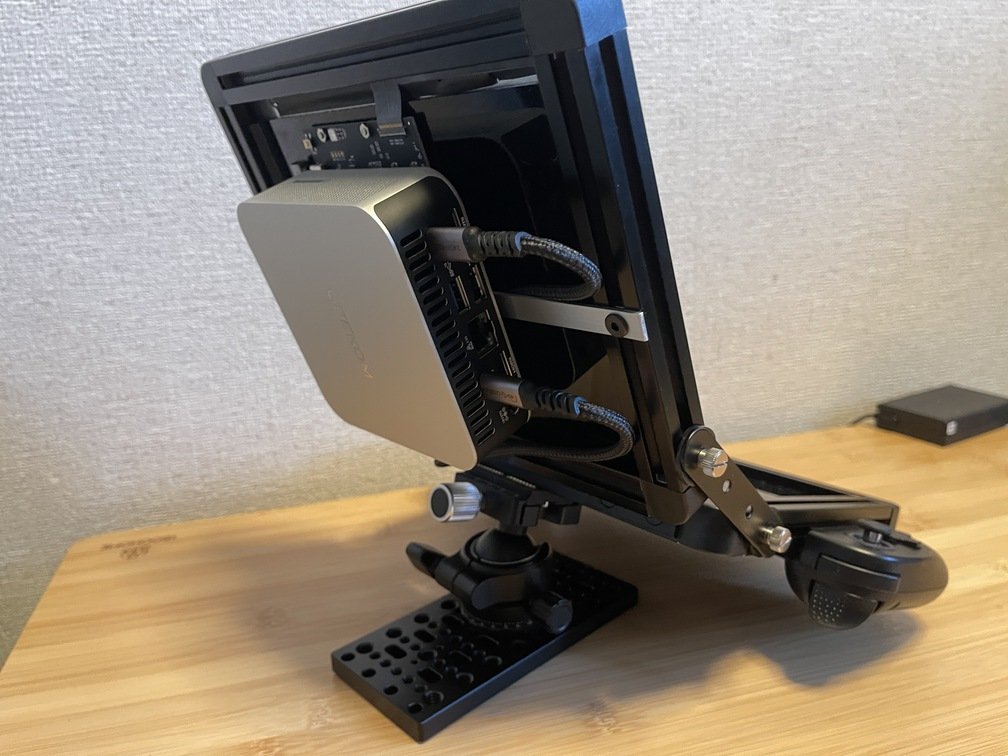
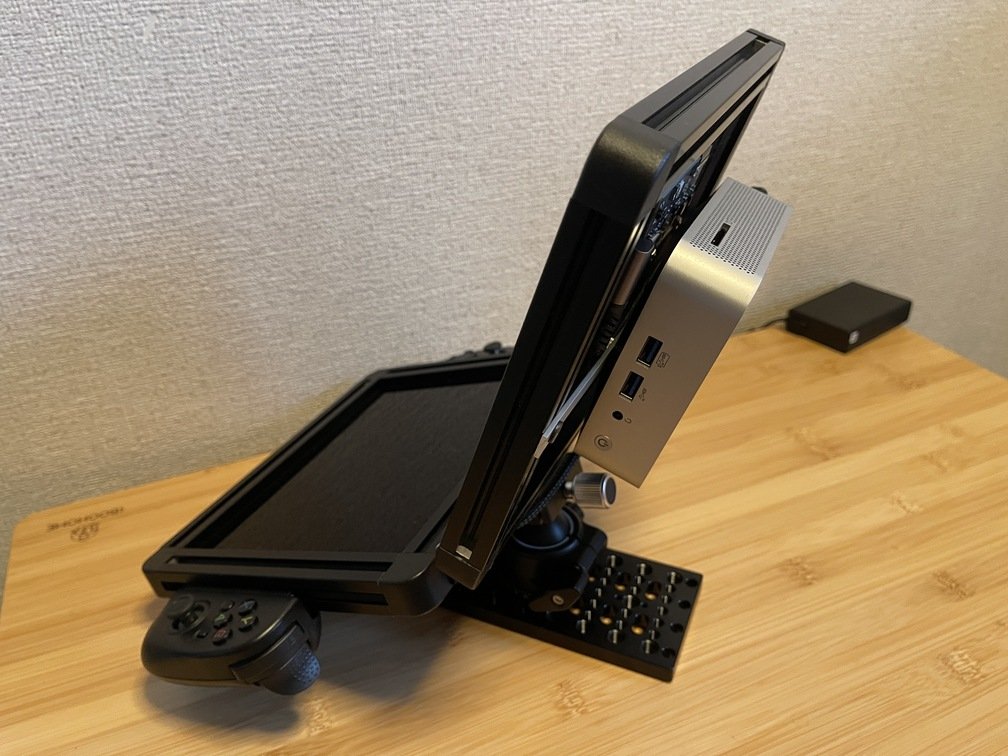
|Adapter Only|Installation on the Console|How it attaches to the controller|
|---|---|---|
|
 |
 |
 |
 |
 |
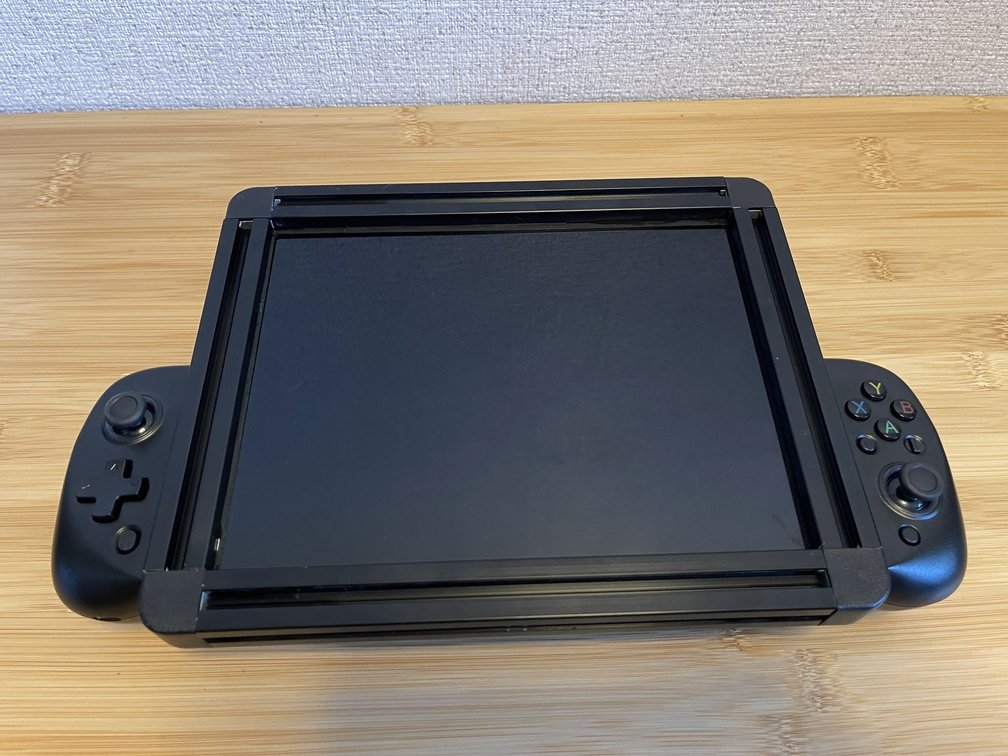 |
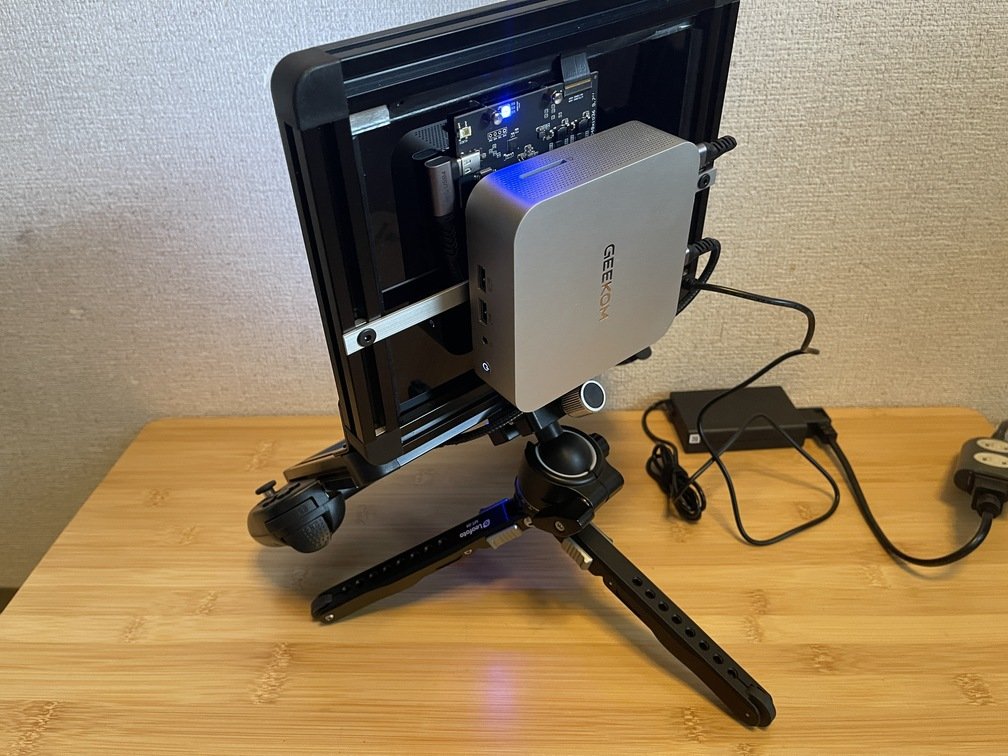
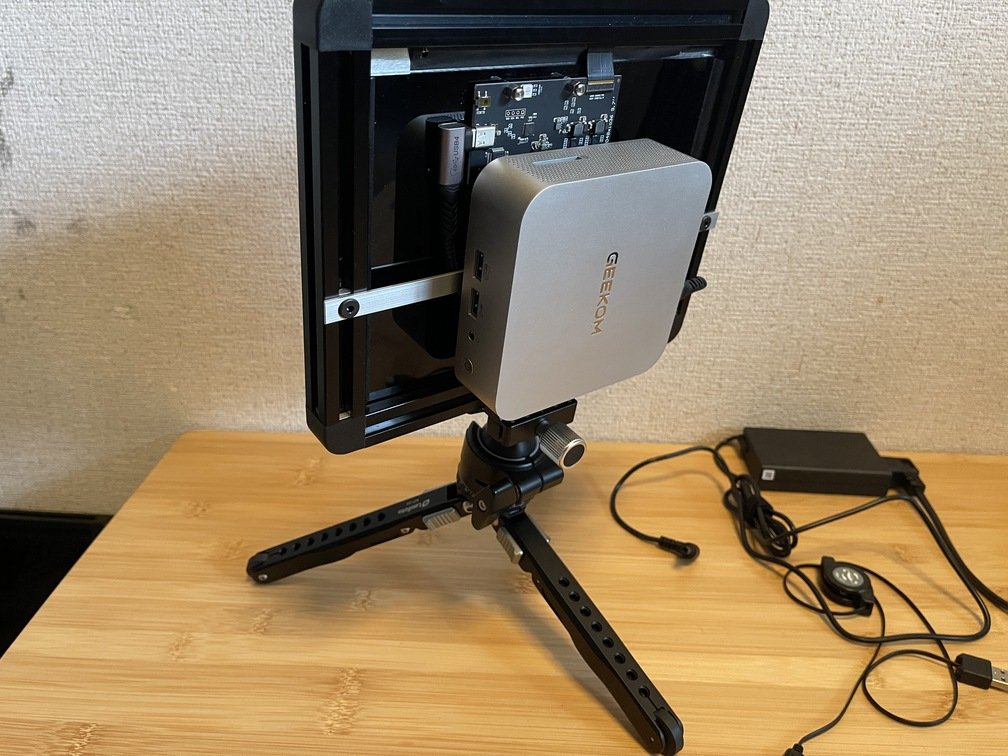
|After attaching it to the beam, go to `LfL`|Connect the game controller to `LfL`|`PC` is not visible when viewed from the front.|
 |
 |
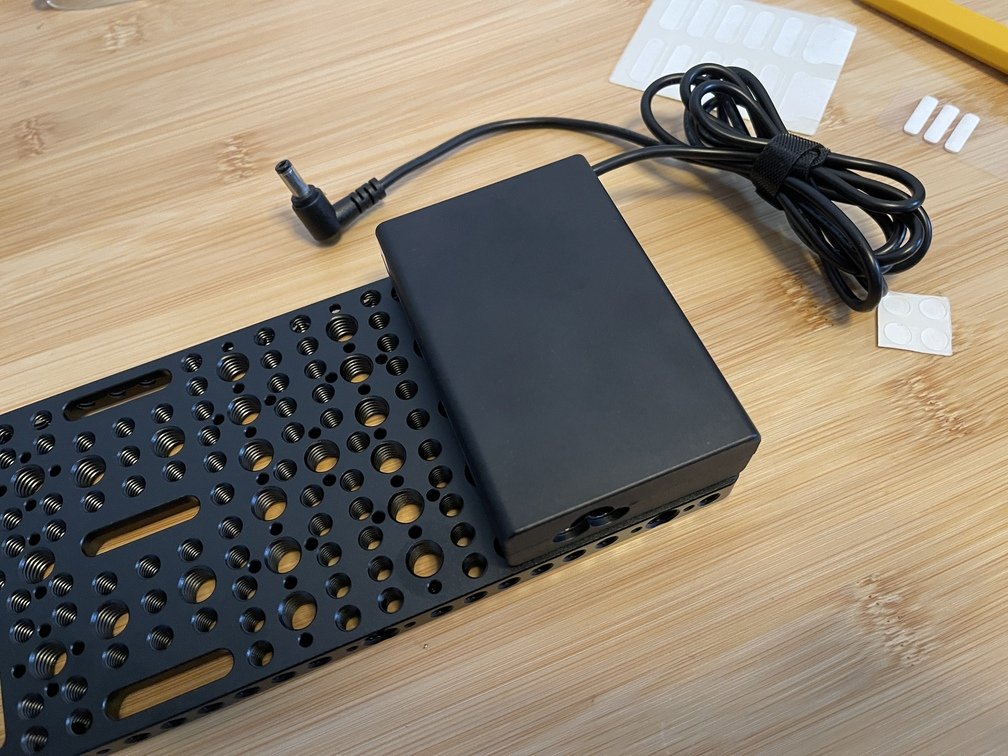 |
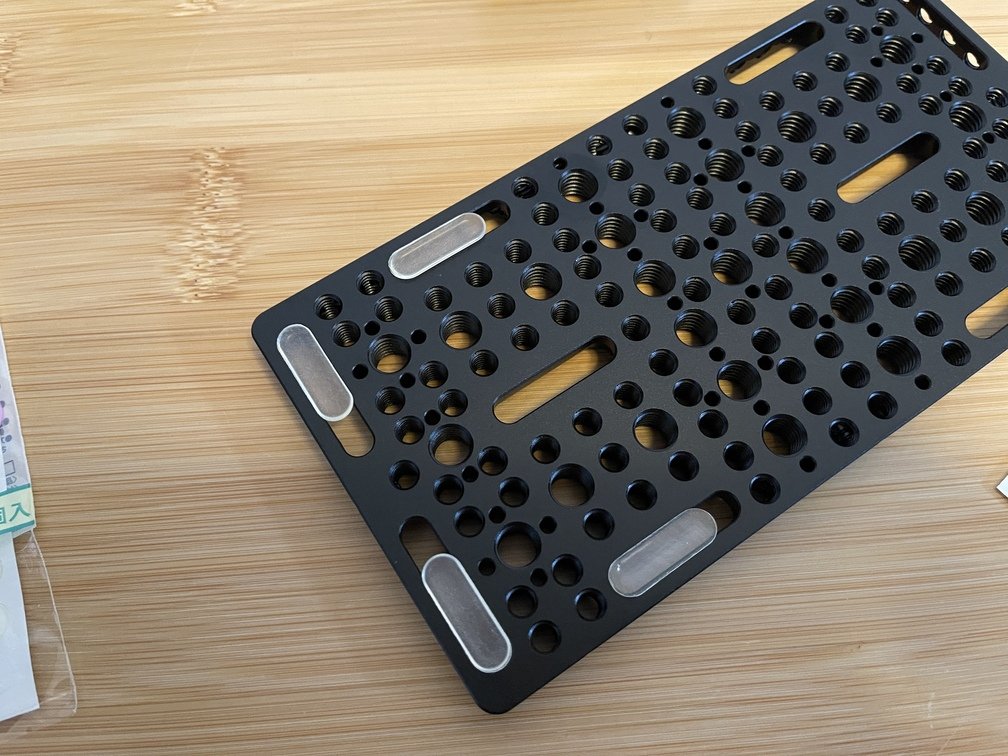
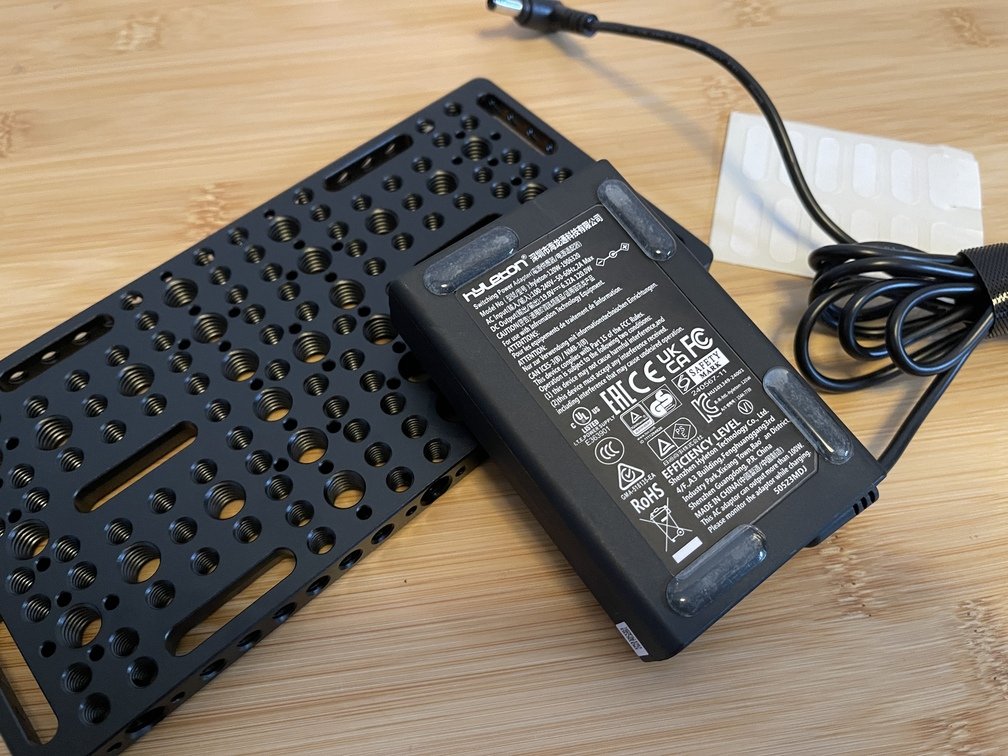
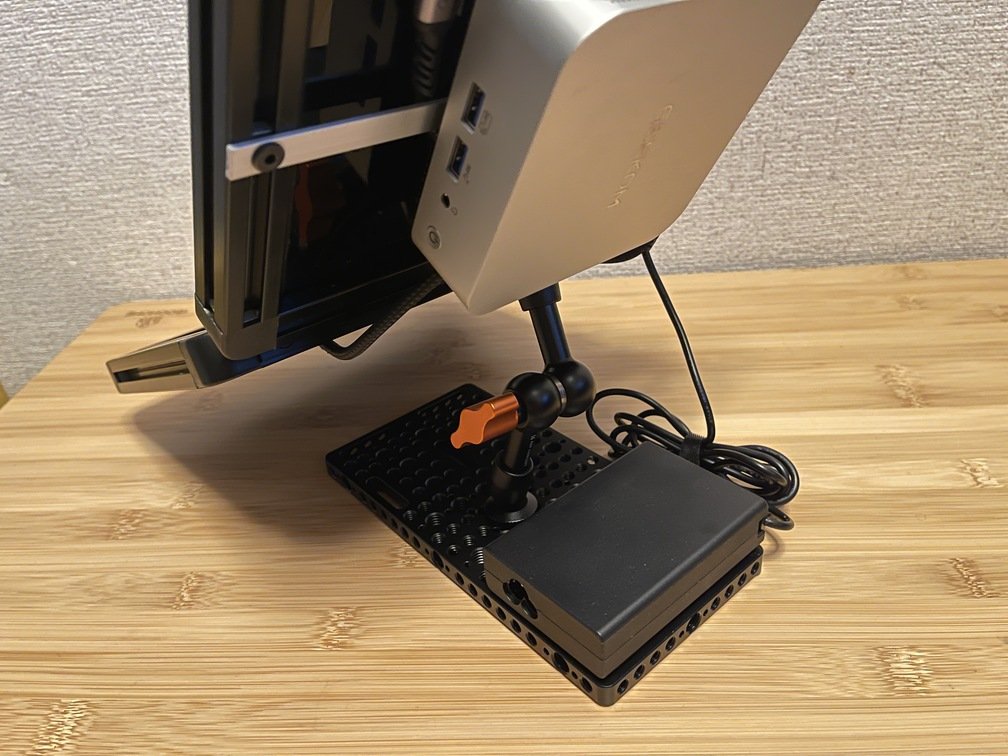
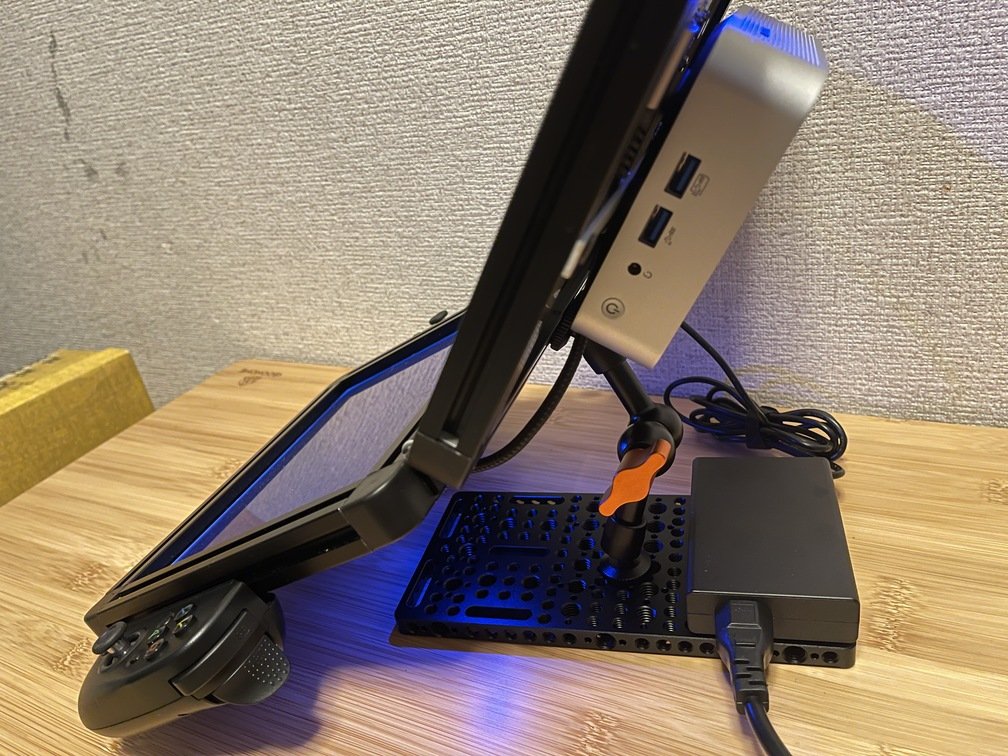
|Applying Non-Slip Pads to a Cheese Plate|Applying a non-slip pad to the AC adapter|Install the anti-slip pads so that they do not overlap.|
 |
 |
 |
|Applying Non-Slip Pads to a Cheese Plate|Applying a non-slip pad to the AC adapter|Install the anti-slip pads so that they do not overlap.|
 |
 |
 |
 |
 |
|Alt-DP Wiring Check|Checking the Power Switch|Install the AC adapter on the cheese plate|
 |
 |
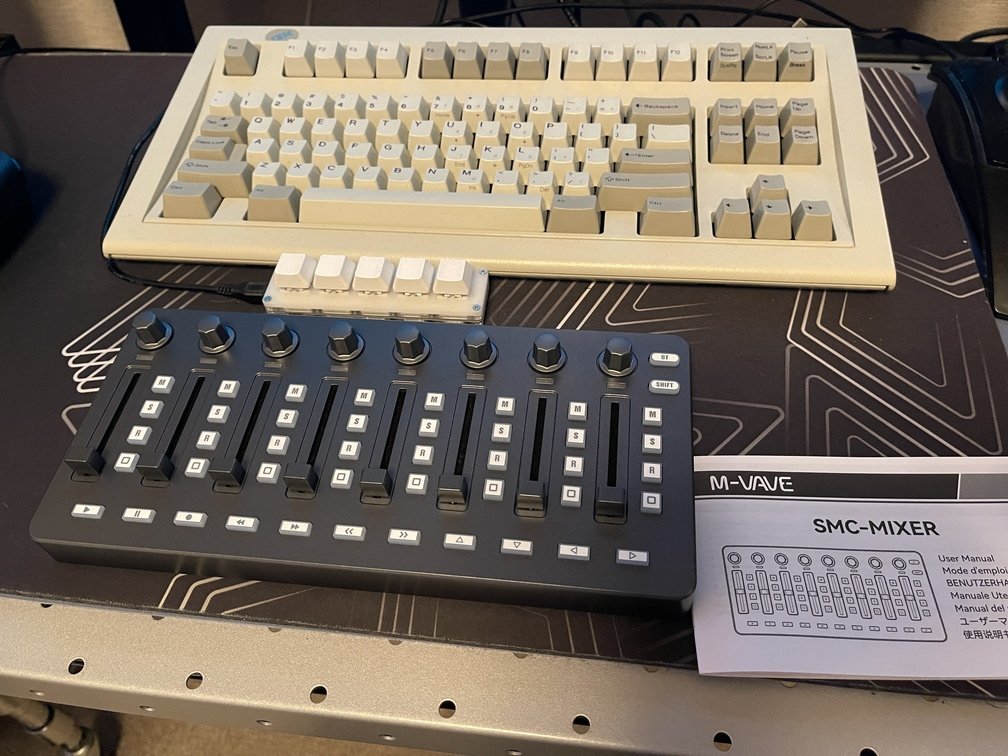 |
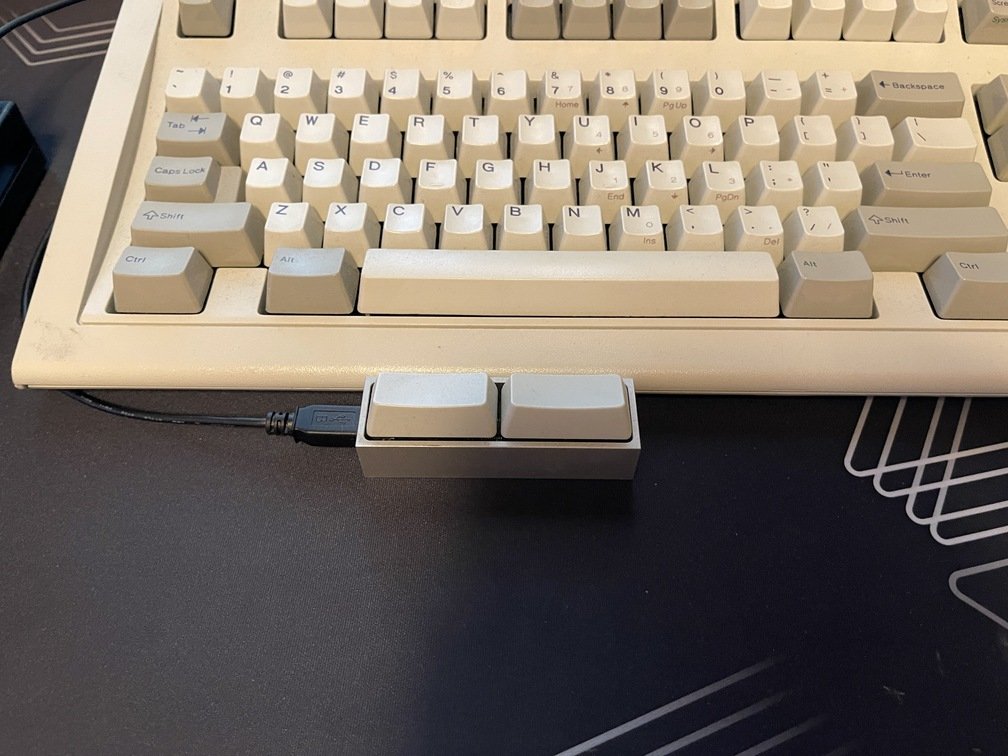
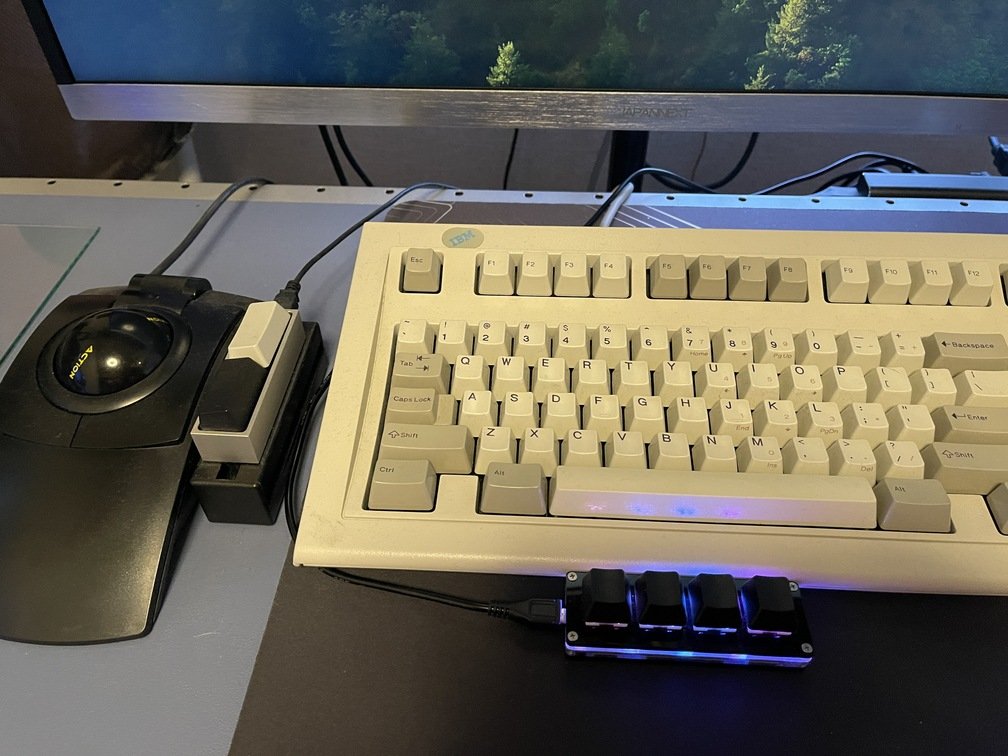
If I were asked to name the gadget—or rather, the device that connects to my PC—that I’m most attached to right now, it would definitely be this one. The most-read review of this keyboard, and the one that best captures its essence, is probably [this one](https://www.watch.impress.co.jp/mobile/column/stapa/2000/03/21/) by Mr. Saito of Stapa. Looking at the timestamp, it says `2001/3/21`. Since I’m writing this on `2026`, that makes it a 25-year-old article as of now. I, an old-timer, got my hands on it in 1993—that’s the year I got it. I got married that very same year (it was a cool summer with a nationwide rice shortage, and the import of Thai rice and other varieties had become a social issue), so it holds very fond memories for me…
As a keyboard, it has a solid build that completely disregards [VA/VE principles]()—and it’s actually quite heavy. Even after 30 years, not only does it retain its original keystroke feel, but it also shows absolutely no signs of the “yellowing” commonly found in ordinary plastic. In fact, when I left Intel and had a bit of downtime, I dabbled in writing to make ends meet, and this keyboard was a huge help to me even then.
I own two of these keyboards, and I think the first one I bought was the “`101`” model. That “`101`” was taken in by a geek friend of mine, and apparently it’s still in active use today, so I can’t help but admire the high standards of craftsmanship back then. Anyway, I digress—even though this keyboard isn’t a 101-key model, it takes up way too much space, so it’s currently gathering dust…
---
## Launch PAD X
URL: https://teamknox.com/en/tech/gadgets/midi/10_launchpadx/
`Launcpad X` This is a mid-range **grid controller** released by [Novation] (https://novationmusic.com/). Looking back now, I wish I’d bought the `Launchpad Pro` instead.I bought it because I was fascinated by finger drumming, but isn’t it **a common experience with these kinds of controllers** that you just can’t seem to master them? Well, I suppose I could just practice more, but I just can’t seem to find the motivation… Since the internal data is standard `MIDI`, if you use `WebMIDI` to map it or whatever, it seems like it would be handy for **percussion-style** tasks.
---
## LfL - Layout-Free LCD
URL: https://teamknox.com/en/tech/base/01_deck/lfl/
`LfL` is
---
## uConsole
URL: https://teamknox.com/en/tech/gadgets/console/10_uconsole/
[uConsole](https://www.clockworkpi.com/uconsole) is a handheld computer that utilizes the currently available Raspberry Pi and other `SBC``CM: Compute Module` models. As a `Comupte Module`, models based on the `CM4`, `CM5`,その他, and `RISC-V` are available. It’s a fully-fledged mini-computer equipped with a full keyboard, a small trackball, and an LCD screen—it really tickles the geek’s heart so much it could make you laugh yourself to death.**Although it was a crowdfunding project**, applicants flooded in as soon as it was announced. I was one of **the old-timers** to apply, but even so, I recall having to wait over half a year. This device has a proprietary expansion card slot inside, allowing users to add custom features.**An old-timer** also owns two types of cards:`LTE` and `SDR`. Unfortunately, since only one card can be installed at a time, I currently have the `SDR` card installed, as explained on this site at [AIO V2](../../../Radio/aiov2/_index.html).
 |
 |
 |
|Date and Time of Visit|Order|Price|Cashless|
|---|---|---|---|
|2026-10-19 11:00|Tonteki|990 yen|Generally OK|
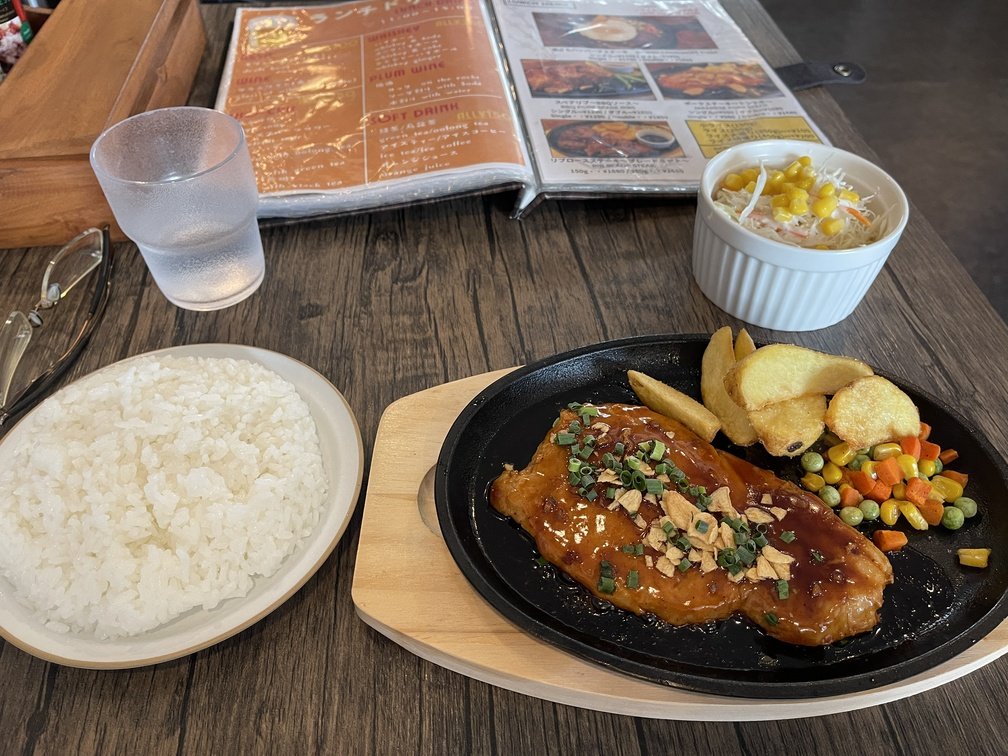
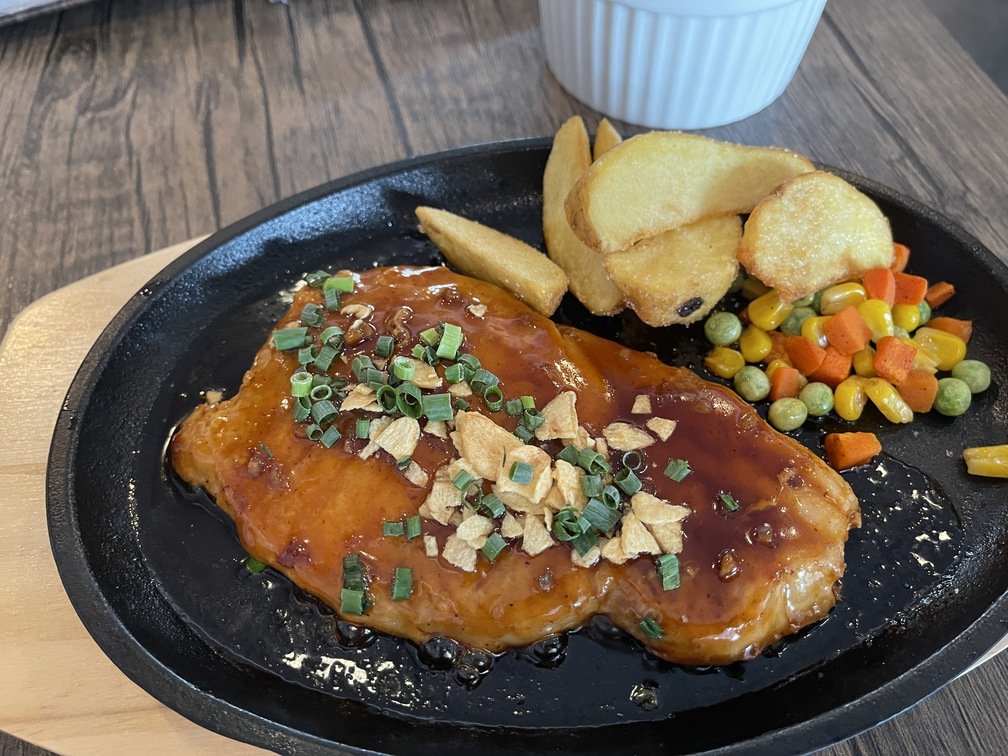
I pass by Isezaki Mall often, so I’d been curious about this place.I skipped breakfast today, so I wanted to make up for it with a hearty meal—I was craving something meaty, which is why I chose this place. True to its name, it seems you can also order curry here. But for the reason mentioned earlier, I went with meat today. I ordered the reasonably priced tonteki. Despite the price, I was pleased that it was served on a sizzling hot iron plate. The seasoning was teriyaki-style. The rich flavor goes great with white rice. What’s worth noting here is that the rice was delicious. With inexpensive set meals, the rice is often neglected, but I was happy to see that wasn’t the case here. The fact that they accept cashless payments is a subtle plus. If I had to mention just one suggestion, it would be that it would have been even better if they included soup or miso soup.
 |
 |
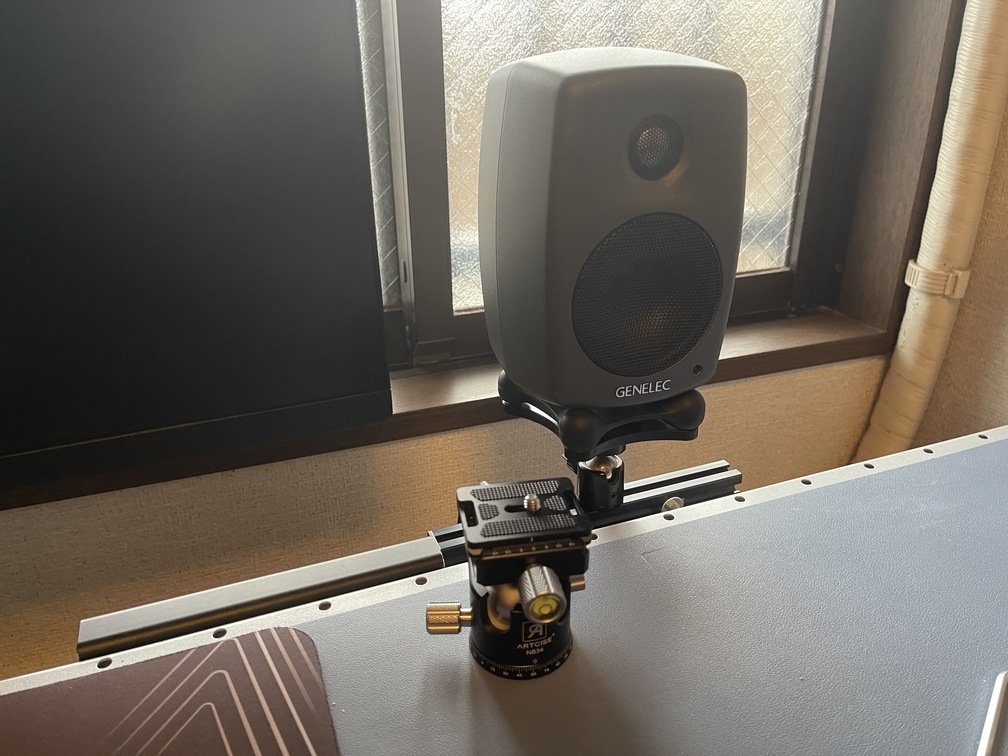 |
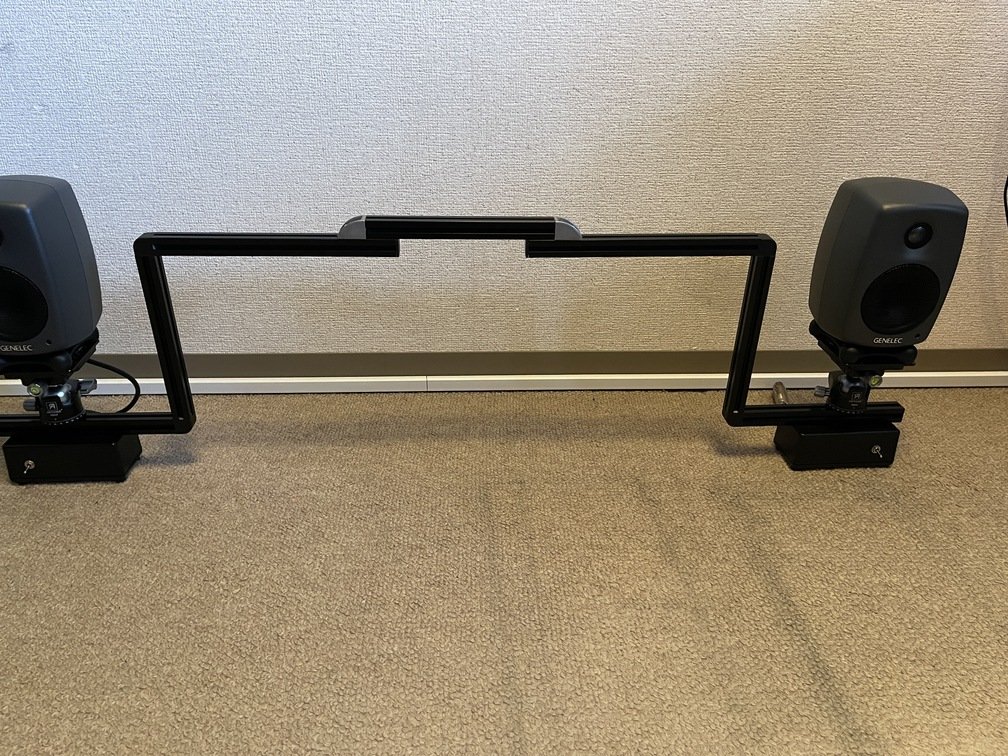
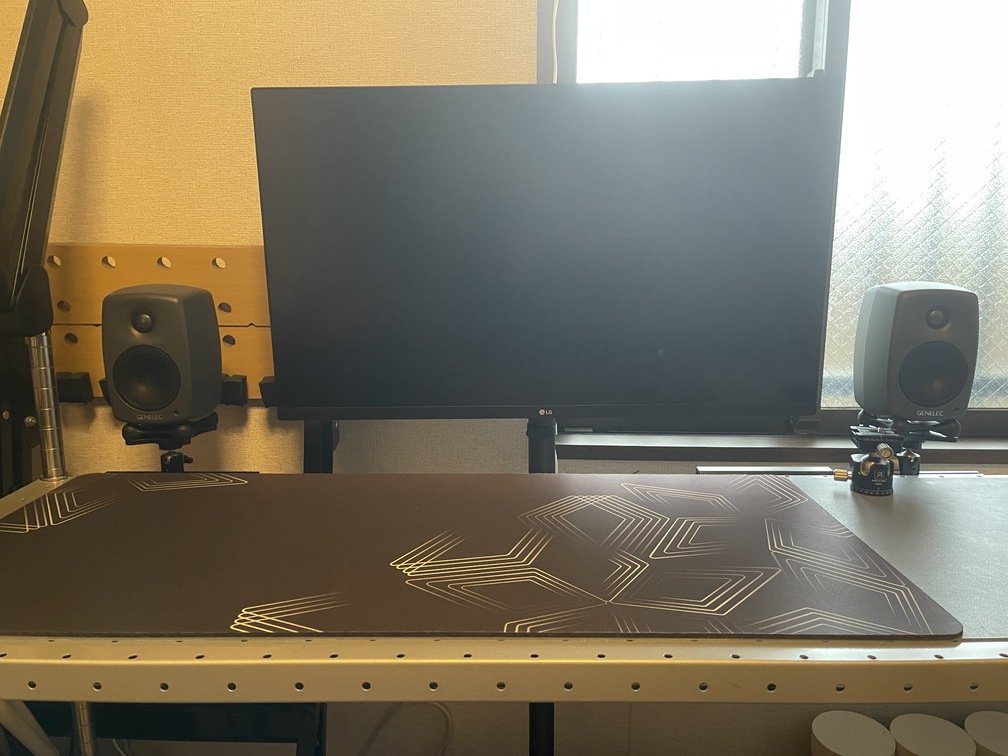
|Suspension System|Overview|Doesn't take up space on the desk|
Since this speaker appears to be made in Finland, as a former `NOKIA` employee, I feel a strange sense of kinship with it. The design has a distinctly Nordic feel. Being an old-timer, I don’t really know much about sound quality. However, since it has balanced inputs and a built-in amplifier, I’d say it pairs well with the `Babyface pro fs`.
 |
 |
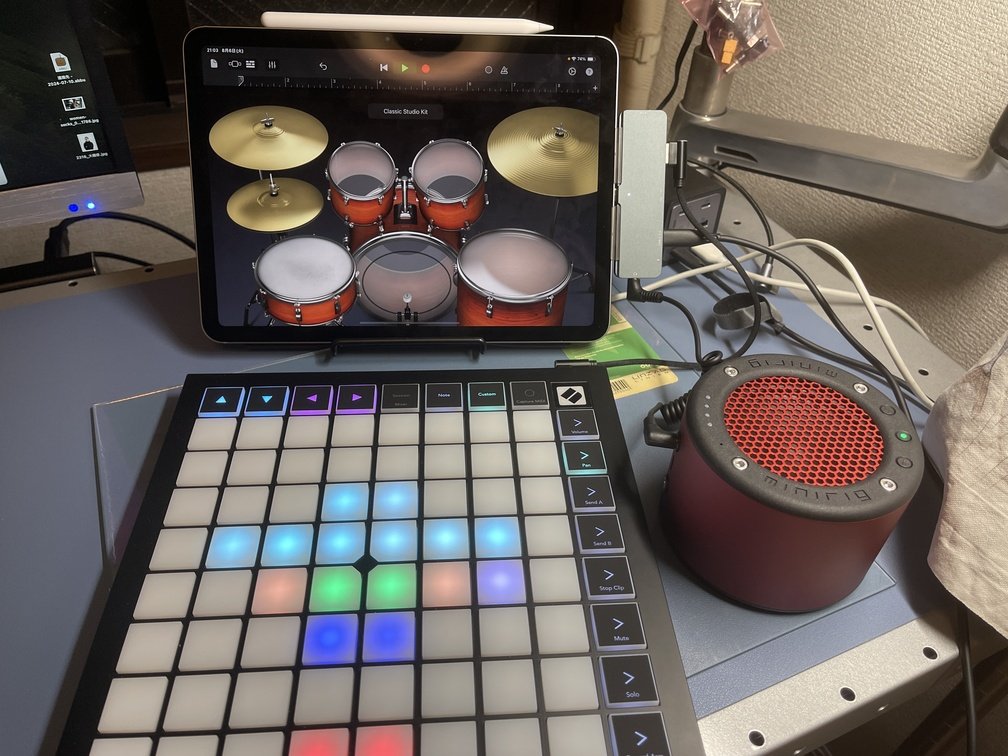 |
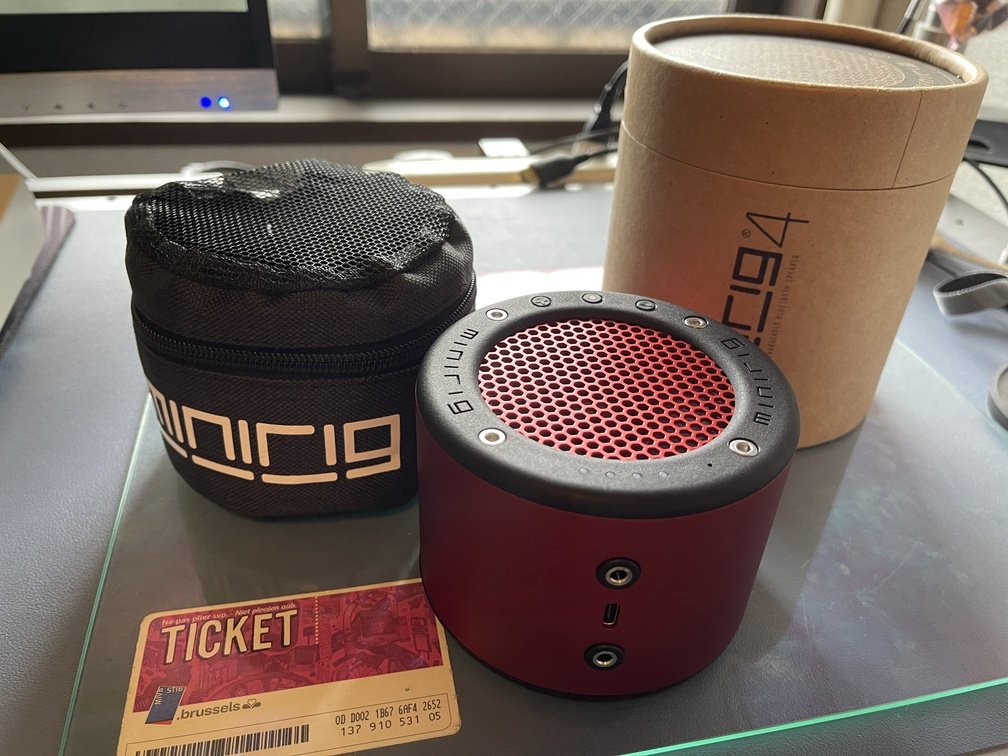
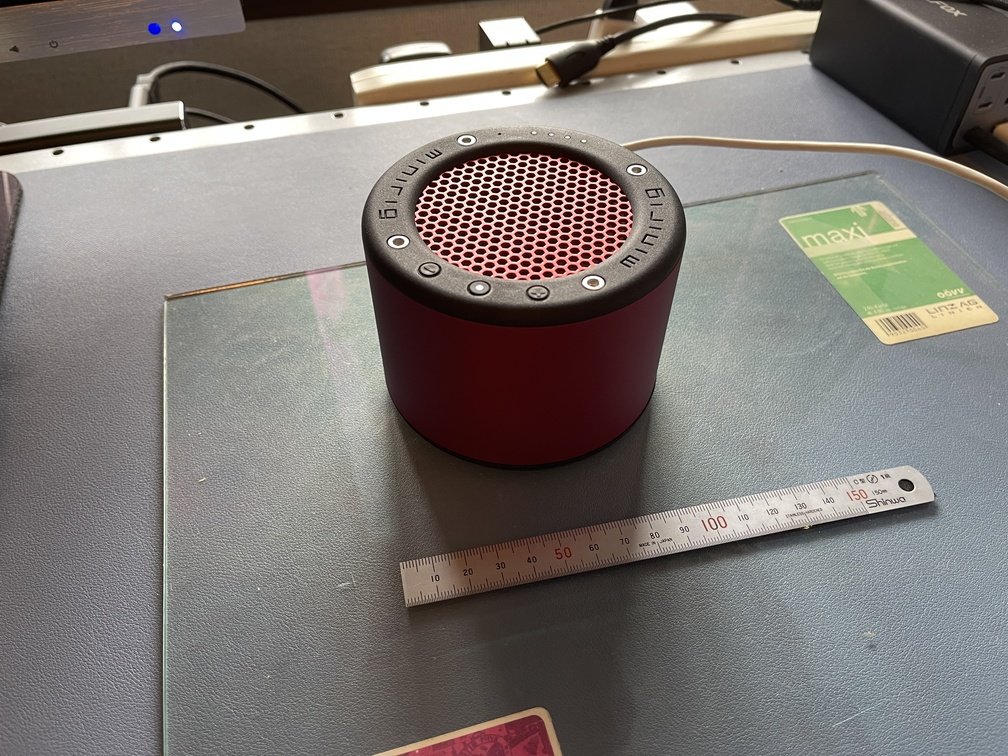
|Necessary and Sufficient|Stable|The sound really is great.|
BT-compatible portable speakers are available from a variety of manufacturers, including Sony and BOSE. If you check Amazon, you’ll find Chinese-made models as well, with prices ranging from low to high. Given that, a speaker costing just under 40,000 yen is quite an expense, but I bought it because I fell in love with its design and the story behind it (`Made in Bristol`). As for the sound quality—which is what really matters—I feel like it delivers great bass, perhaps because the unit itself is heavy. But keep in mind that my **old-timer’s** ears aren’t exactly the sharpest, so take that with a grain of salt. As long as a gadget is fun to look at and touch, and has a bit of **a story behind it**, that’s good enough for me.
 |
 |
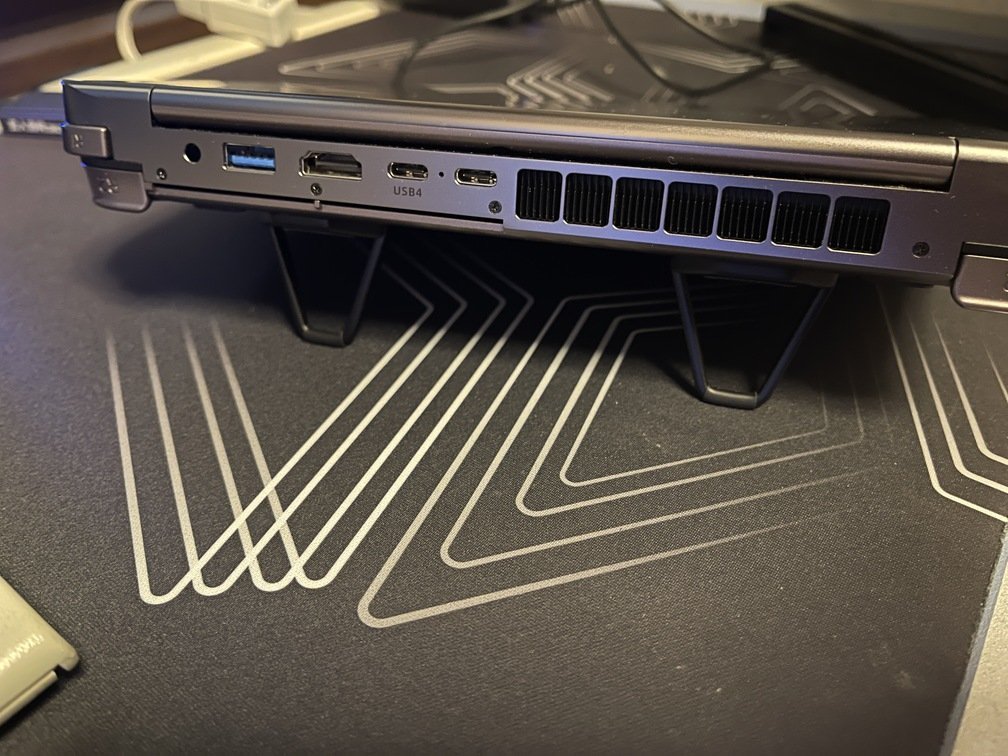 |
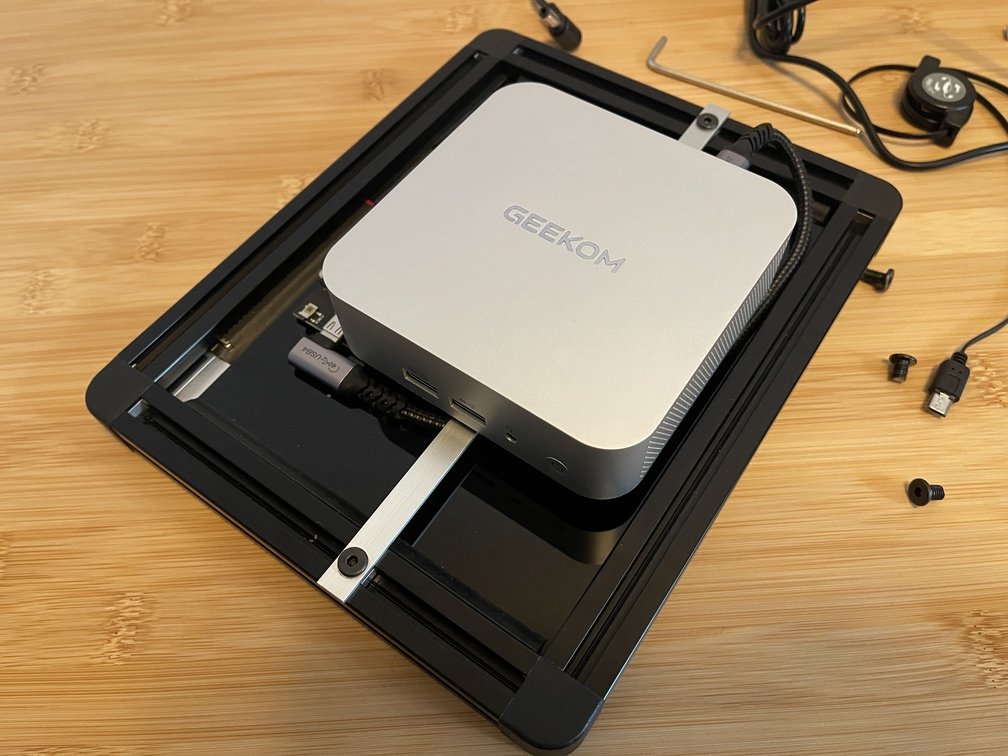
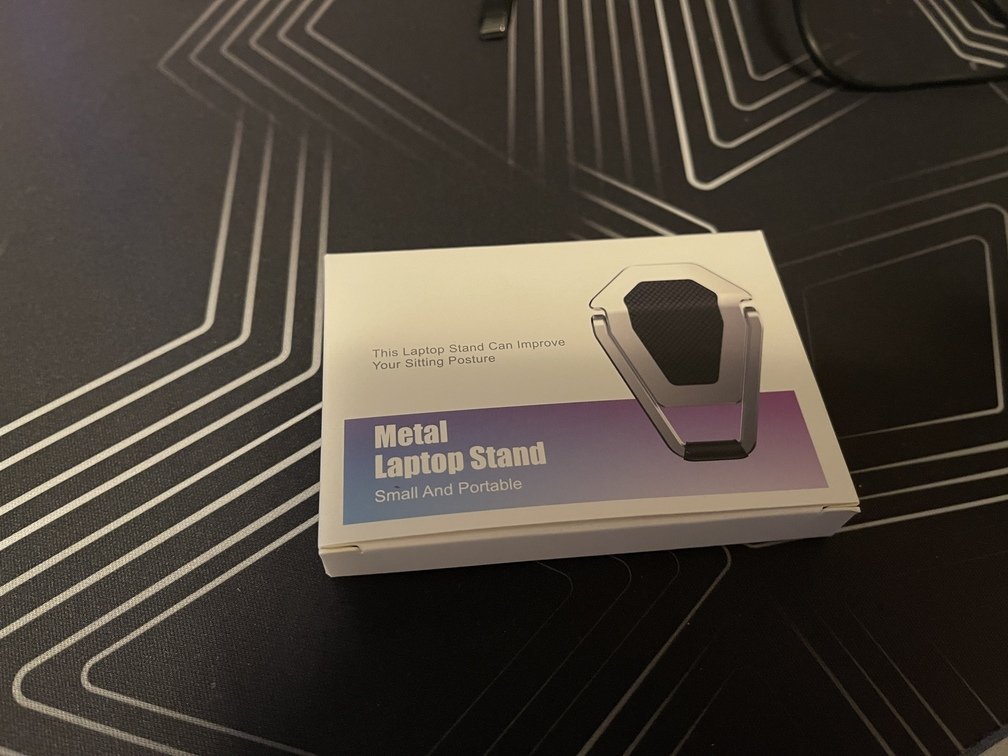
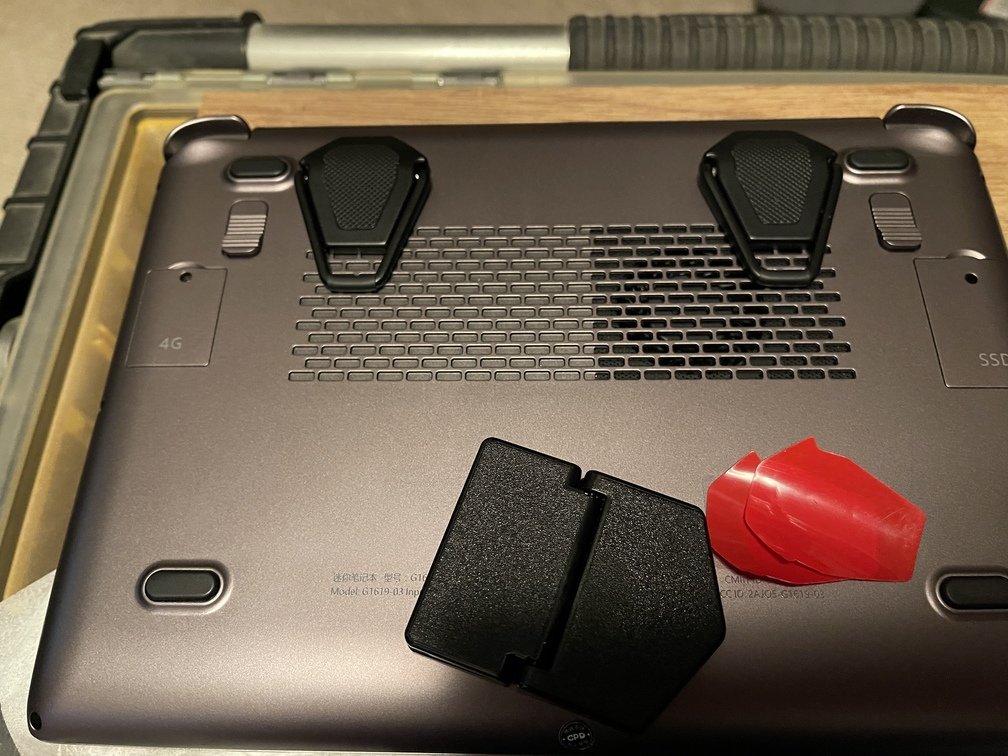
|Buy on Amazon|Block the exhaust vent slightly|Stable|
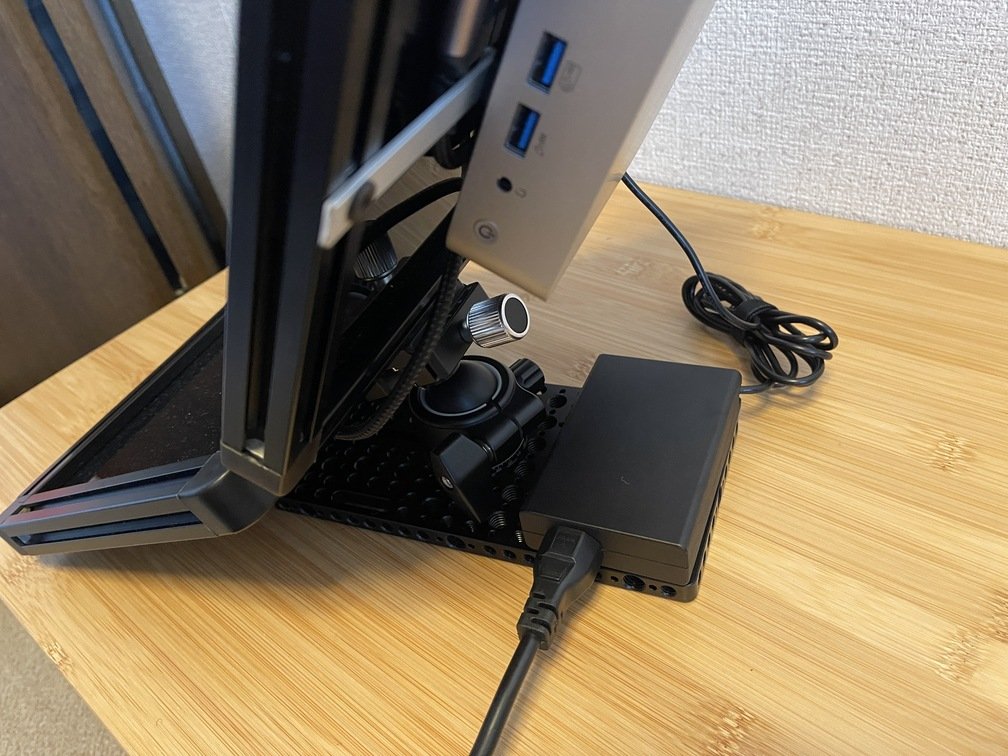
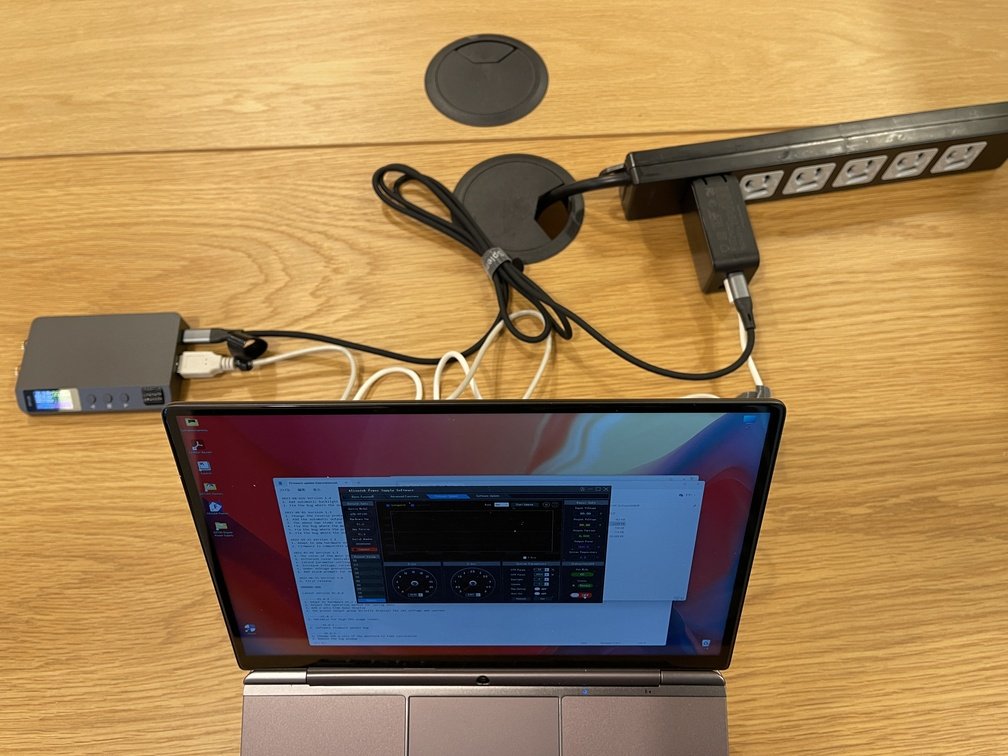
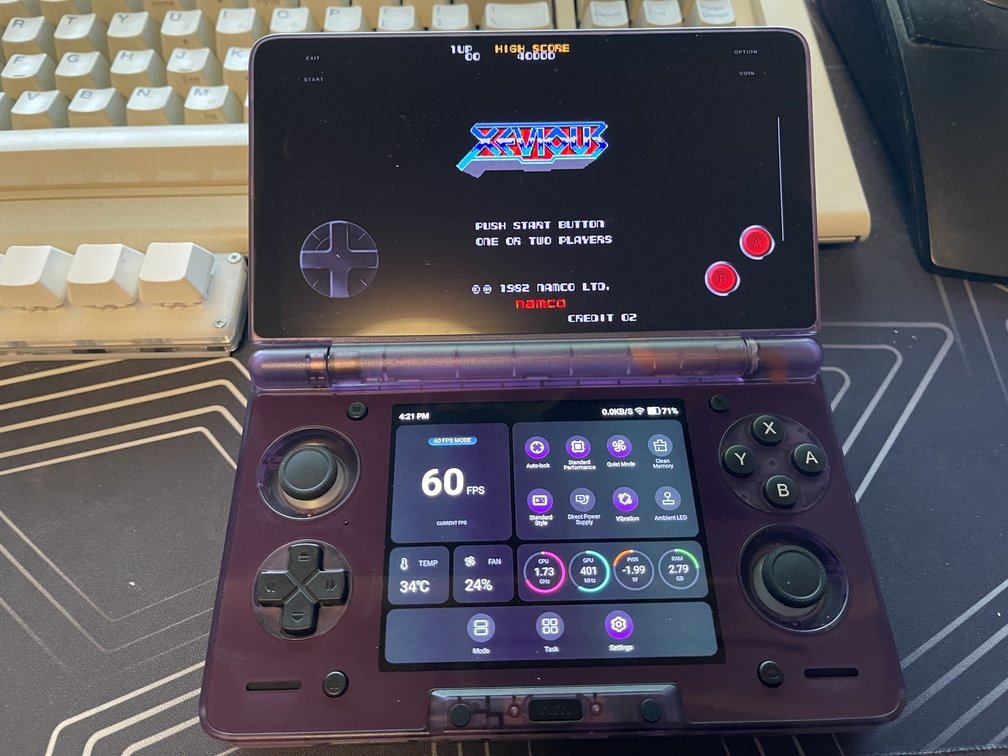
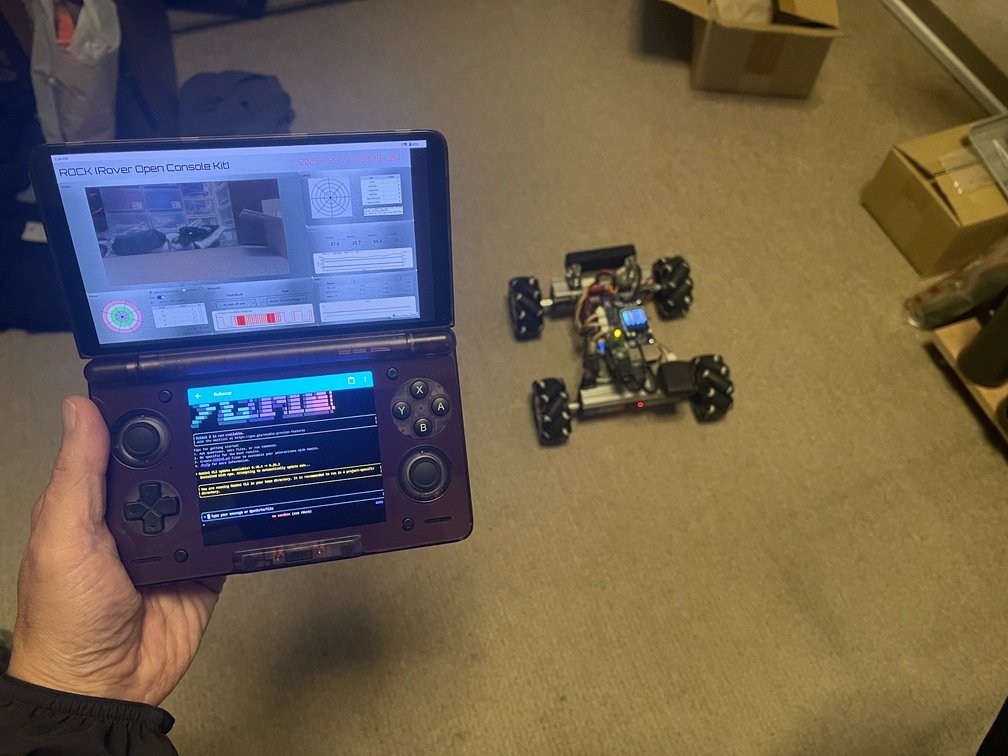
I think this PC is definitely in **the “quirky” category**. The fact that it has a built-in hall-effect game controller is proof of that. I don’t plan on using it for regular development myself; I bought it specifically to take advantage of that **game controller** for controlling [TriClops](../../Robotics/robocar/_index.md). Since it was originally designed for gaming, it comes equipped with a reasonably powerful CPU (Ryzen) and plenty of memory (32GB/2TB), as well as an LTE modem card. Unfortunately, since I’m **an old-timer** who doesn’t go out much, it rarely gets used—just like the `Neo`. But once [ROCK](../../Robotics/robocar/software/ROCK/_index.md) starts getting more use, this PC should get its chance to shine again.
 |
 |
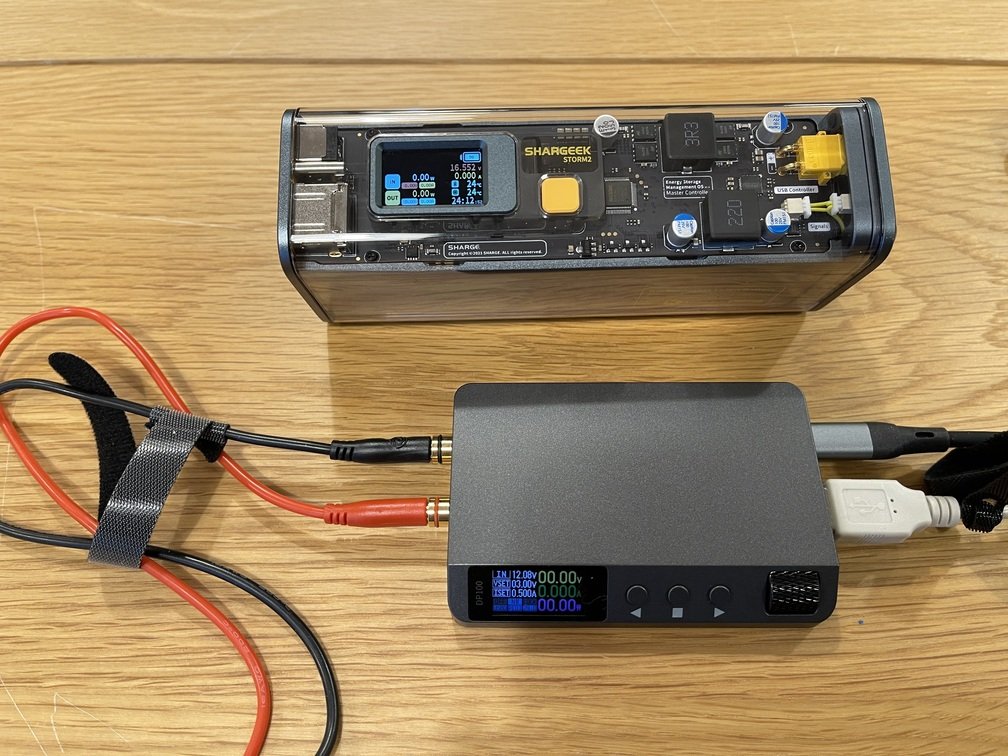 |
|Compact Package|Generate various voltage patterns|If we have this, do we even need the variable-output type?|
- **Features**
 |
 |
 |
|Is this what everyone's here for?|The Top Contender for "The Scourge of the Old-Timers"|PC Version - Wizadry|
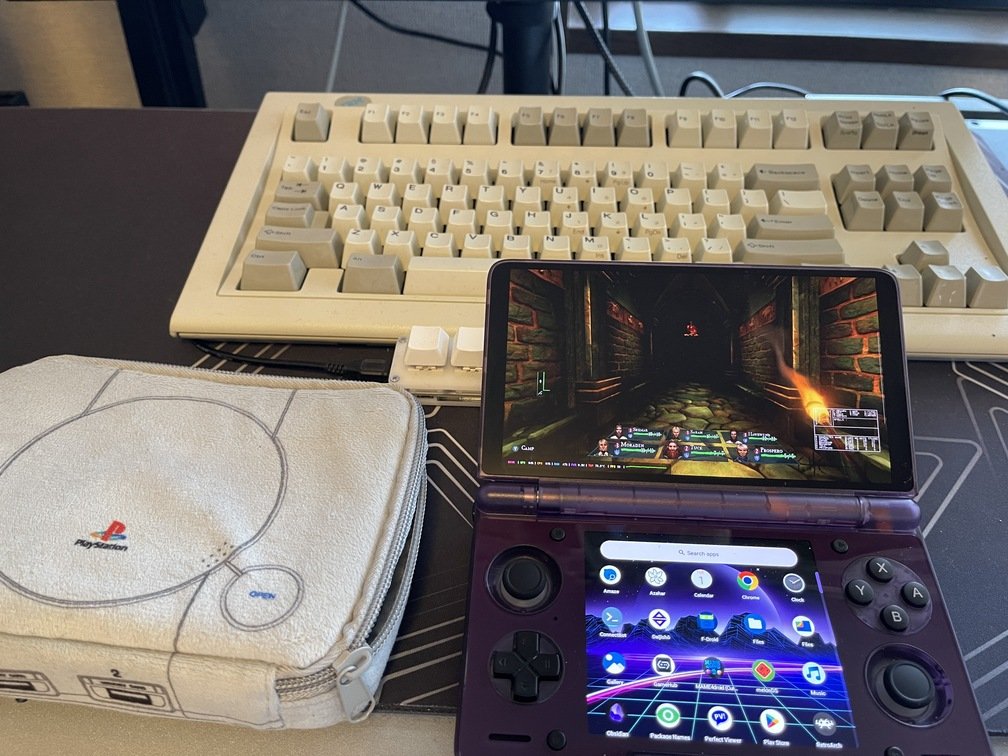
As **an old-timer**, I used to love video games, but I’m not as into them as I used to be. However, graphics cards are a prime example—there’s no doubt **that they’re a key driver of technology** in the computer industry. That’s why I keep a close eye on the gaming industry, especially **the hardware side of things**.
 |
 |
 |
|The Scent of "Made in the USA"|Combining with Foreign Keys|For use with the left hand|
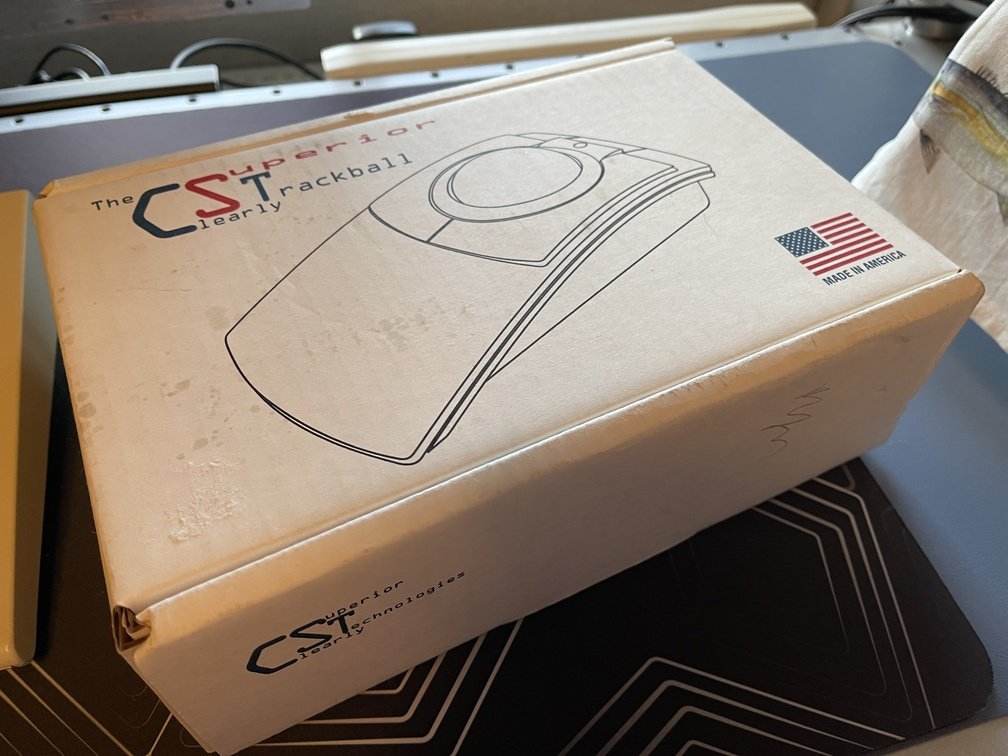
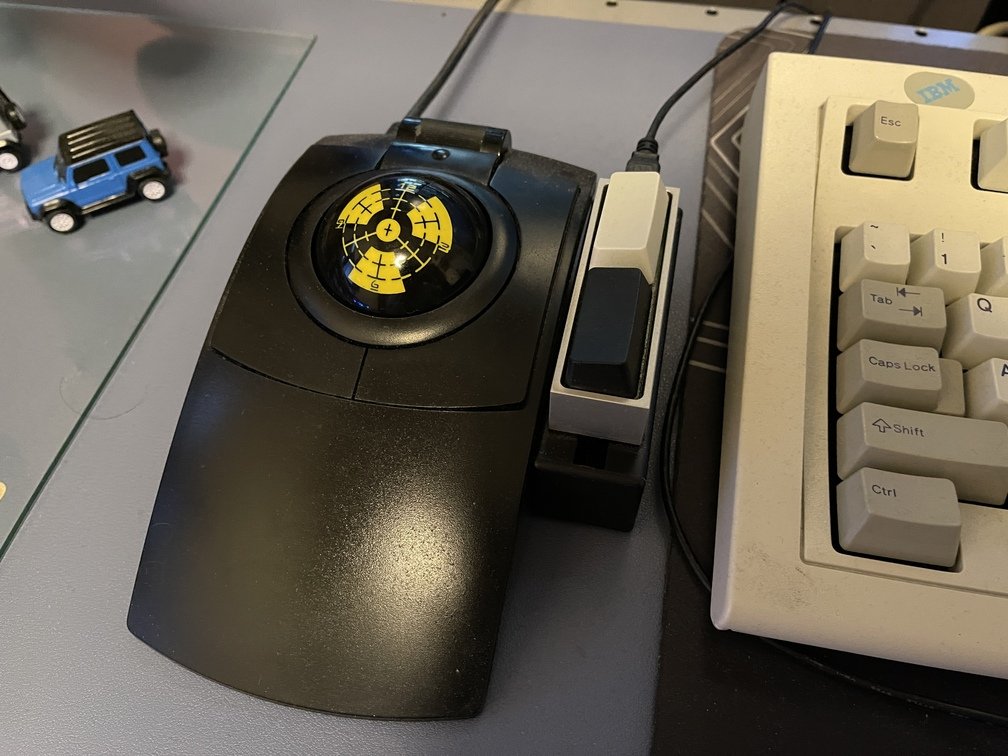
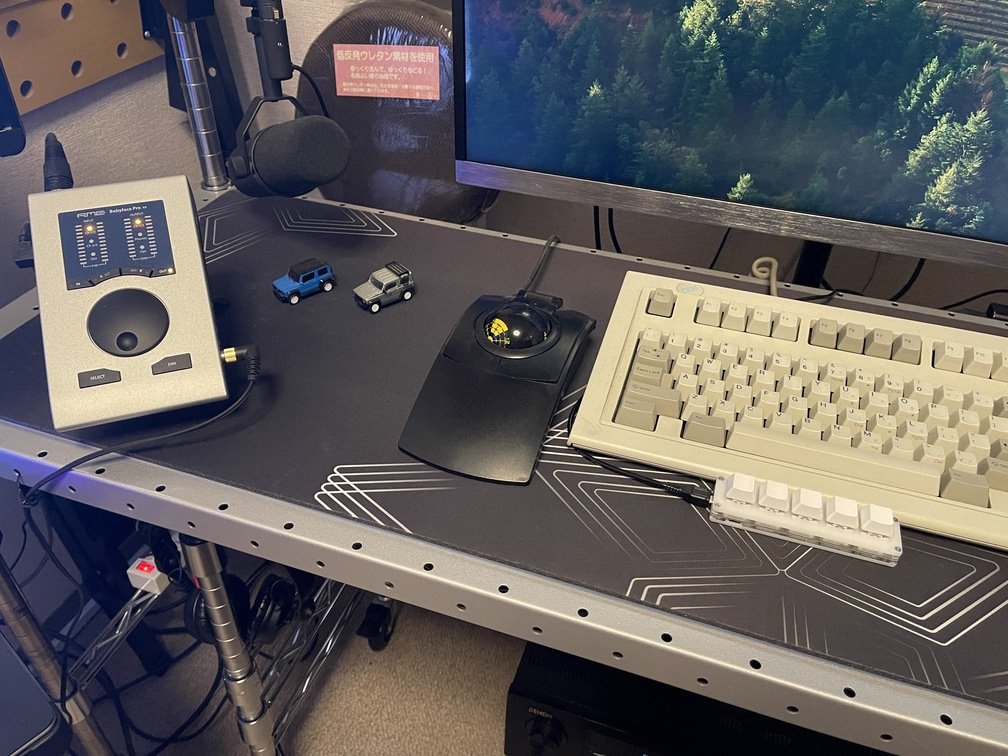
`Kensinton` While the company's trackball often comes up in conversation,`CST` rarely does. The reason I love this trackball is that it's `Made in USA`, and since the ball itself is 57 mm in diameter, you can swap it out for a billiard ball. For a while, you could do this with the `Kensinton` model as well, but it's no longer possible—likely because it switched to an optical sensor, which requires a special surface treatment.
 |
 |
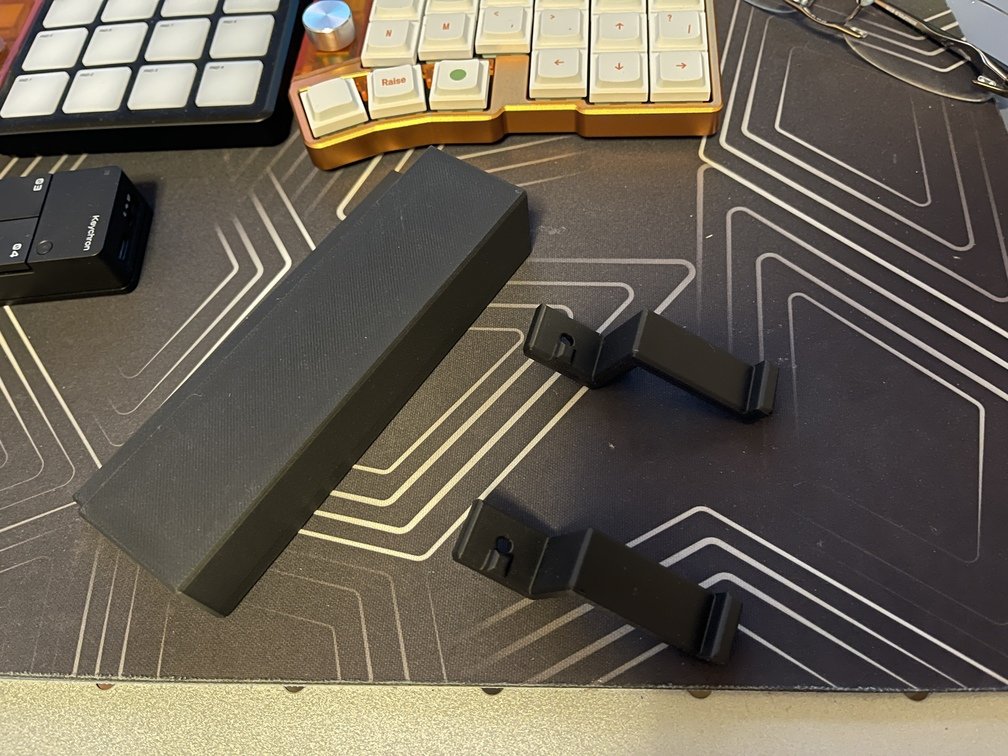 |
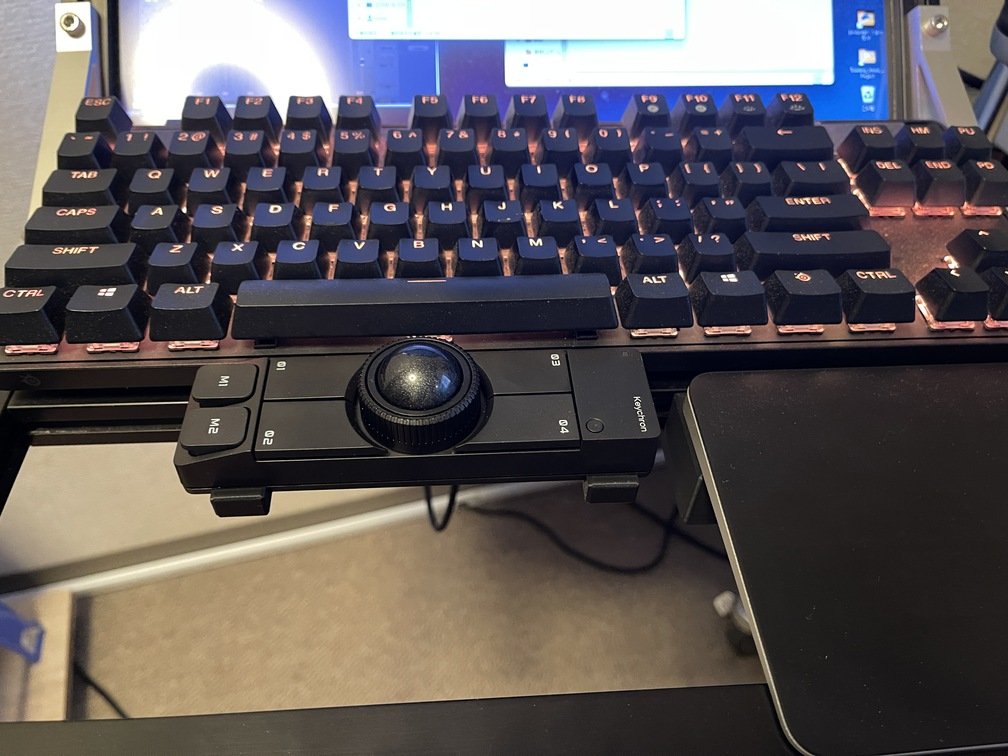
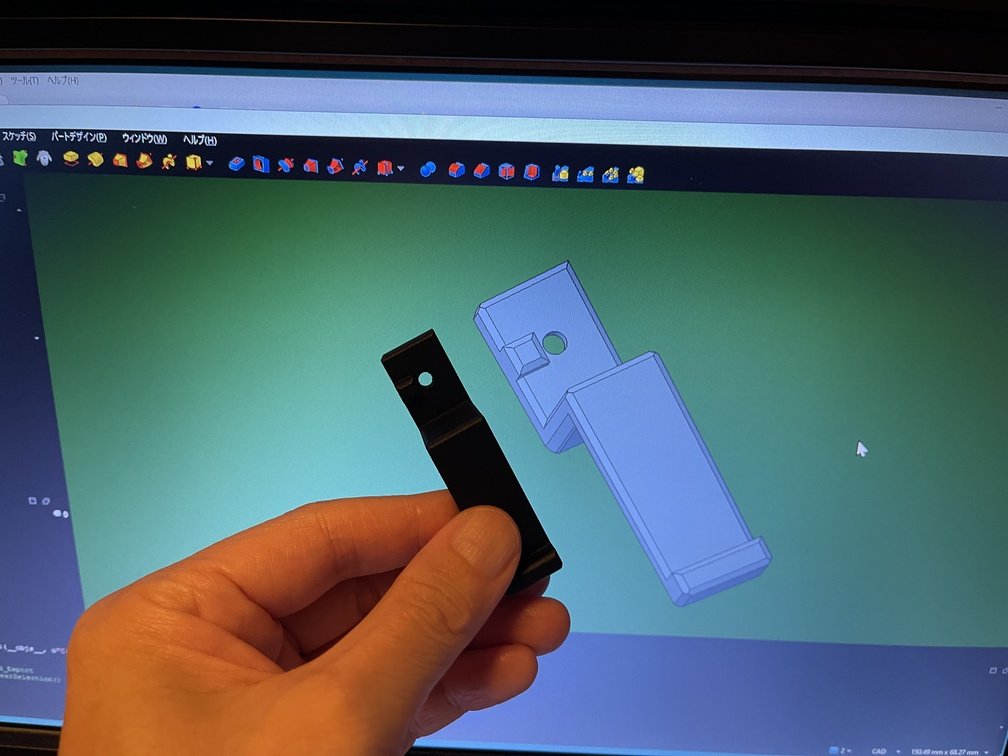
|Installation on the Deck|Design of a New Mount|The old mount was a little too big.|
I imagine a lot of people own one of these. I thought I might use it with other devices, so I ended up buying three—but I’m only using one. Still, with its trackball mechanism, programmable keys, and support for multiple hosts (like PCs and tablets), I think it has plenty of uses.
 |
 |
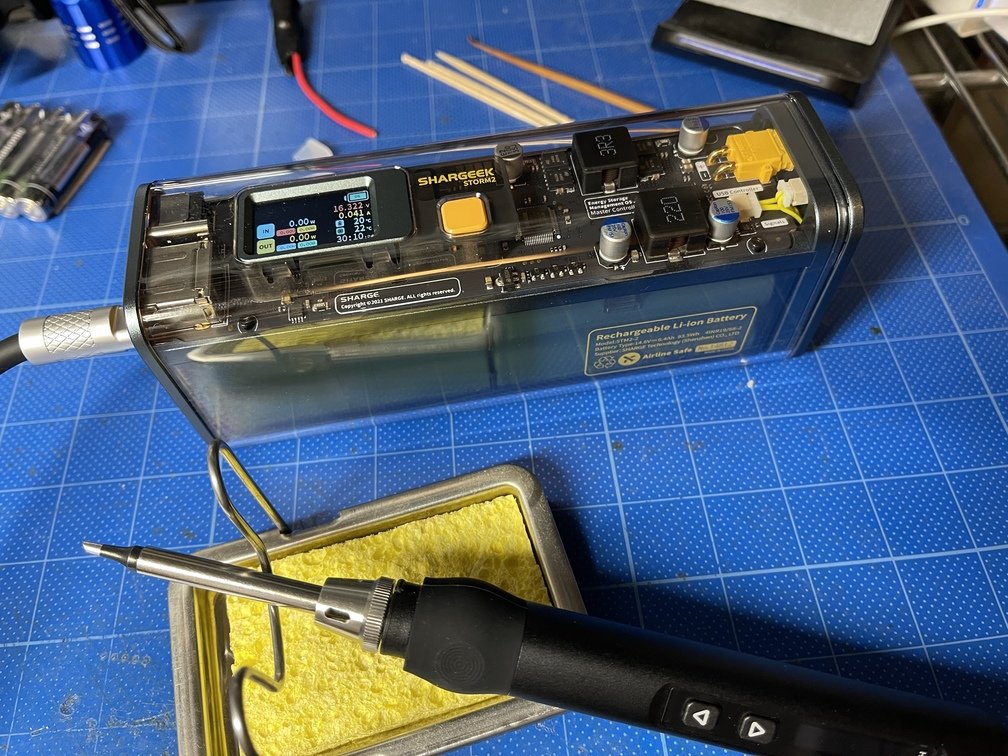 |
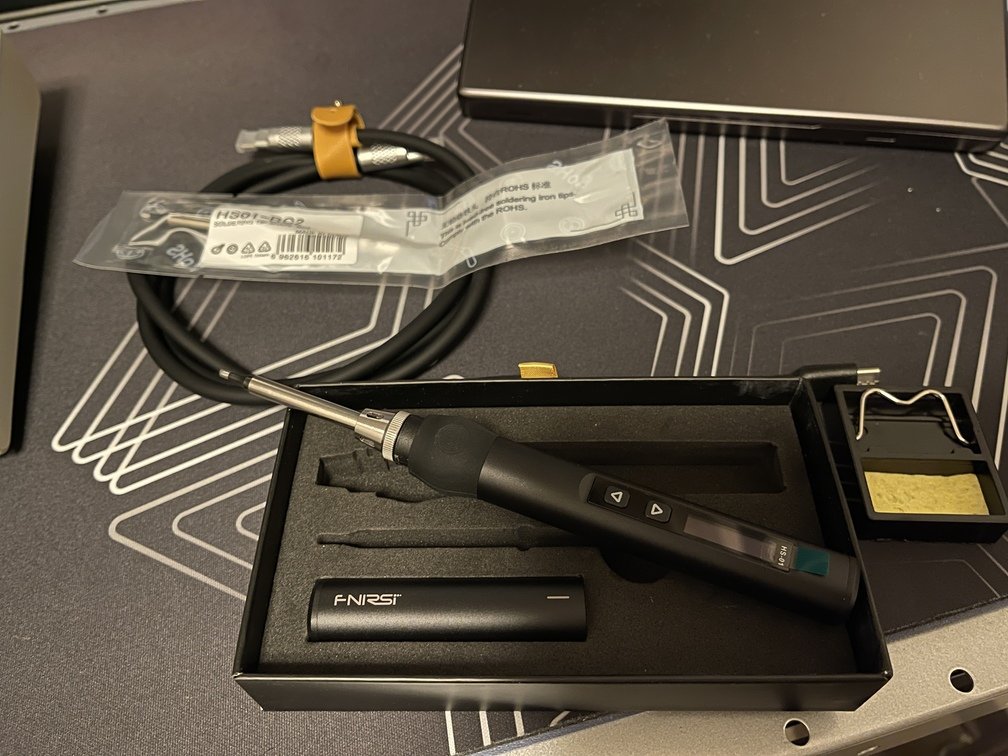
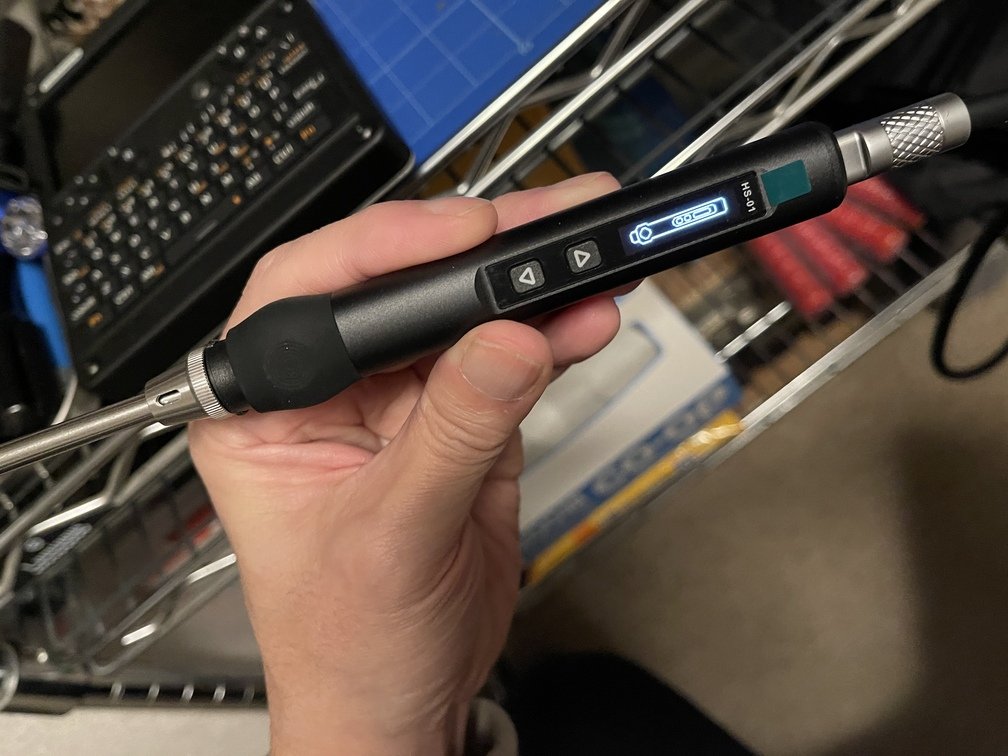
|Solid construction|Instantaneous Temperature Rise|Fully Portable|
`Life goes mobile.` That’s a parody of a Nokia ad that **old-timers** love. I guess **“everything goes mobile”** is a loose translation? Since I love mobile gadgets, I bought it in that spirit. However, for an unemployed, shut-in old-timer like me, it doesn’t really have much use. It only comes in handy when I absolutely can’t solder at my workbench. I’ve probably used it once or twice since I bought it.