Geekom-A8
Background
Recently (September 2026), the AI craze has been immense, and there has been a persistent shortage of stock, particularly for the SSD model. On top of that, PC prices have skyrocketed due to recent inflation and other factors. I bought this one around August 2025, so I really think I bought it at the perfect time. This PC is commonly referred to as a mini-PC and uses a mobile chipset, including the CPU. This helps keep heat generation in check and contributes to its compact size. While it may lack the power to handle AAA games at high settings, it’s more than sufficient for watching videos or developing client software.
Specifications
The specs are available at 32GB/2TB, so as long as you’re not running local AI, there shouldn’t be any issues. In fact, the sites I built—CI/CD runner and Android SDK—are running on this machine. When I bought it, it cost around 100,000 yen, but now it’s 16GB/1TB—which is effectively a price hike. There are also rumors of component shortages, so if you think you’ll need one, you should probably buy it sooner rather than later.
Mastering
It’s incredibly compact, so you’ll have no trouble finding a place to put it. Plus, there are screw holes on the bottom that allow you to mount it to a VESA mount using an adapter. This is surprisingly convenient because it lets you connect it to a variety of devices. When paired with LfL, it integrates with the display, letting you easily set up a desktop environment wherever you take it.LfL The unit features 1/4-inch and M5 nuts built into the rails for securing it, so you can easily mount it using a wide variety of camera tripods or ball heads, allowing for versatile setups.
-
Installation on the LfL
Geekom-A8There are screw holes for a VESA mount on the bottom surface. Use these holes to attach a beam and secure it to theLfL.Rear Mounting Game Controller Front 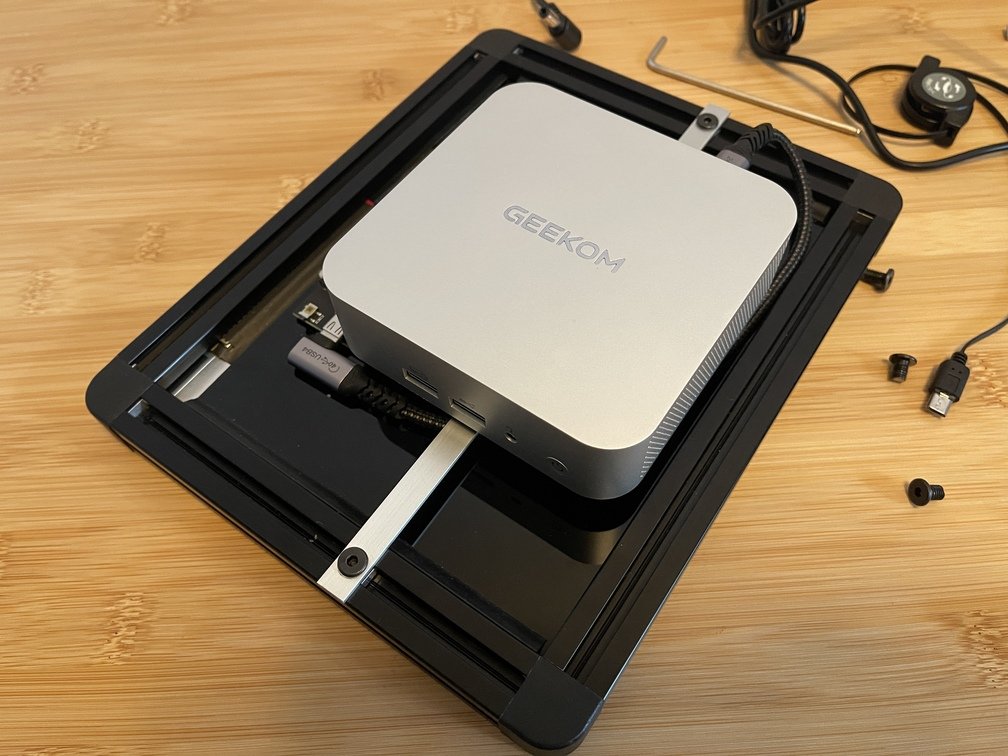
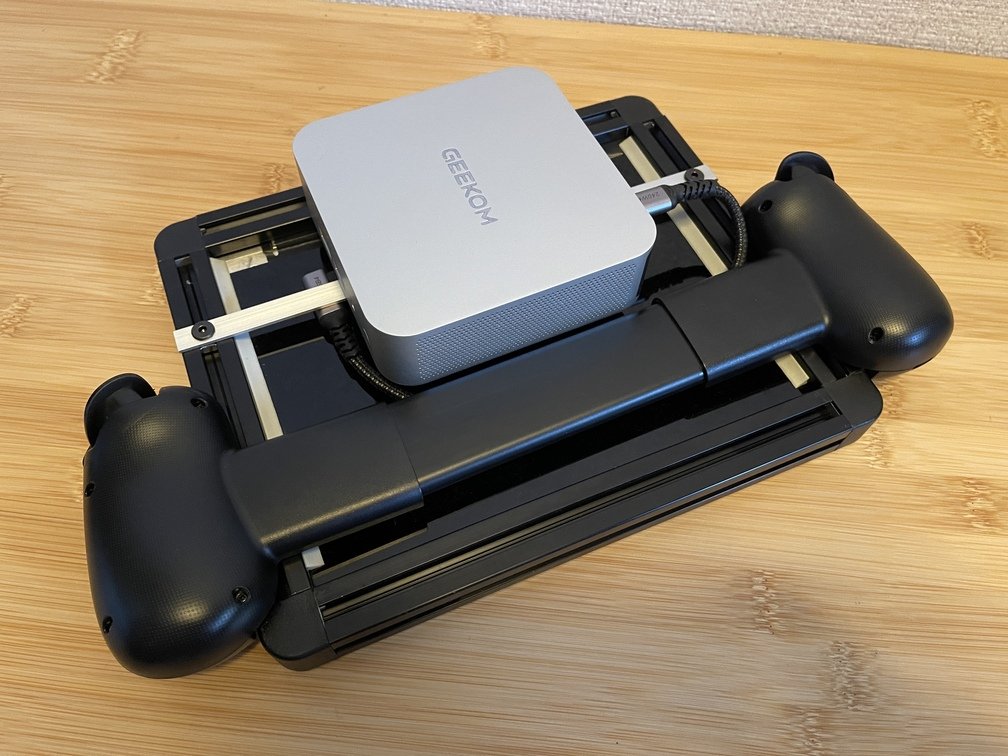
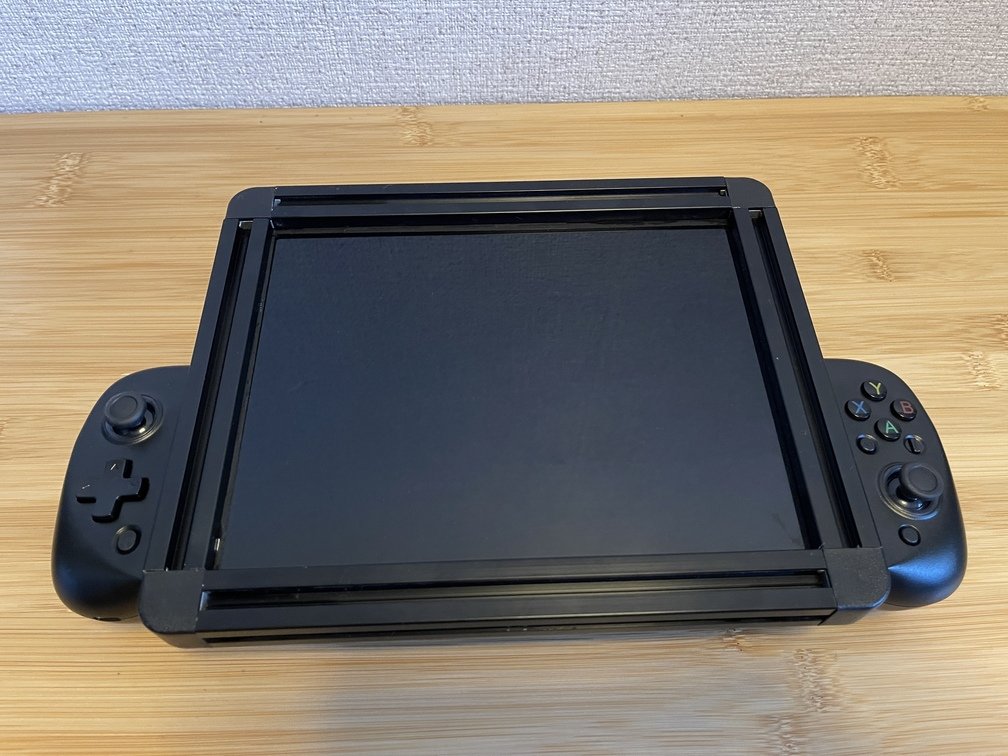
After attaching it to the beam, go to LfLConnect the game controller to LfLPCis not visible when viewed from the front. -
Power Cable Routing
Integrate the desktop power supply to improve manageability. Use the cheese plate as a base for the AC adapter.Preparing a Cheese Platter Modifying an AC Adapter Installation 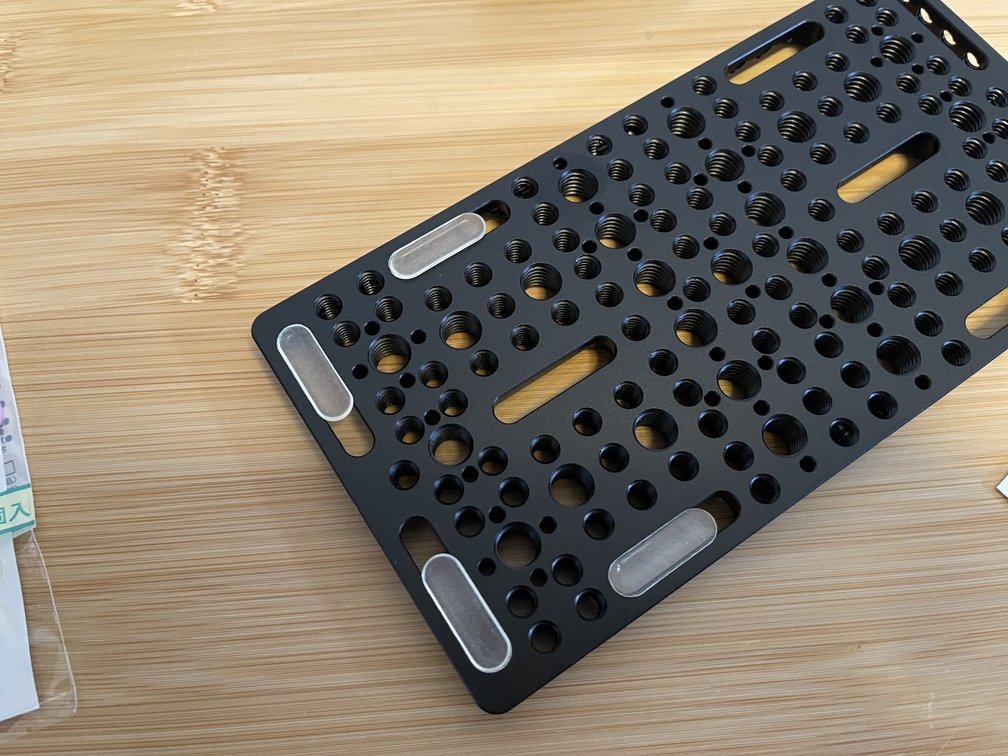
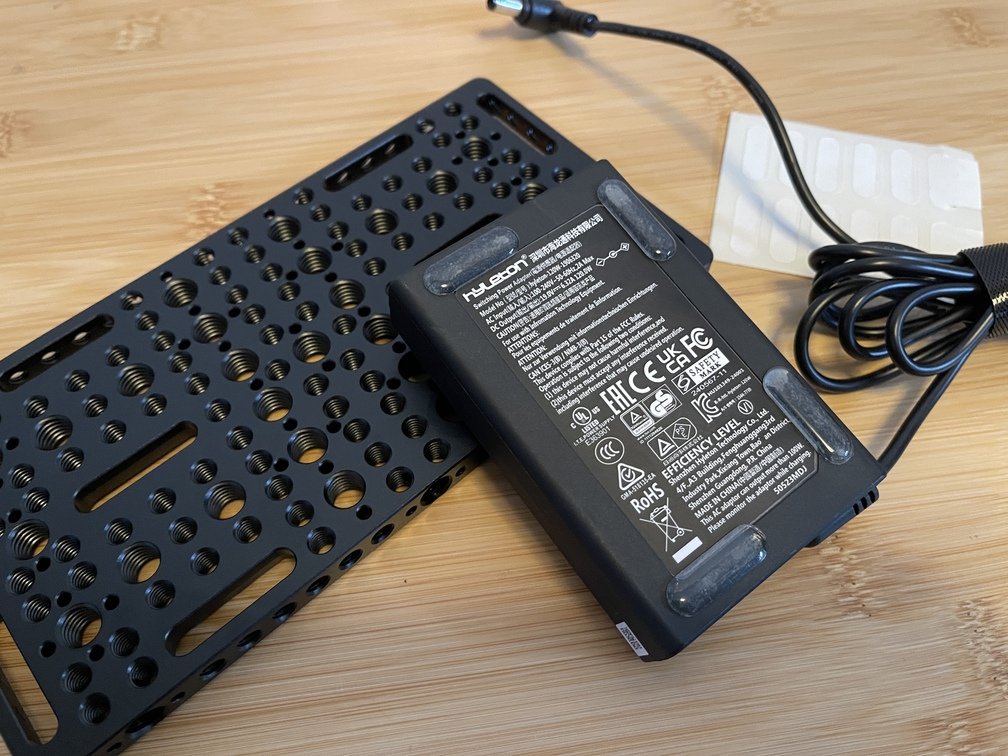
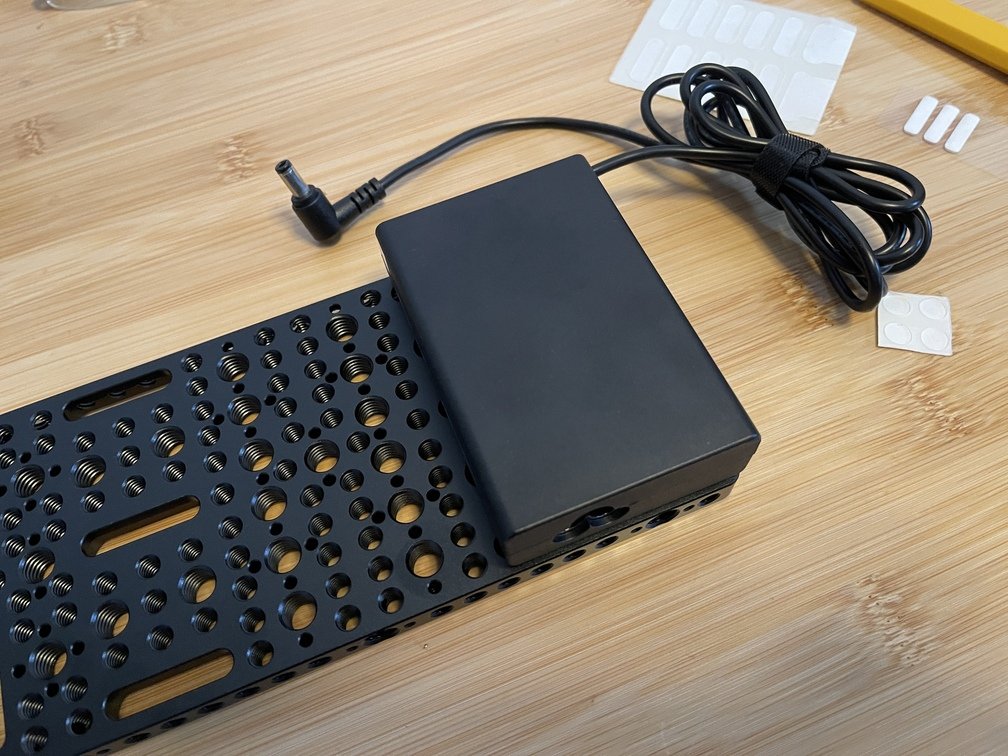
Applying Non-Slip Pads to a Cheese Plate Applying a non-slip pad to the AC adapter Install the anti-slip pads so that they do not overlap. -
Using a Tripod
Make use of existing assets; use a tripod to stabilize the display.How It Works Dual-screen 1 screen 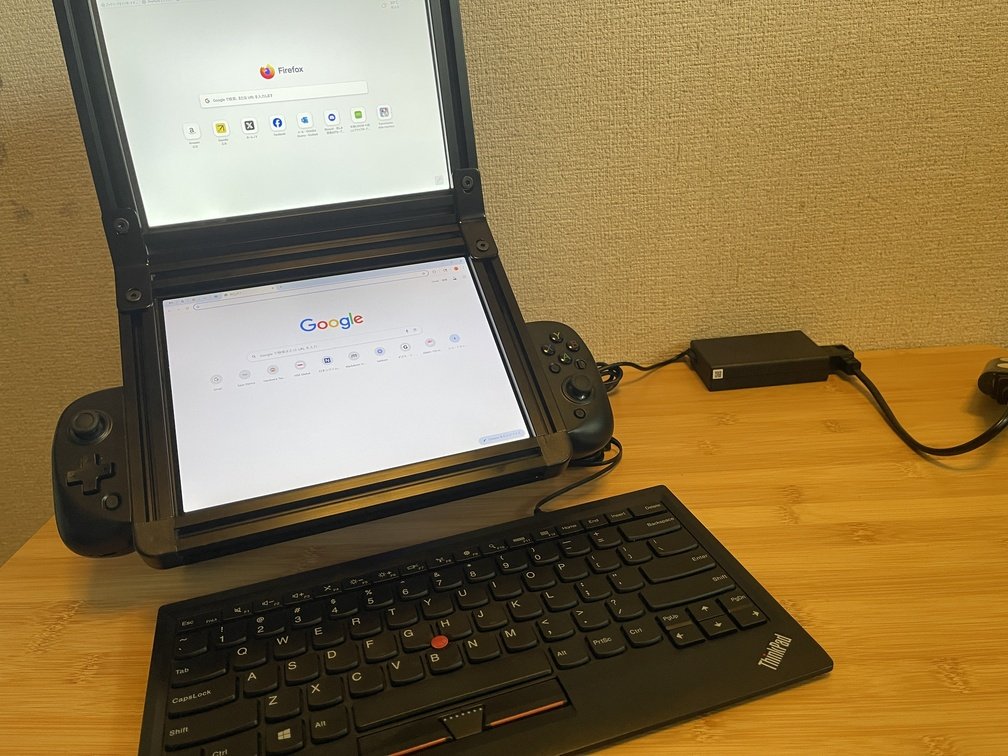
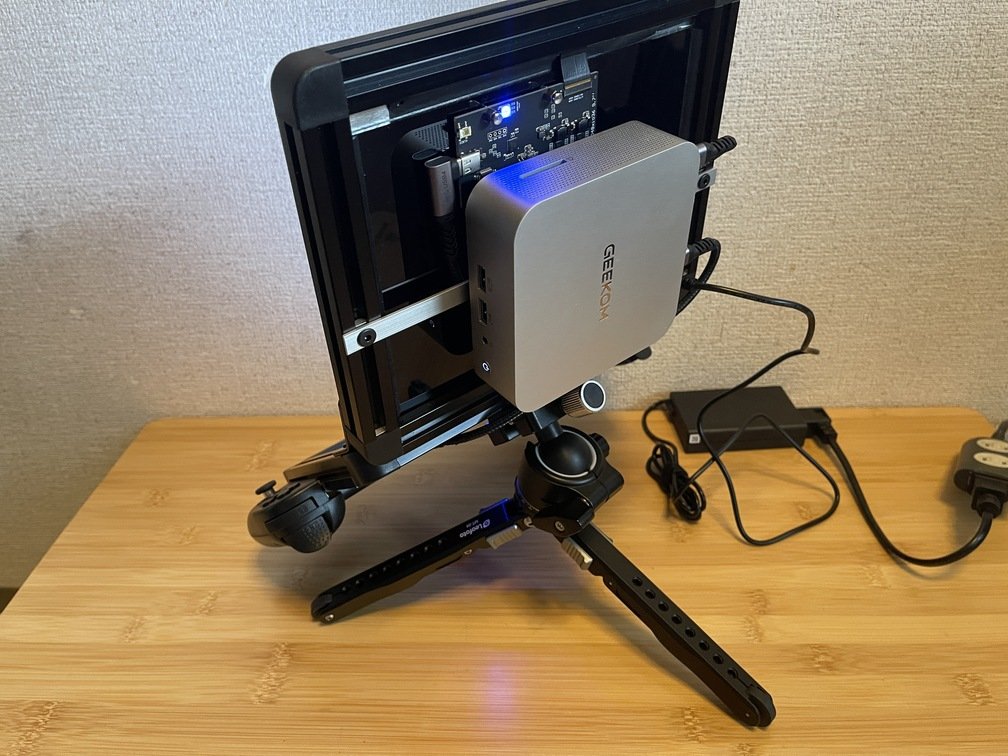
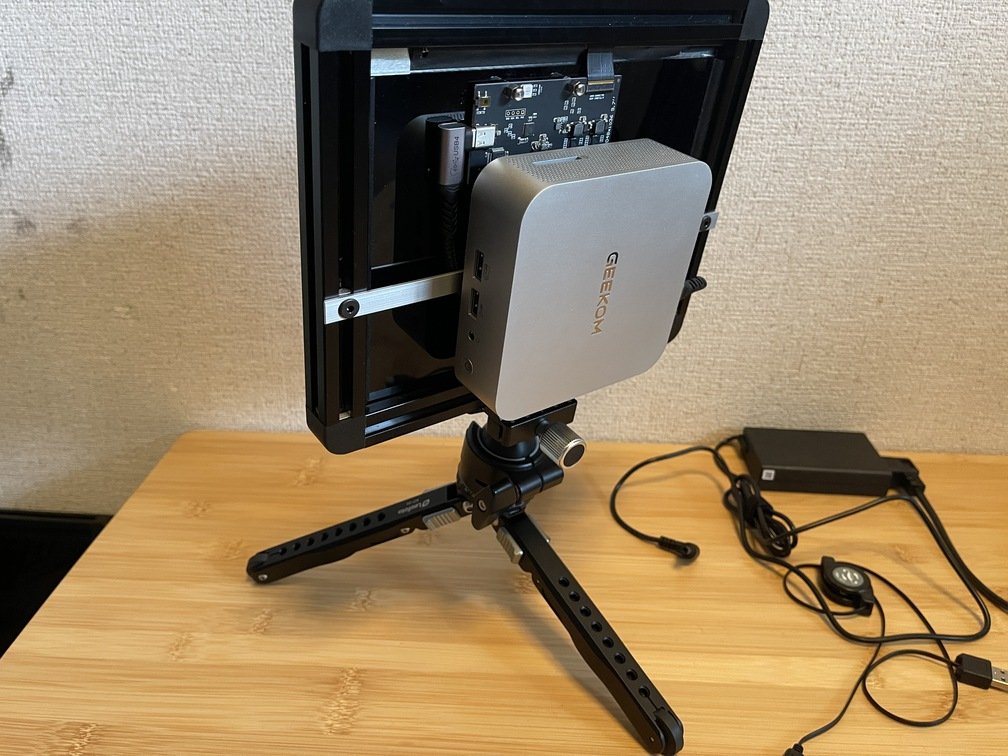
Applying Non-Slip Pads to a Cheese Plate Applying a non-slip pad to the AC adapter Install the anti-slip pads so that they do not overlap. -
Operation with Free Joints
Various types of free joints are commercially available. Here is an example of how a short free joint is used. Single joints are inexpensive and compact, making them convenient to carry.From diagonally behind From the side 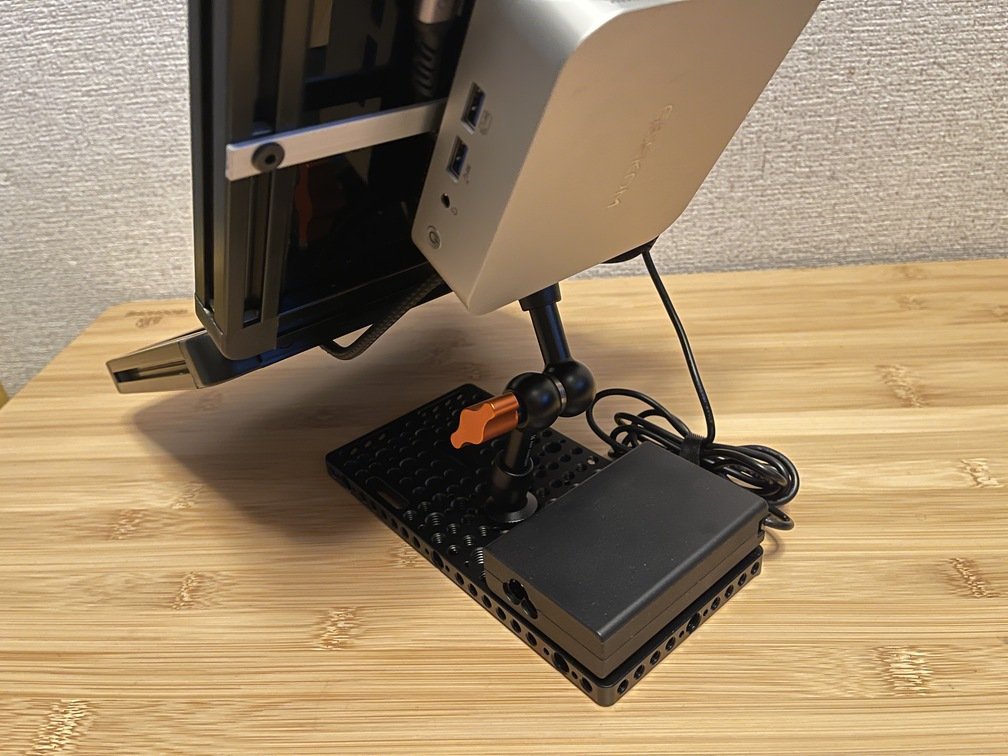
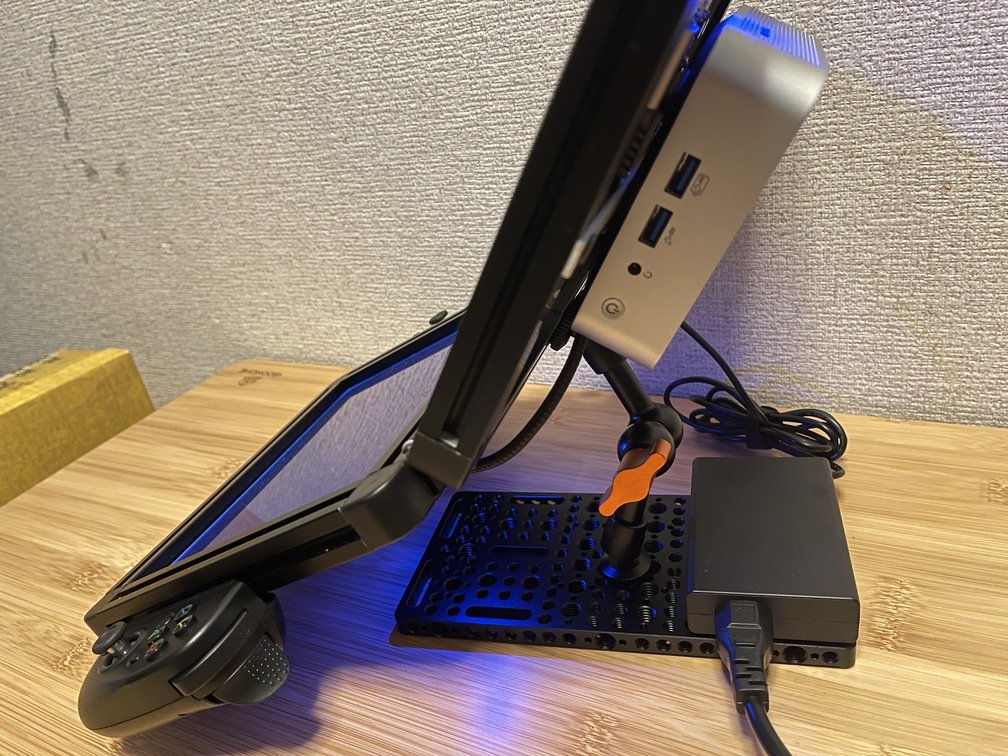
-
Using a Tripod Head
Examples of use with a tripod head.Display Connectors Front Side Power Supply Installation 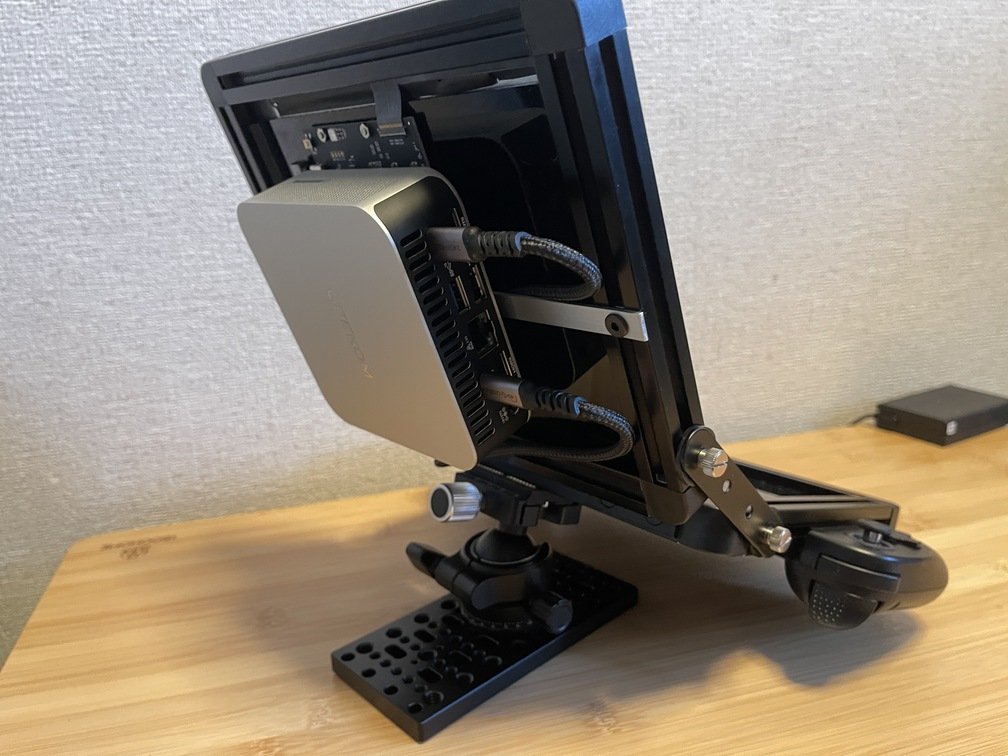
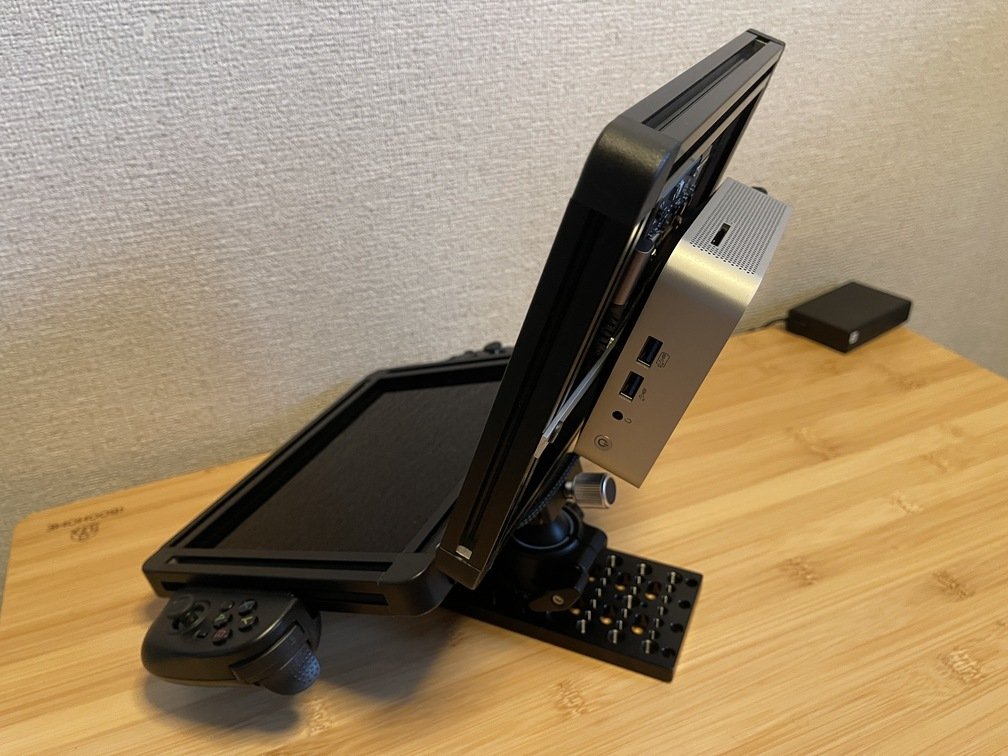
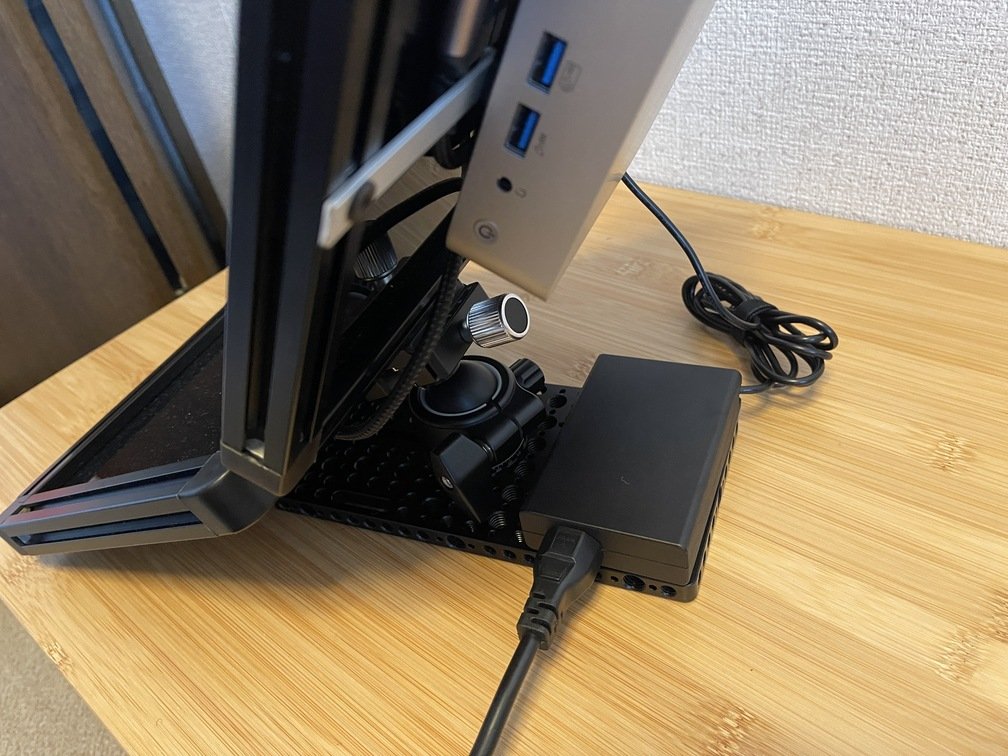
Alt-DP Wiring Check Checking the Power Switch Install the AC adapter on the cheese plate
Drawbacks
The power source is limited to the included adapter. I think it would be much more convenient if it supported USB-PD.